EasyManua.ls Logo

Sam4s SER-7040 - Edit Existing Reports

Sam4s SER-7040
238 pages
Print Icon
To Next Page IconTo Next Page
To Previous Page IconTo Previous Page
Loading...
SER-7000 Program Manual P-Mode Programming
x
187
Edit Existing Reports
REPORT PROGRAMMING
1. CUSTOM REPORTS
2. EDIT EXISTING REPORTS
1. FINANCIAL REPORT
2. EMPLOYEE REPORT
N
np
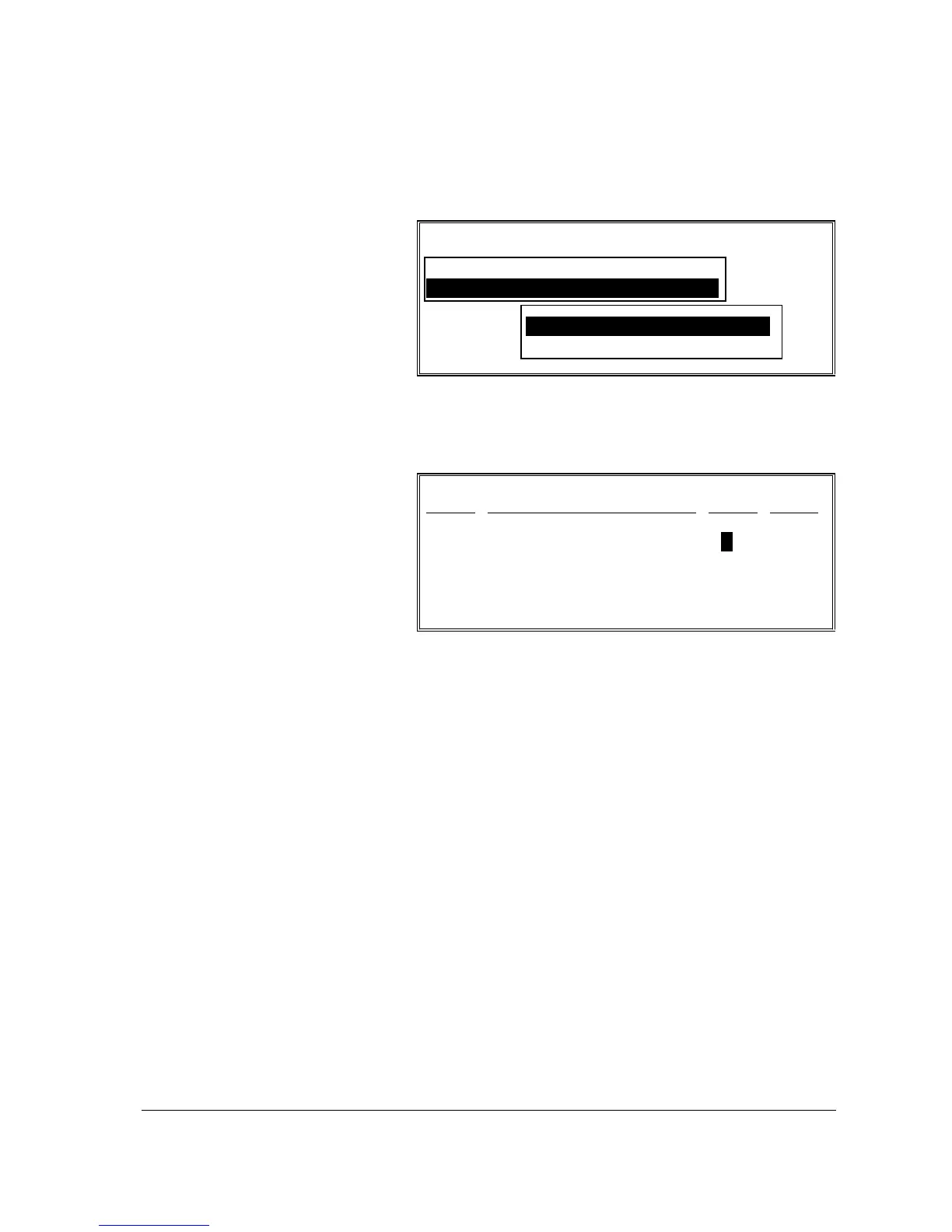
1. Select EDIT
EXISTING
REPORTS from the
REPORT
PROGRAMMING
MENU, then from the
pop-up menu, select
FINANCIAL
REPORT or
EMPLOYEE
REPORT.
EDIT FINANCIAL REPORT
TTL#
DESCRIPTOR PRT? RED?
001 +PLU LVL1 TTL Y N
002 -PLU LVL1 TTL Y N
003 +PLU LVL2 TTL Y N
004 -PLU LVL2 TTL Y N
ESC Y/N ENTER PAGE UP/DN
npom
2. The EDIT screen for
the report selected
displays. Each total
that appears on the
report is listed with
the default status:
PRINT=Y and
RED?=N.
3. If you wish to delete
a total from the report
move the cursor to
the PRINT? field for
the total you wish to
remove from the
report. Press the
Y/N key to change
the status to NO.
4. At the RED? field,
enter Y if the line is
to be printed in red
ink, enter N for black.
5. Continue editing the
report as necessary.
6. Press ESC to exit the
CUSTOM REPORT
PROGRAMMING
screen.

Table of Contents

Other manuals for Sam4s SER-7040

Related product manuals