EasyManua.ls Logo

Sam4s SER-7040 - Delete PLUs

Sam4s SER-7040
238 pages
Print Icon
To Next Page IconTo Next Page
To Previous Page IconTo Previous Page
Loading...
SER-7000 Program Manual P-Mode Programming
x
59
P-Mode Programming
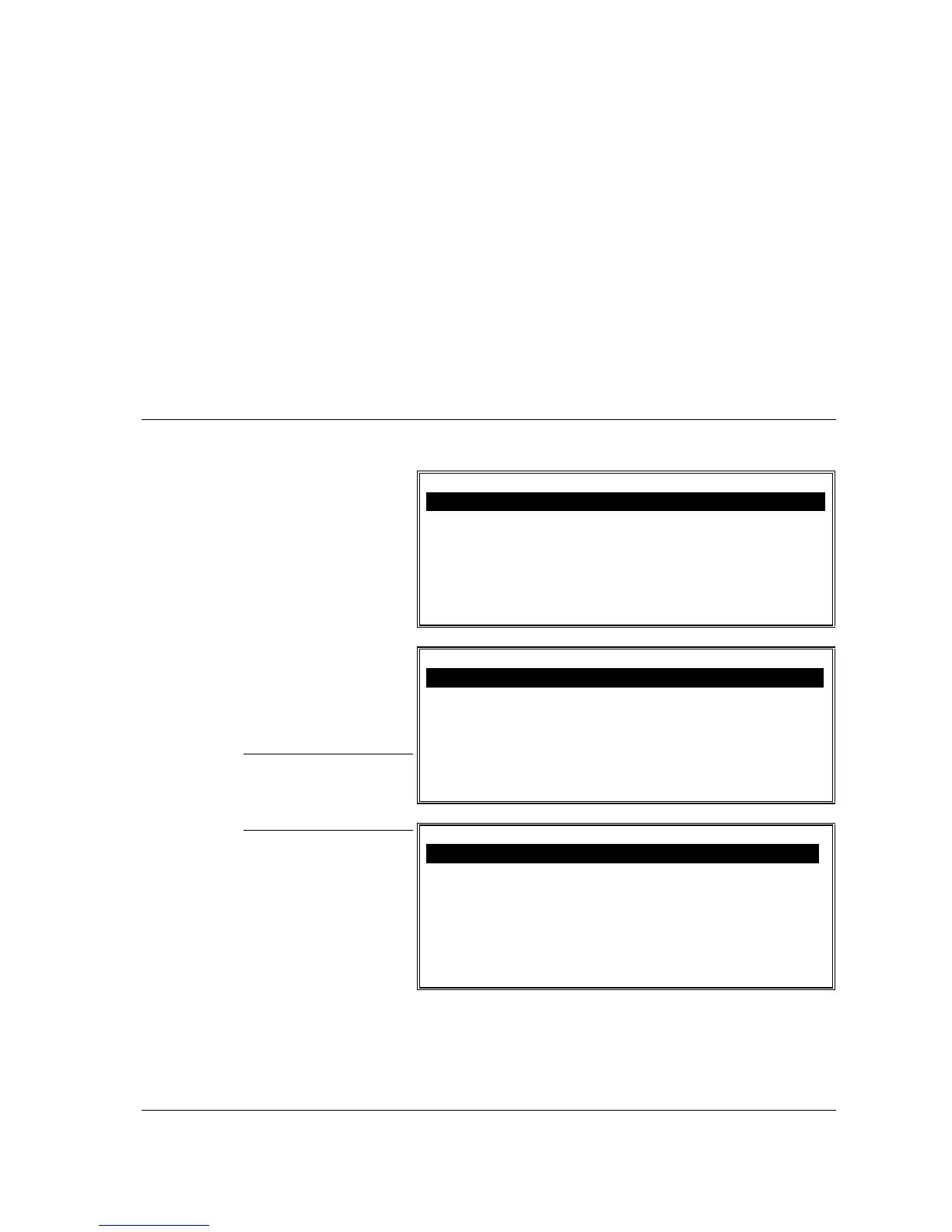
P-Mode Programming Menu
P-MODE PROGRAMMING MENU
1. PLU
2. PLU STATUS GROUP
3. GROUP
4. FUNCTION KEY
5. SYSTEM OPTION
6. TAXES
ENTER PAGE UP/DN
np
P-MODE PROGRAMMING MENU
7. MESSAGES
8. WINDOW LOOK UP (WLU)
9. TIME PERIOD
10. EMPLOYEE
11. AUTHORITY LEVEL
12. PRINTER TABLES & KV ROUTING
! ENTER PAGE UP/DN
np
1. Turn the key to the
PGM position.
2. Choose an item from
the menu in one of
two ways:
Type the number for
your choice and press
ENTER.
Press the
n
or
p
keys
to move the cursor to
your choice and press
ENTER.
NOTE: There are
three pages on the P-
MODE programming
menu.
P-MODE PROGRAMMING MENU
13. INGREDIENT INVENTORY
14. TIME ACTIVATED FUNCTIONS
15. PRODUCT MIX GROUPS
16. CUSTOM REPORT
17. STRING REP0RT
18. PLU STOCK
! ENTER PAGE UP/DN
np

Table of Contents

Other manuals for Sam4s SER-7040

Related product manuals