EasyManua.ls Logo

Sam4s SER-7040 - Plu & Wlu Key Assignment

Sam4s SER-7040
238 pages
Print Icon
To Next Page IconTo Next Page
To Previous Page IconTo Previous Page
Loading...
202
x
P-Mode Programming SER-7000 Program Manual
PLU & WLU Key Assignment
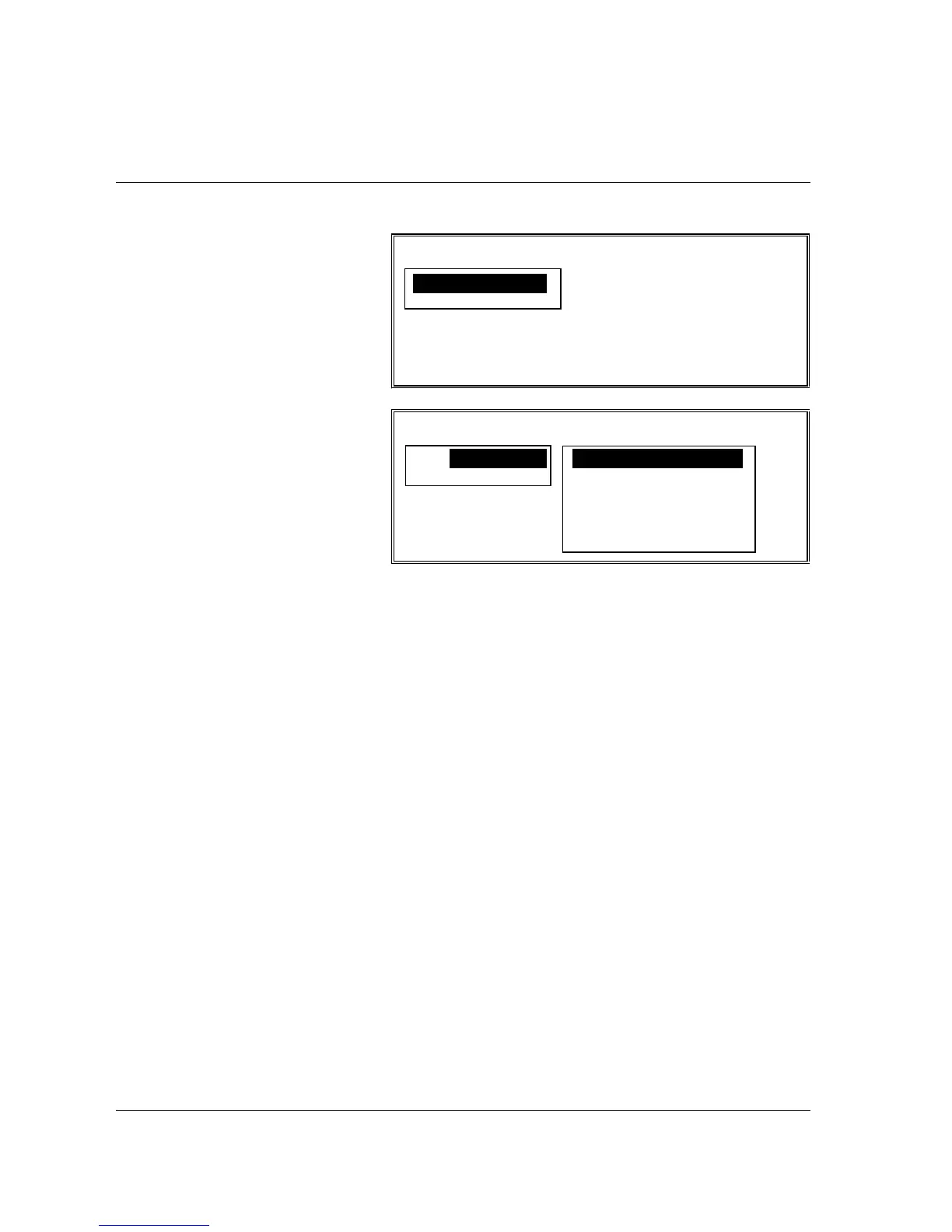
PLU & WLU KEY RELOCATION
1. PLU KEYS
2. WLU KEYS
ESC ENTER PAGE UP/DN
np
PLU & WLU KEY RELOCATION
1. PLU KEYS 1. KBD LEVEL 1
2. WLU KEYS 2. KBD LEVDL 2
3. KBD LEVEL 3
4. KBD LEVEL 4
5. KBD LEVEL 5
ESC
np
1. Select PLU & WLU
KEY ASSIGNMENT
from the P-MODE
PROGRAMMING
MENU to display the
PLU & WLU KEY
ASSIGNMENT
screen.
2. Press a numeric digit
(1-2) or use the
n
or
p
keys to move the
cursor to PLU KEYS
or WLU KEYS, then
press ENTER to
indicate whether you
wish to program a
PLU or WLU.
3. A pop up window
displays the keyboard
level selection.
Select the keyboard
level you wish to
program, press
ENTER.

Table of Contents

Other manuals for Sam4s SER-7040

Related product manuals