EasyManua.ls Logo

Sam4s SER-7040 - Page 196

Sam4s SER-7040
238 pages
Print Icon
To Next Page IconTo Next Page
To Previous Page IconTo Previous Page
Loading...
190
x
P-Mode Programming SER-7000 Program Manual
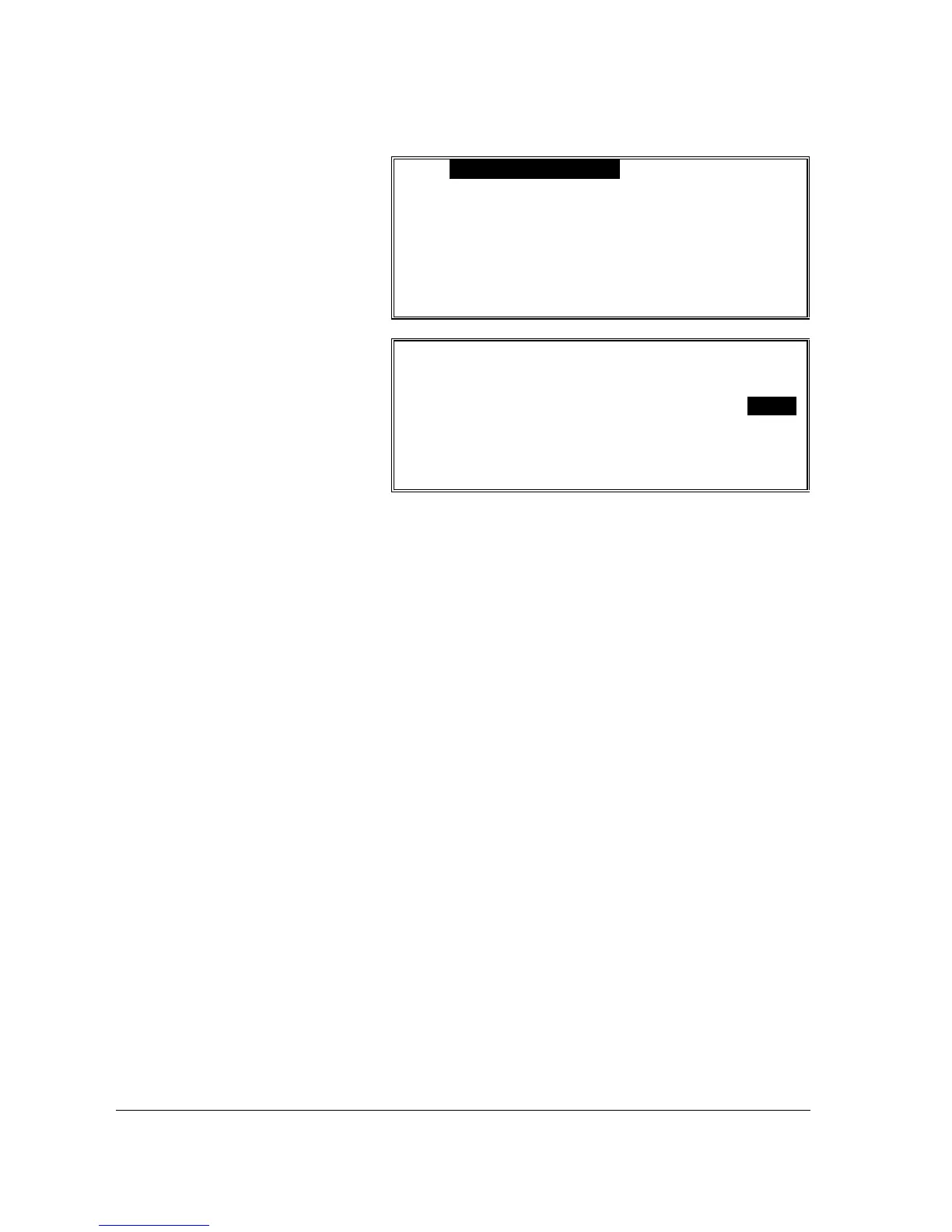
PLU#00000000000000 STOCK-ADD
x PRESS PLU TO BE PROGRAMMED
OR
x ENTER PLU NUMBER – [ENTER]
PLU# ESC ENTER INDIVIDUAL PLU
PLU#00000000000001 STOCK-ADD
DESCRIPTOR : MMMMMMMMMMMMMMM
STOCK 0.00
3. Press the PLU to be
programmed or enter
the PLU number and
press ENTER.
4. Press the

p
key to
move the cursor to
the stock field.
5. Enter a value
assuming a two digit
decimal position (i.e.
enter 2000 to display
20.00 for 20 units.)
Press ENTER or
p
to
a set the entry and
advance the cursor to
the next PLU.
6. Continue to add,
override or subtract
stock as necessary.
Press ESC to exit the
program and save
changes.

Table of Contents

Other manuals for Sam4s SER-7040

Related product manuals