EasyManua.ls Logo

Sam4s SER-7040 - Page 28

Sam4s SER-7040
238 pages
Print Icon
To Next Page IconTo Next Page
To Previous Page IconTo Previous Page
Loading...
22
x
S-Mode Programming SER-7000 Program Manual
1. Turn the key to the S
position.
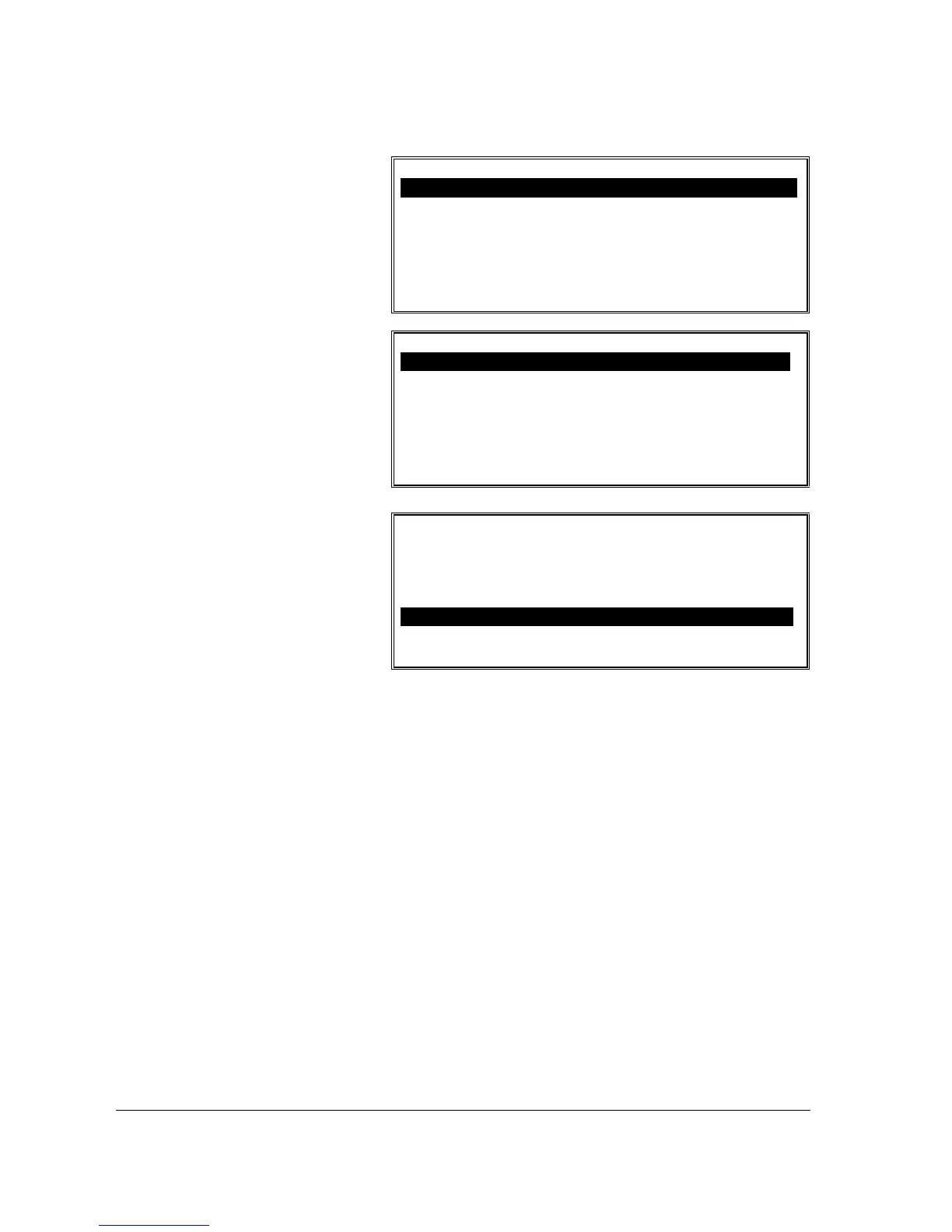
S-MODE PROGRAMMING MENU
1. SELF TESTS
2. MEMORY CLEAR
3. MEMORY ALLOCATION
4. KEYBOARD KEY RELOCATION
5. SYSTEM OPTIONS
6. PRINTER DRIVER SELECTIONS
ENTER PAGE UP/DN
np
S-MODE PROGRAMMING MENU
7. SERIAL PORT DEVICE SELECTIONS
8. DEFINE SERIAL PORT PARAMETERS
9. S-MODE PROGRAM SCAN PRINTING
10.SYSTEM PASSWORD
11.SUPER MACRO SCAN
12.ROM FILE DOWNLOAD
! ENTER PAGE UP/DN
np
2. Choose an item from
the menu in one of
two ways:
Type the number for
your choice and press
ENTER.
Press the
n
or
p
keys
to move the cursor
and press ENTER.
S-MODE PROGRAMMING MENU
9. S-MODE PROGRAM SCAN PRINTING
10. SYSTEM PASSWORD
11. SUPER MACRO SCAN
12. ROM FILE DOWNLOAD
13. LOAD DEFAULT MESSAGES
14. CHECK UNLOCK
ENTER PAGE UP/DN
np

Table of Contents

Other manuals for Sam4s SER-7040

Related product manuals