9
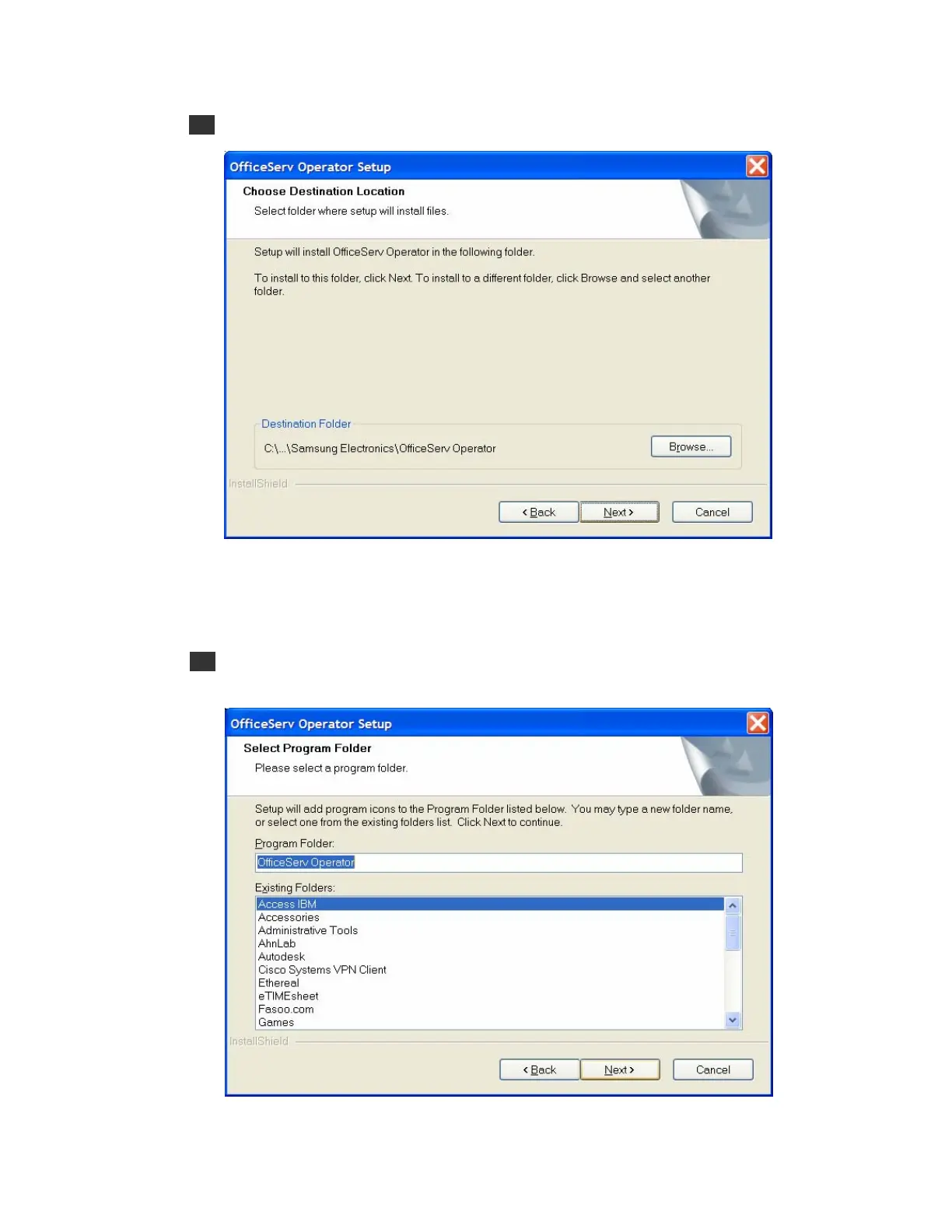
4 Select the destination folder for the OfficeServ Operator installation, and click [Next>].
By default, the folder for the program installation is ‘C:\..\Samsung Electronics\OfficeServ
Operator’. If the user wants to install the program in another folder, click [Browse...] to
select a folder.
5 Enter the name of the program folder (e.g. OfficeServ Operator) in the window below, and
click [Next>].















 To Next Page