78
ANNEX A. Retrieving the Call Log
This chapter describes the procedures for retrieving the call log in the OfficeServ Operator.
Log Viewer Start
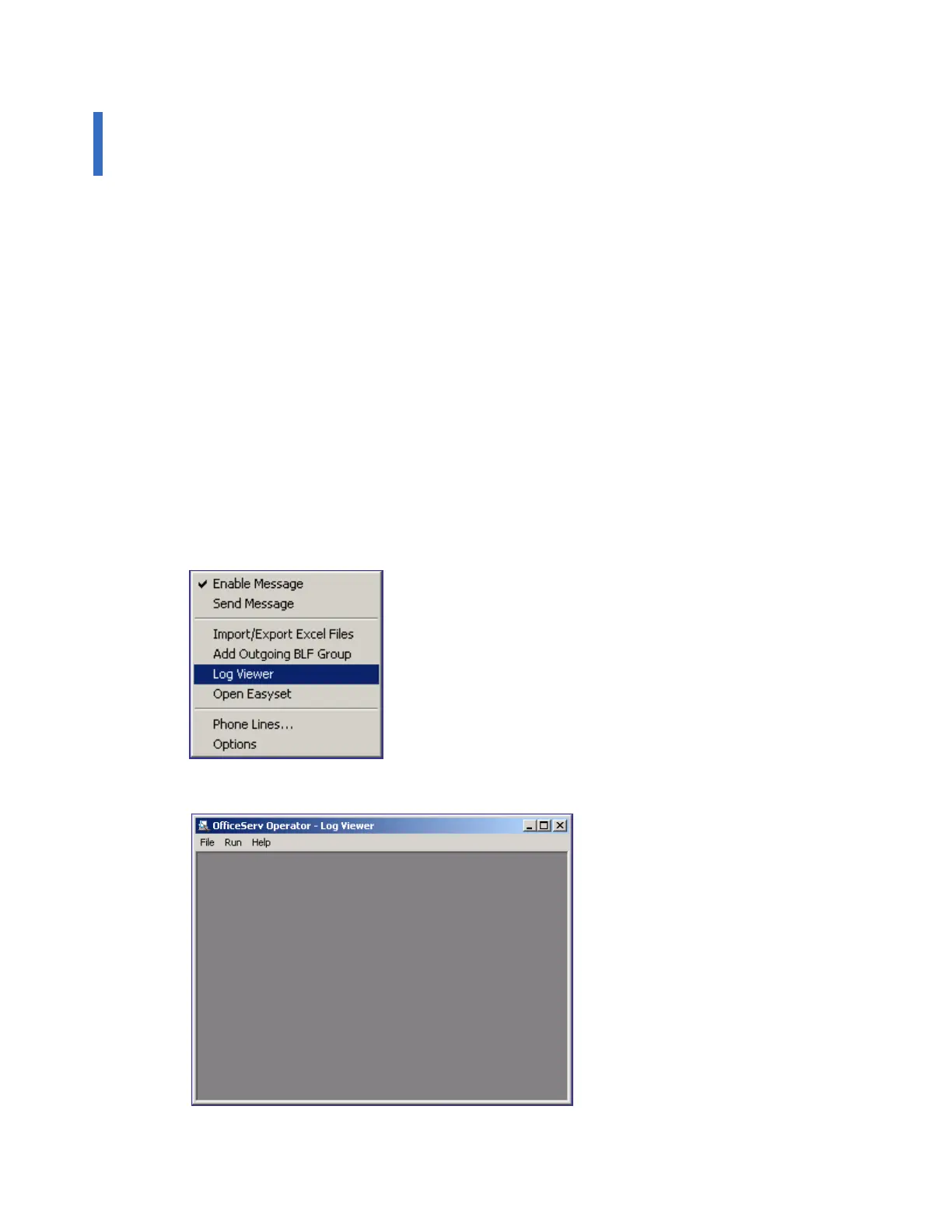
Select the [Log Viewer] menu from the [Tools] menu of the OfficeServ Operator, and execute
the Log Viewer to retrieve the call log.
Log Viewer Menus
Examples of the logs that can be retrieved in the Log Viewer include statistical data, all calls,
inbound/outbound calls, station/trunk calls, and call logs based on DID numbers/names/called
parties/the numbers to which the calls are transferred.
Log Viewer Start
Select the [View Logs] from the [Tools] of the OfficeServ Operator, or select
[Start]Æ[Programs]Æ[OfficeServ Operator]Æ[Log Viewer] from the Windows desktop to view
the call log.
Once the Log Viewer is executed, the window below is displayed:















 To Next Page