62
Selecting the Call on the Top of the <Active Calls> Window
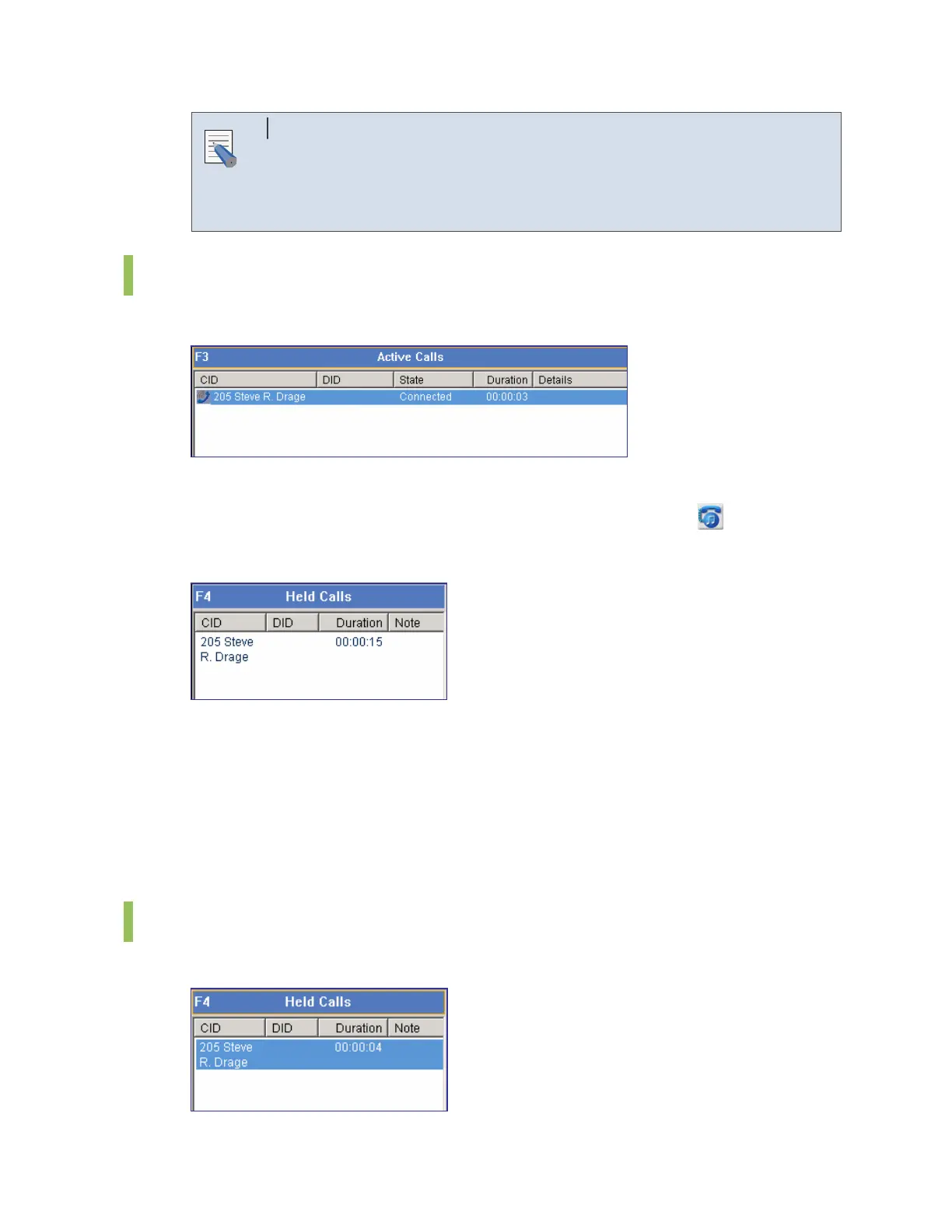
Press the [F3] key to select the first call on the list of the <Active Calls>
window. Press the [F4] key to select the first call on the list of the <Held
Calls> window.
Hold
The [F3] key is used for selecting the first call on list of the <Active Calls> window.
Holding a call by using the Call Control Button
Select a call from the <Active Calls> window, and click the [Hold] button (
) to hold the call.
Then the <Held Calls> window will be displayed as shown below:
Holding a Call by using the [/] Key
Select a call from the <Active Calls> window and press the [/] key to hold the call.
Holding a Call by Drag and Drop
Drag a call from the <Active Calls> window and drop the call on the <Held Calls> window to
hold the call.
Unhold
The [F4] key is used for selecting the first call on list of the <Held Calls> window.
NOTE















 To Next Page