65
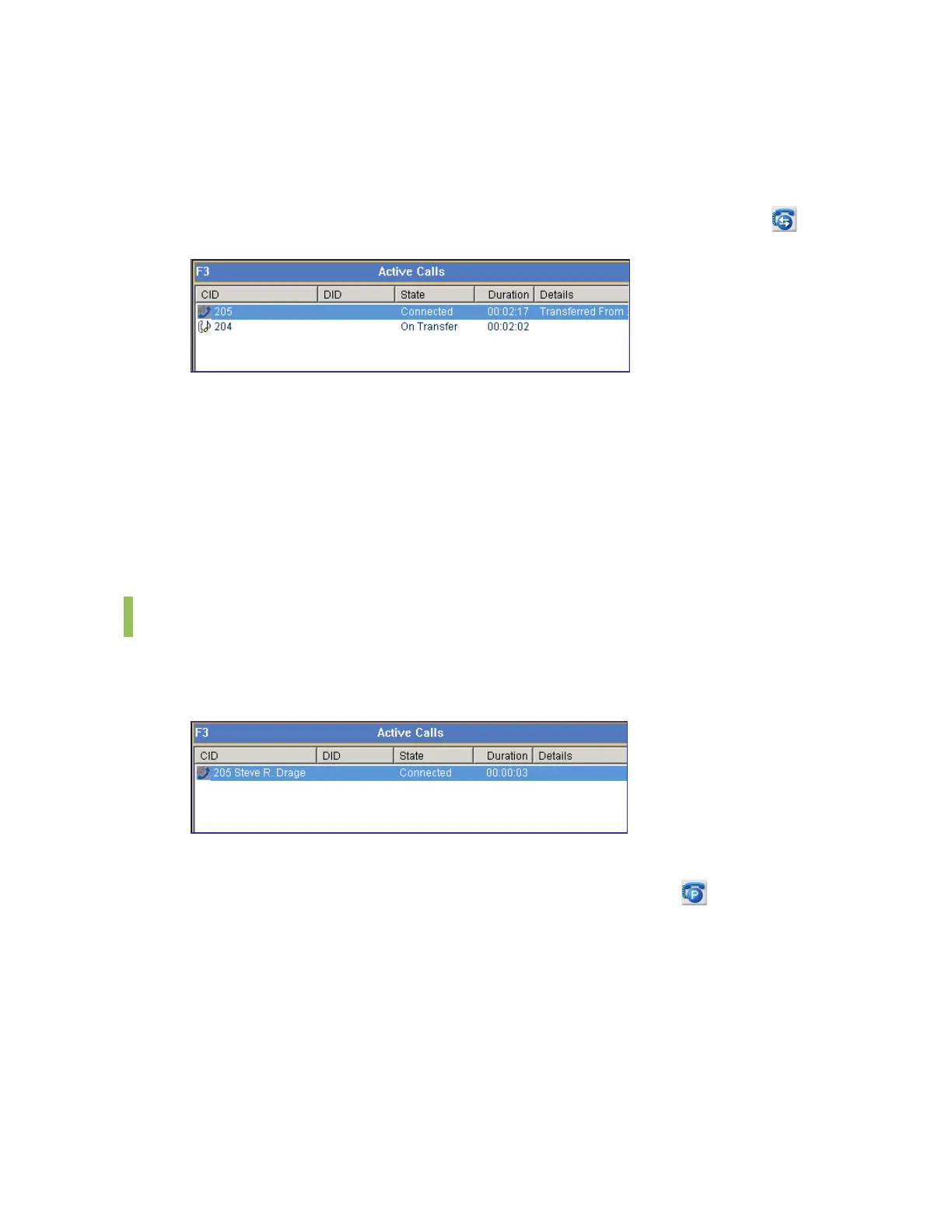
The operator can toggle a call between a ‘Connected’ station and a station ‘On Transfer ’, or
complete the call transfer.
Toggling a Call by using the Call Control Button
Once the [Transfer] button changes to the [Toggle] button, press the [Toggle] button (
).
Completing Consultation Transfer by using the [Enter] Key
Press the [Enter] key to complete the consultation transfer. When the consultation transfer is
completed, the call is deleted from the <Active Calls> window.
Canceling Consultation Transfer by using the [-] Key
Press the [-] key to cancel the consultation transfer and to connect the call to the original
recipient.
Station Park
The operator can park a call on a station connected to an external call. In such cases, the
external (C.O. line) call becomes a held call. However, if the station is idle, a blind transfer is
performed for the call.
Parking a Call by using the Call Control Button
Enter the target extension number, and click the [Station Park] button (
). When the station
park is completed, the call is deleted from the <Active Calls> window.
Parking a Call through Drag-and-Drop
Drag a call from the <Active Calls> window and drop the call on a busy station in the <BLF>
window to park the call on the busy station.















 To Next Page