8
Procedures for Installing the OfficeServ Operator
Follow the steps below to set up the OfficeServ Operator:
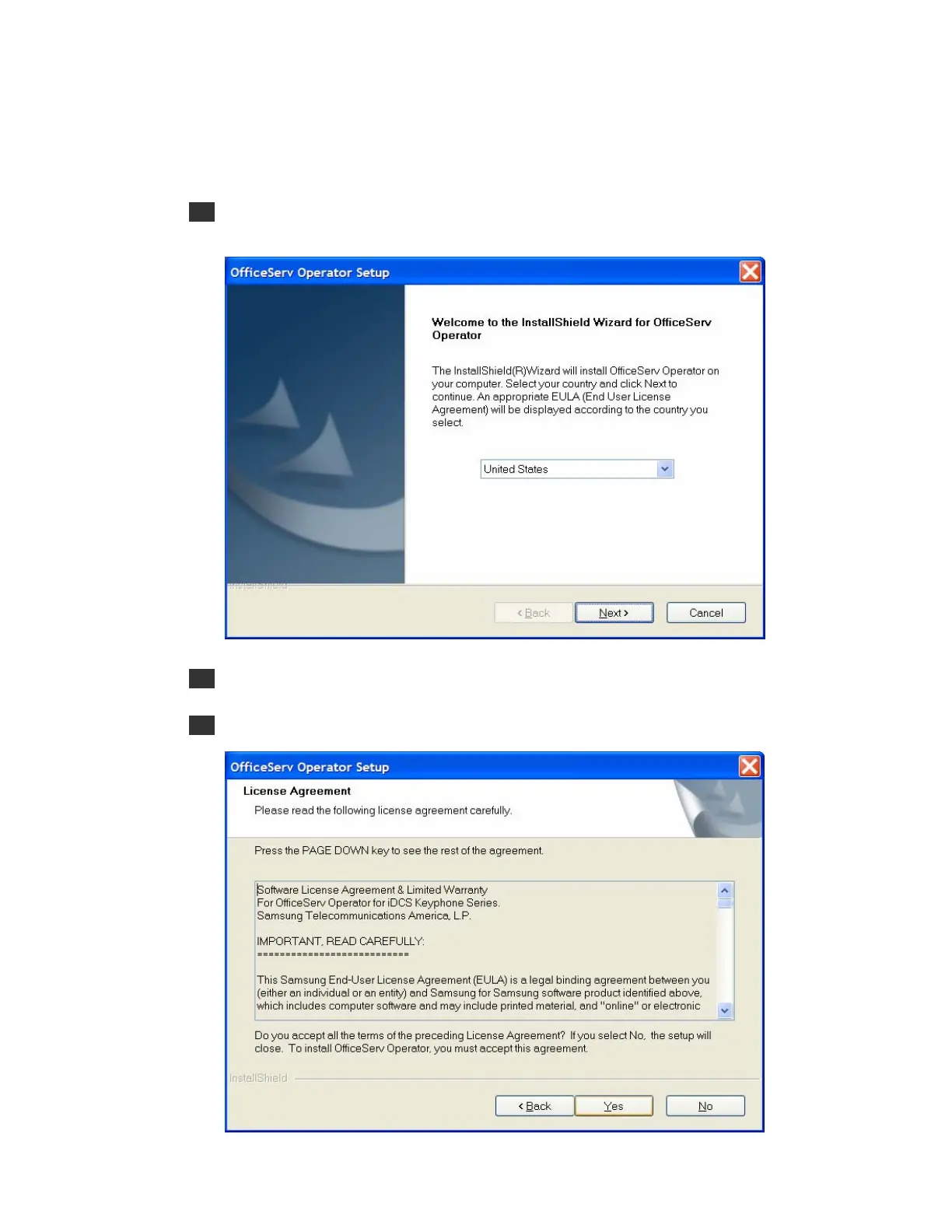
1 Double-click the execution file of OfficeServ Operator installation CD, or downloaded
OfficeServOperator.exe to see the installation screen below:
2 Click [Next>].
3 Read the Software License Agreement from the window below carefully, and click [Yes]:















 To Next Page