61
Answering a Call by using the Call Control Button
Select a call to answer, and click the [Answer] button (
).
Answering a Call by using the [Enter] Key
Select a call and press the [Enter] key to answer the call.
Answering a Call by Double-clicking
Double click an incoming call from the <Incoming Calls> window to answer the call.
Answering a Call by Drag and Drop
Drag an incoming call from the <Incoming Calls> window and drop the call on the <Active
Calls> window to answer the call.
Answering a Call by using the [+] Key
Press the [Insert] key to answer the first call listed on the incoming call list.
Drop
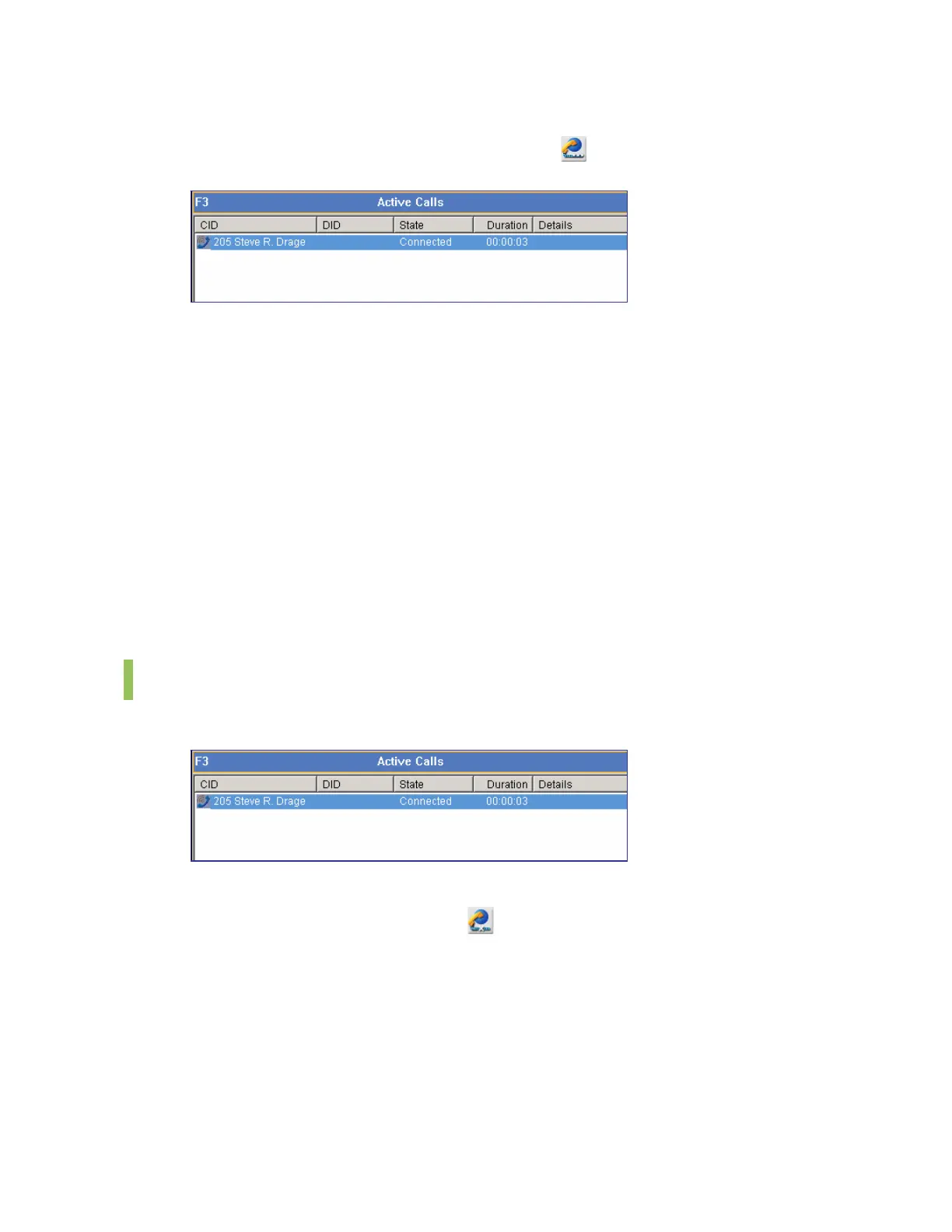
The [F3] key is used for selecting the first call on list of the <Active Calls> window.
Disconnecting a Call by using the Call Control Button
Select a call and click the [Drop] button (
) to disconnect the call.
Disconnecting a Call by using the [-] Key
Select a call and press the [-] key to disconnect the call.
Disconnecting a Call by using the Popup Menu
Right-click a device from the <Active> window. And then select the [Drop] menu.















 To Next Page