42
Option Settings
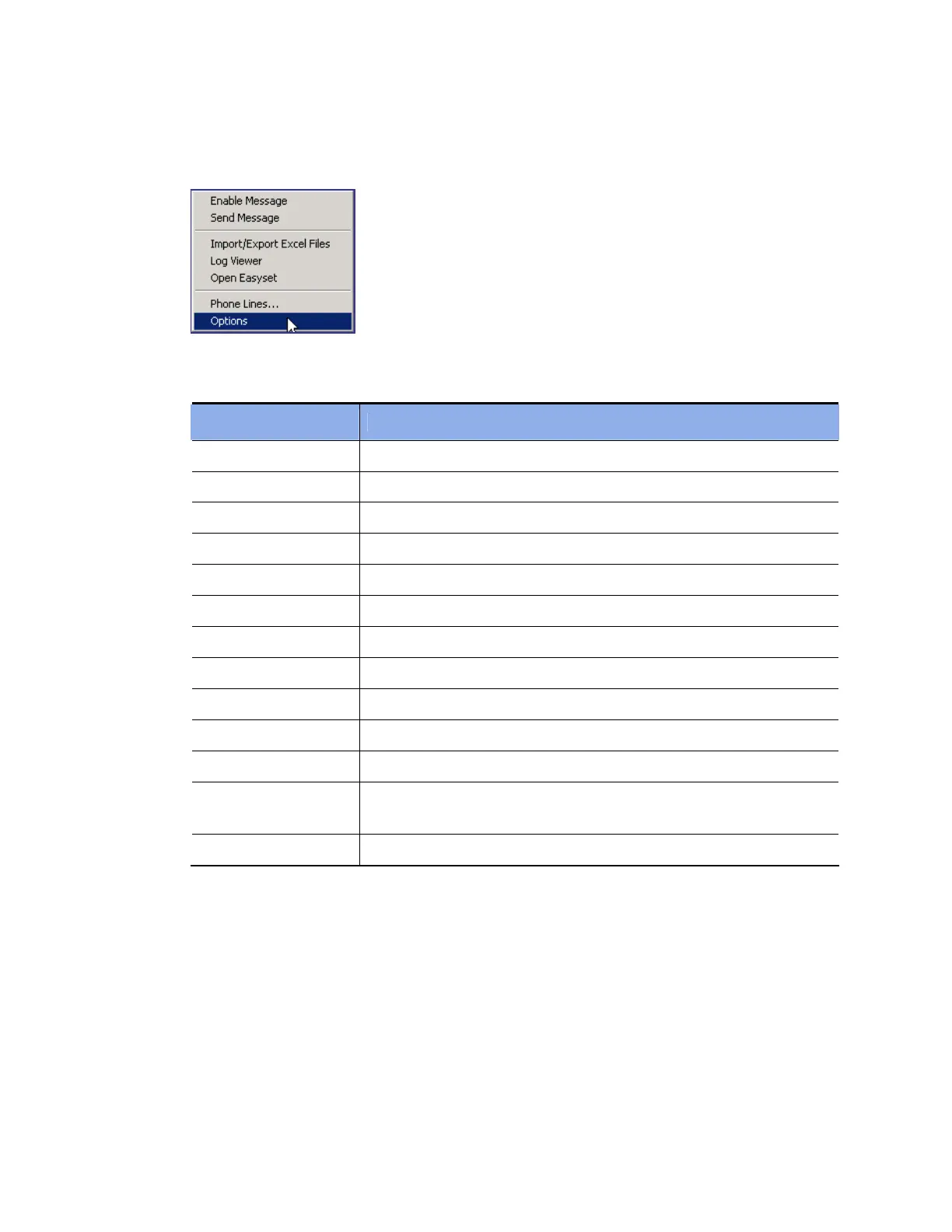
Select [Options] from the [Tools] menu to set various options for using the OfficeServ Operator.
The [Options] window is composed of many tabs as described below:
Tab Description
General Sets general option values.
Key Telephone Selects the information to be received from the OfficeServ system.
Columns Determines if each list should have columns.
Display Selects display format.
Toolbar Selects buttons for controlling calls.
Station Group Selects a station group to be used for the BLF group.
Contact Information Selects customer information to be displayed.
Call Control Sets options for the call control.
Blocked CIDs Sets blocked CIDs.
Urgent/VIP CIDs Sets an urgent or VIP CID.
Color Sets the color for the title bar of the sub-window.
Advanced
Set a password to prevent common users from changing the option
settings.
Function Key Sets the function keys for call control.















 To Next Page