51
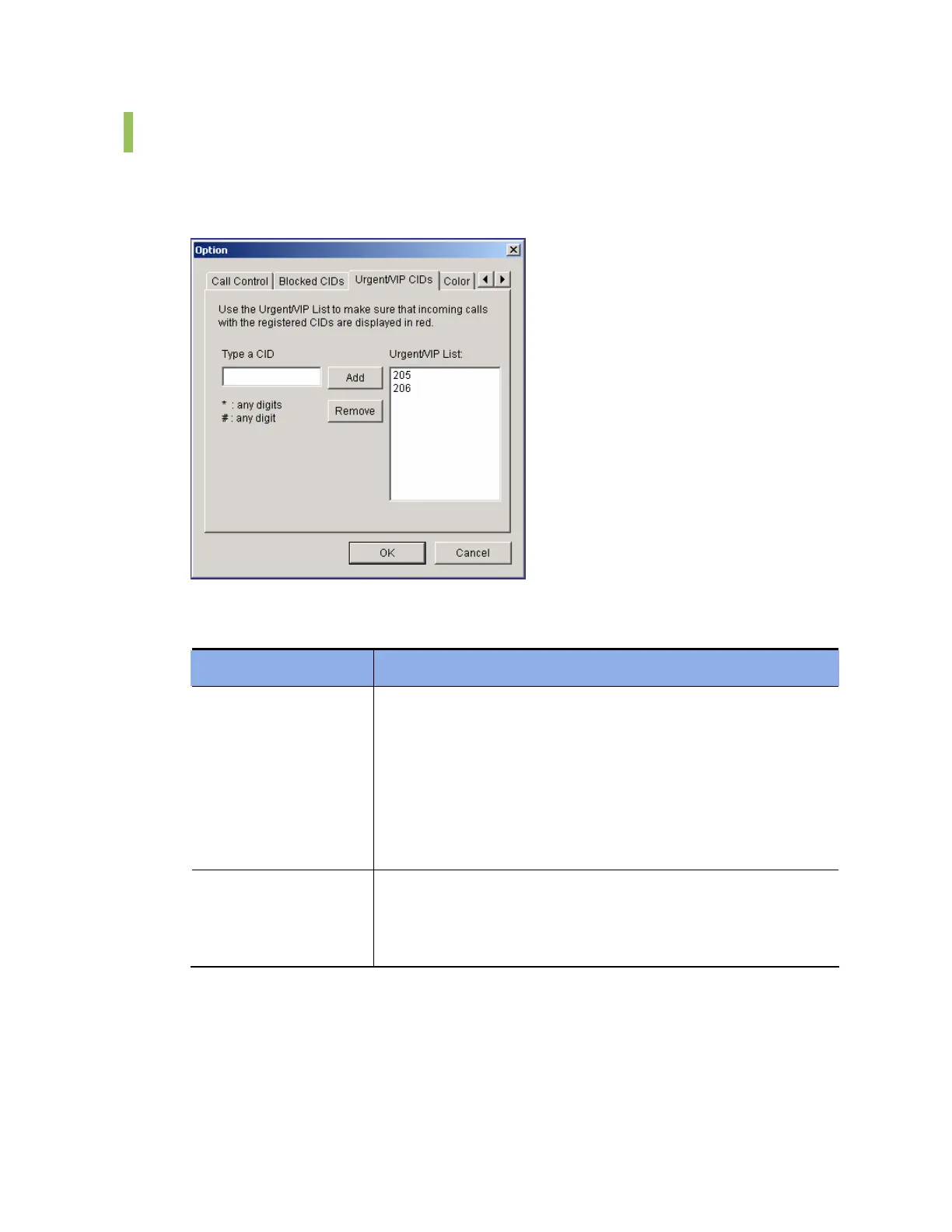
Urgent/VIP CIDs
This tab enables the user to set an urgent or important call. Since calls from the phone
numbers registered to the Urgent/VIP CIDs list are displayed red on the Incoming Calls
window, the calls can be easily recognized.
Parameters of the [Urgent/VIP CIDs] tab are described below:
Parameter Description
Type a CID
Enter a phone number and click [Add] to register the number to
the urgent/VIP list.
If ‘2*’ is entered, all numbers starting with 2 are registered to the
urgent/VIP list.
If ‘21#’ is entered, the numbers ranging from 210 to 219 are
registered to the urgent/VIP list.
The external phone number should be entered in a format as
same as that of the CLIP table.
Urgent/VIP List
Displays the registered urgent/VIP list.
Select a phone number from the urgent/VIP list and click
[Delete]. Then, the number will be deleted from the list. Up to ten
phone numbers can be registered to the urgent/VIP list.















 To Next Page