81
Retrieving All Logs
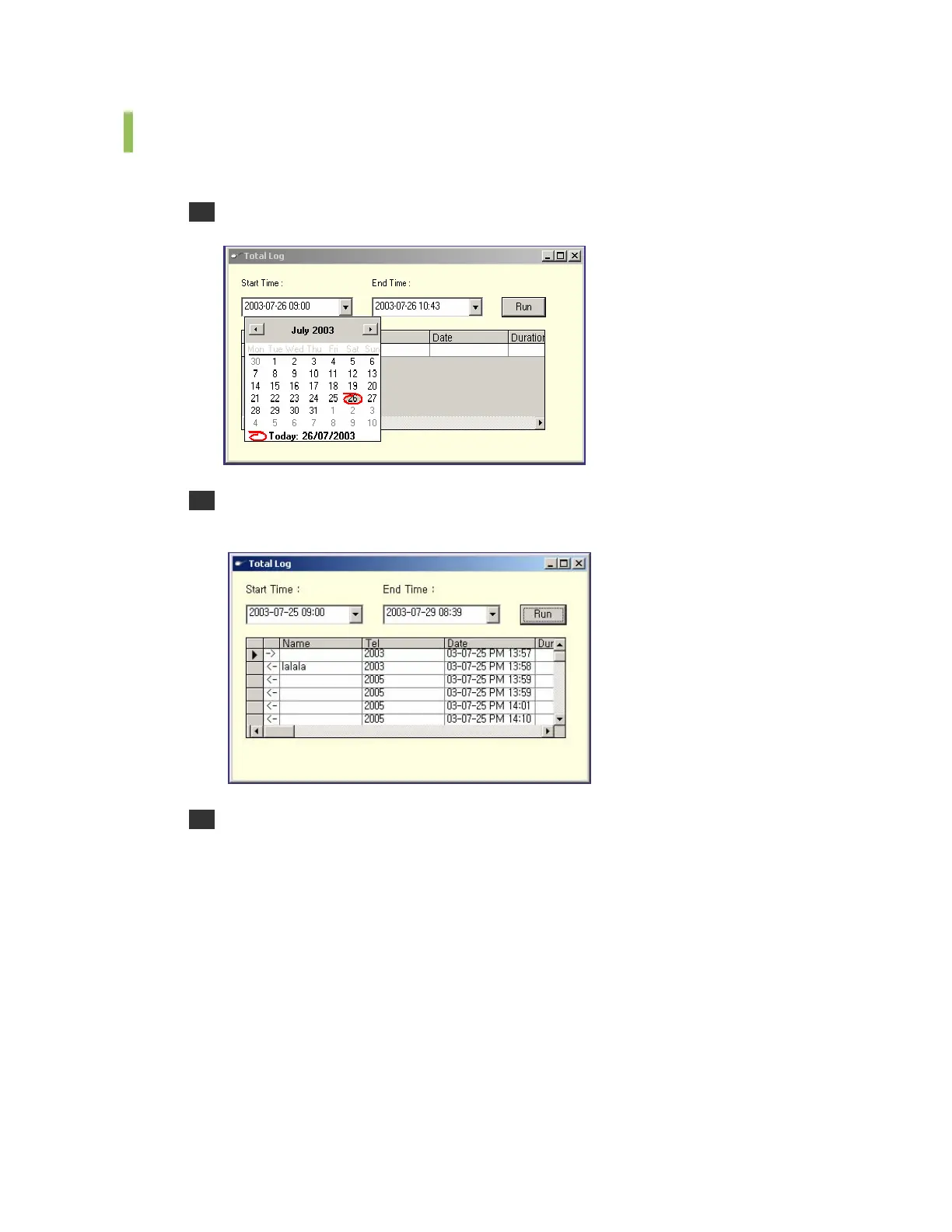
Follows the steps below to retrieve all logs.
1 Select the [Total Log] menu from the [Run] to see the <Total Log> window.
2 Enter the start time and end time for retrieving logs. Click [Run] to see the search results
within the time period.
3 Click the scroll button to see a specific calling list. Also, the user may view the list by
maximizing the window. The window below shows the maximized <Total Log Viewer>
window.















 To Next Page