86
ANNEX B. Importing/Exporting Excel Files
This Annex describes the procedures for importing phone number data in an Excel file into the
OfficeServ Operator phone book, or for exporting the phone book to an Excel file.
Importing Excel Files
The OfficeServ Operator allows the user to import the phone number data in an Excel file
format into OfficeServ Operator.
Exporting Excel Files
The OfficeServ Operator allows the user to export the phone book data to an Excel file.
Importing Data in an Excel File Format Into
a Phone Book
Follow the steps below to import data in an Excel file format into a phone book.
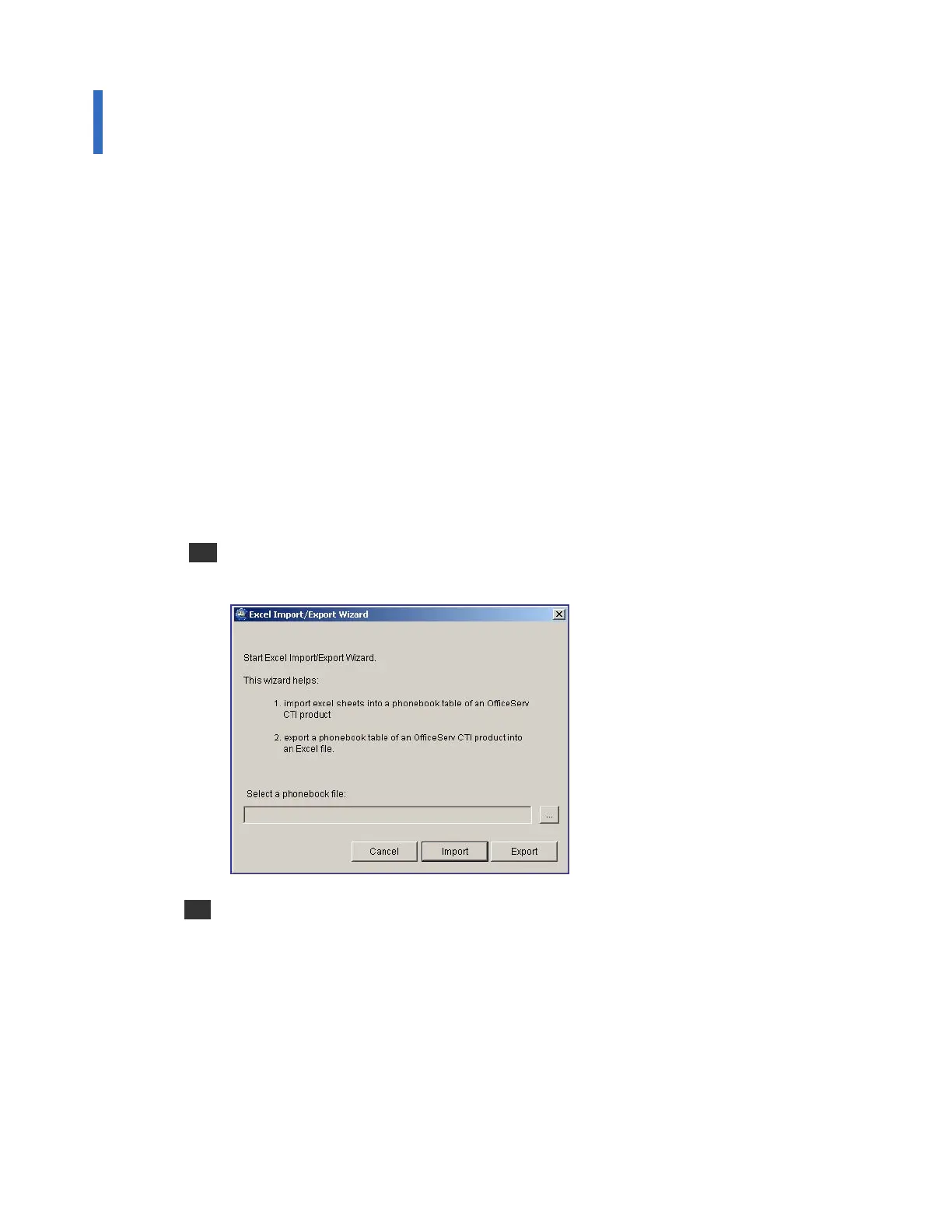
1 Select the [Import/Export Excel Files] from the [Tools] in the main window of the
OfficeServ Operator to see the <Excel Import/Export Wizard> window.
2 Select the Pbook.mdb file from phonebook files, and click the [Import] button. If the
window below is displayed, click the [No] button if the imported telephone numbers do
not follow the format below to correct the Excel file: If the imported telephone numbers
follow the format, click [Yes].















 To Next Page