14
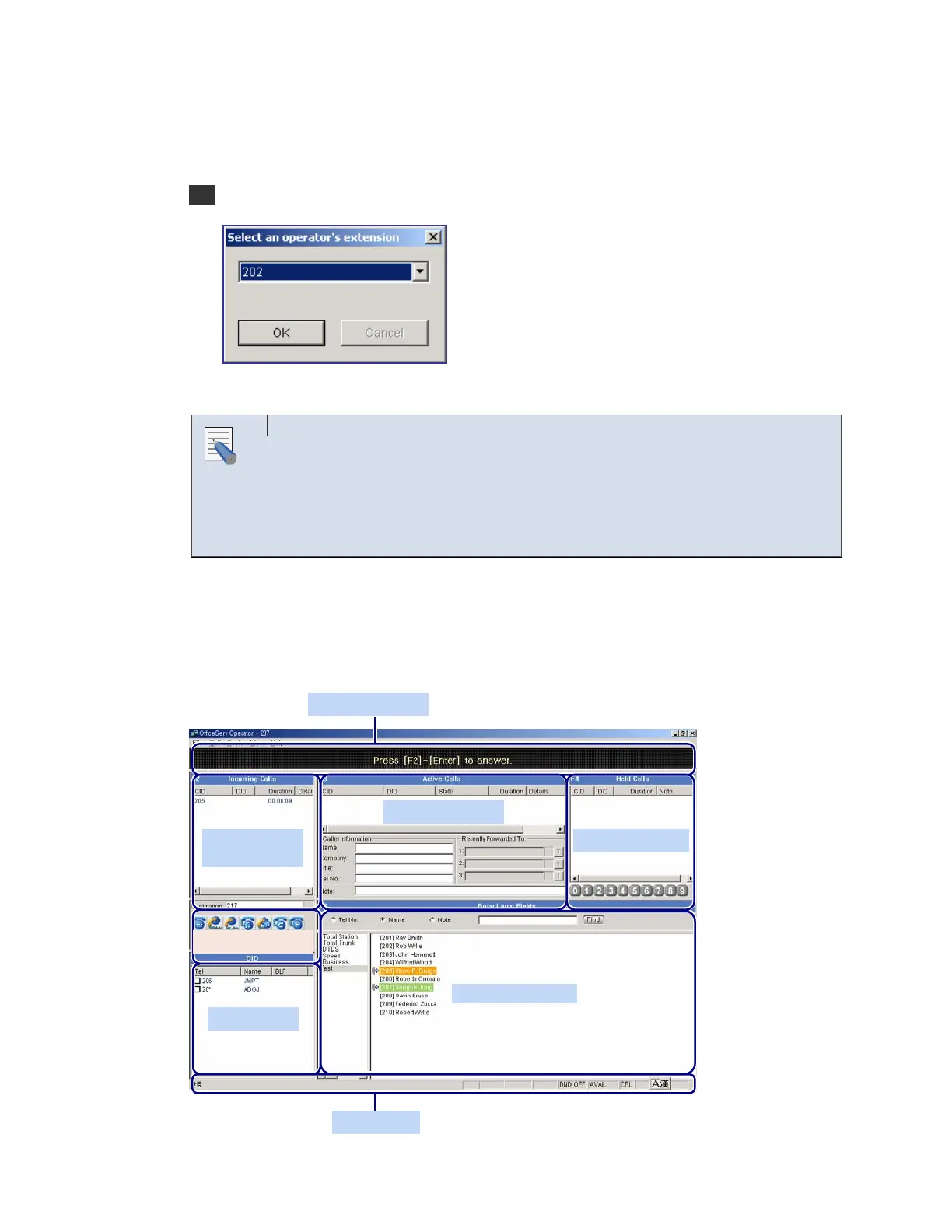
Operator, the window that allows the user to set a station number during initialization
appears as shown below:
2 Select an extension number to be used from the OfficeServ Operator and click [OK].
Initialization Process
The initialization process means that the OfficeServ Operator downloads the
data required to operate the OfficeServ Operator from the iDCS system
through the OfficeServ Link. It takes 1 to 5 minutes to download the data
depending on the system configuration.
Main Window
Once the initialization ends, the <OfficeServ Operator> main window is displayed as shown
below:
NOTE
Information Window
Active Calls window
Incoming Calls
window
Call Button window
DID window
Bus
Lam
Field
Held Calls window
Status Line















 To Next Page