59
Button Call Menu Description
Leave Message
Leaves a message in a busy/unanswered
station
Redirect
Transfers a call without answering the
incoming call
OHVA Urgent notification
Complete Transfer Complete Transfer
Redial Redial
Reestablish Reestablish
General Functions
Dial
Dialing methods provided by the system are as follows:
Dialing a Call by using the Call Control Button
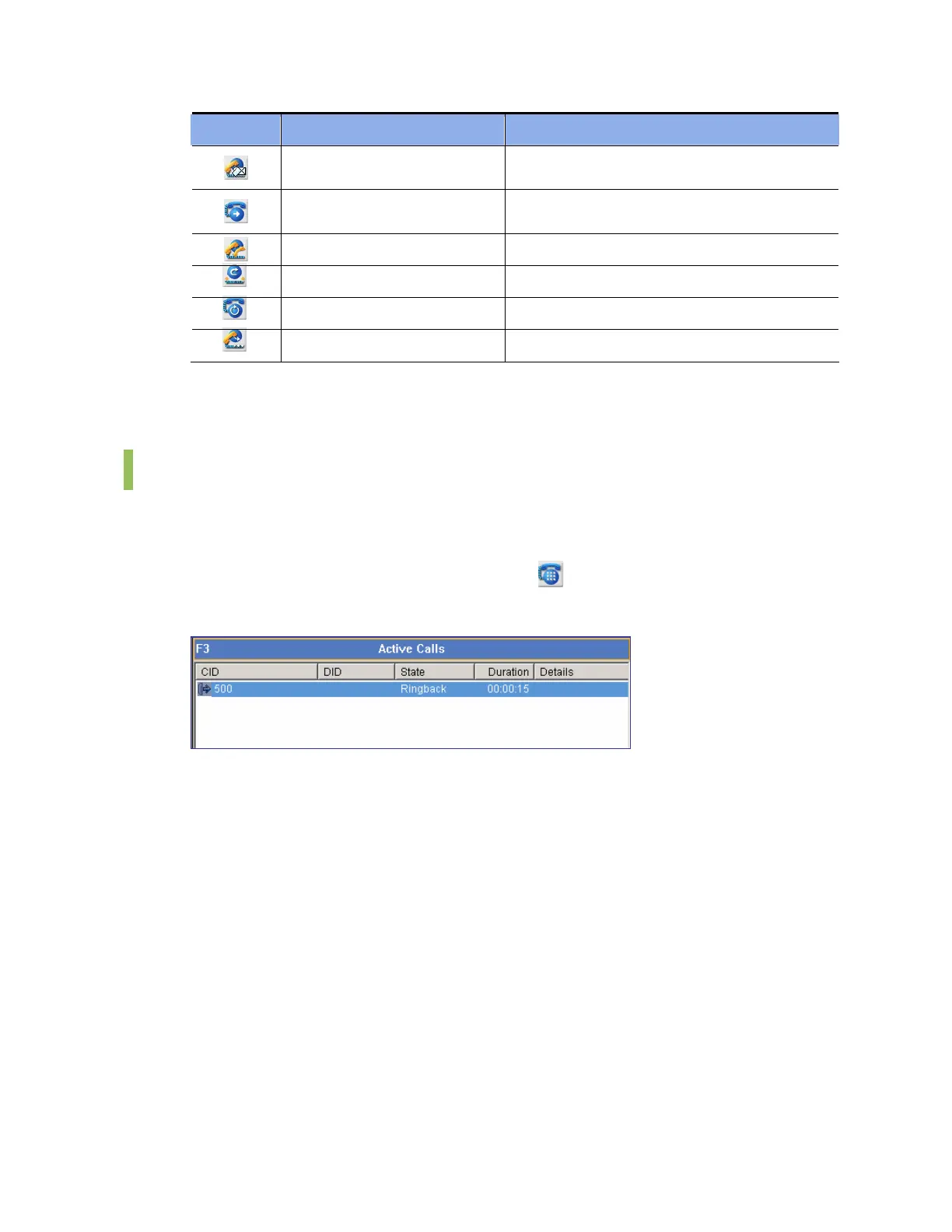
Enter a phone number, and click the [Dial] button(
). Then, the status of the corresponding
call will be displayed as ‘Ringback’ as shown below:
Dialing a Call by using the [Enter] Key
Enter a phone number. And then press the [Enter] key.
Dialing a Call by Double-Clicking
Select and double-click a device from the <BLF> window to make a call to the selected device.















 To Next Page