60
Dialing a Call by using the Popup Menu
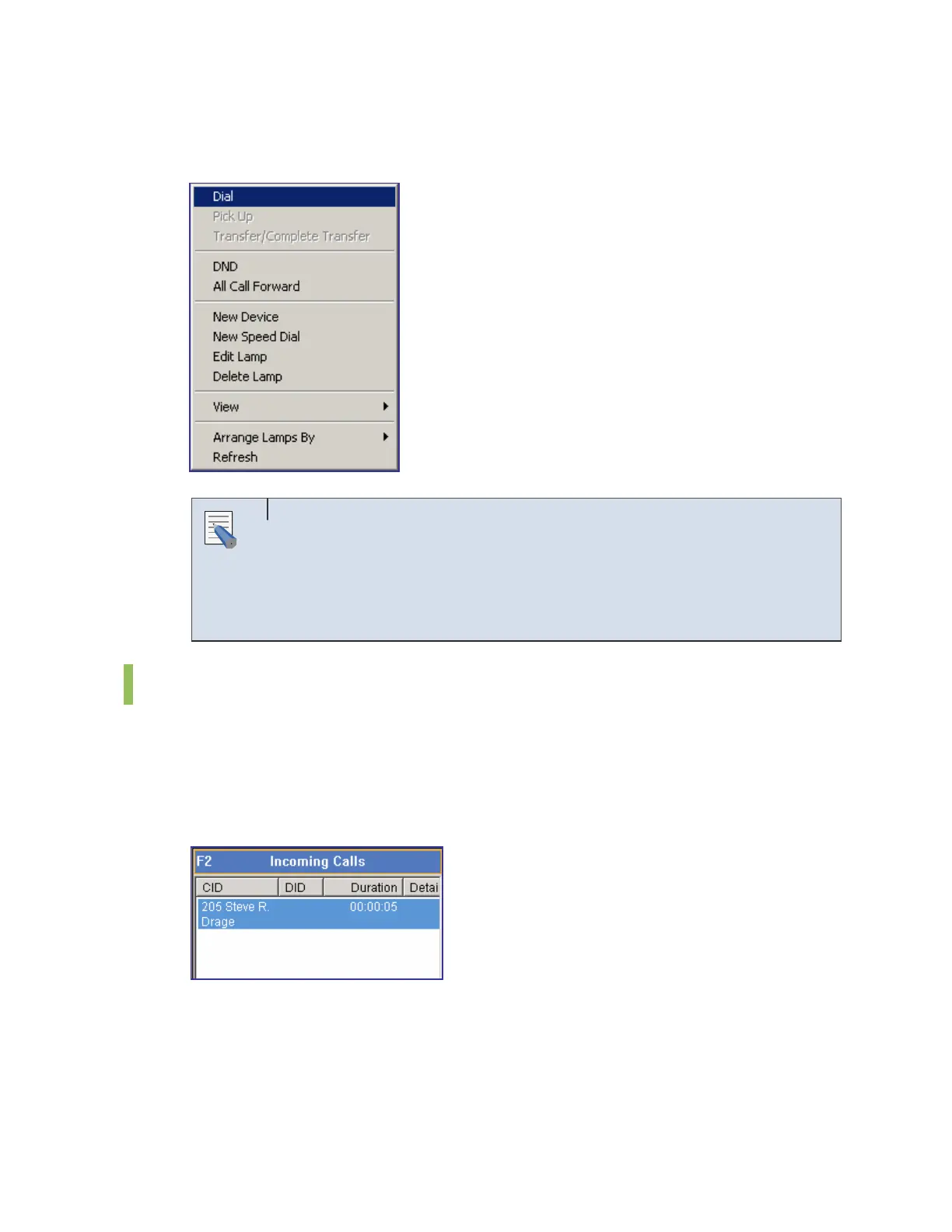
Select and right-click a device from the <BLF> window. And then select the [Dial] menu.
Entering Numbers and Special Characters from a Keyboard
The OfficeServ Operator enables the user to conveniently enter the numbers
from 0 to 9 and special characters such as # and * using the keyboard
without putting the cursor on the text box. However, other special characters
cannot be entered.
Answer
Once a call is connected to the operator’s station, the connected call is displayed on the
<Incoming Calls> window. If more than two incoming calls are connected, the user can select
a call to answer. The first connected call is displayed on the top of the list.
The [F2] key is used for selecting the first call listed on the <Incoming Calls> window.
NOTE















 To Next Page