21
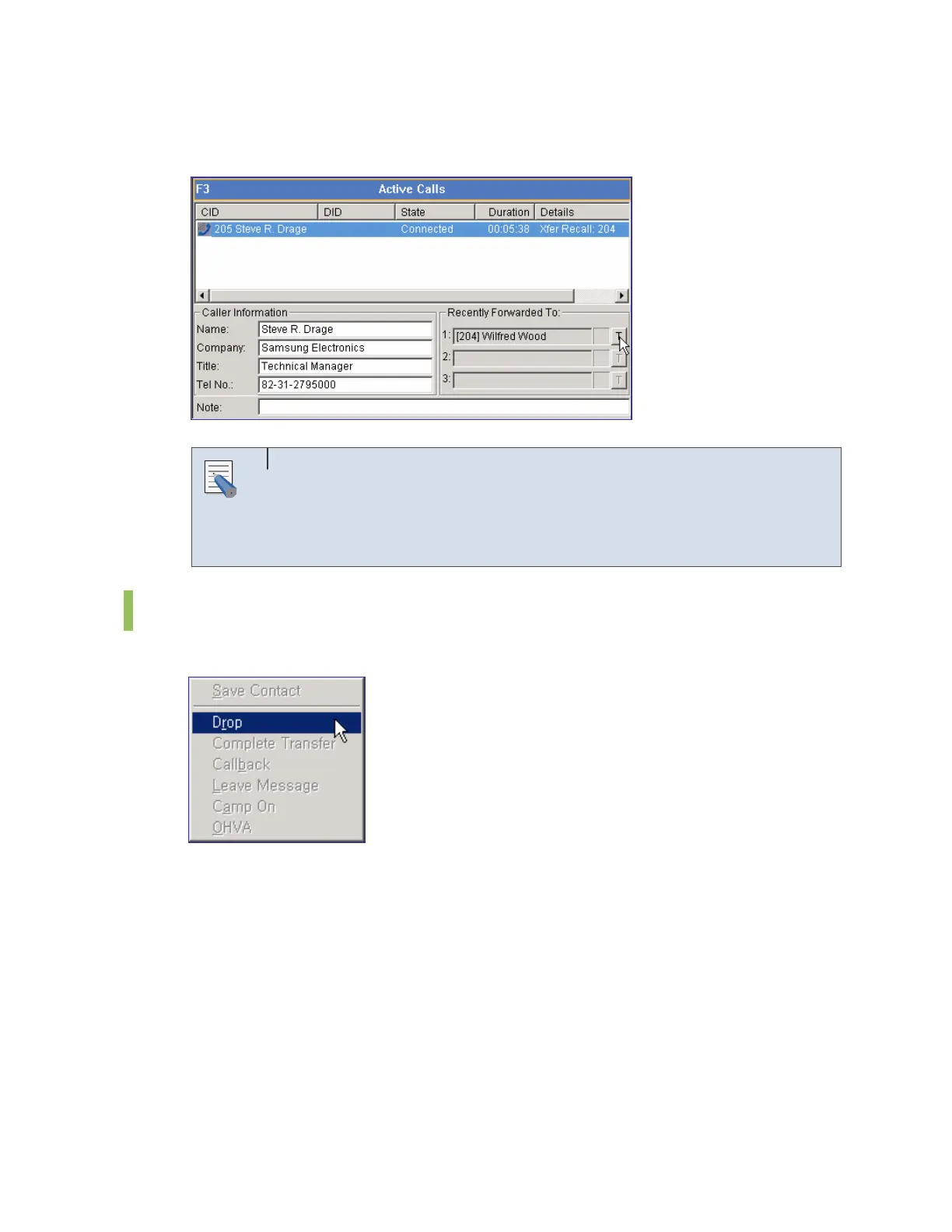
Select a number of the list of the recently forwarded numbers and click the [T] button at the
right of the window to forward a call to the number.
Using the Recently Forwarded Number
To use the recently forwarded number, the caller information must be
displayed. If caller information does not exist in the database, the recently
forwarded number will not be saved in the database and cannot be used.
Call Features
Right-click on the <Active Calls> window and select [Drop] to release a connected call.
Only if the <Active Calls> window is in a conversation phase , the call features menu such as
[Drop] will be enabled. Available call features are Drop, Complete Transfer, Callback, Leave
Message, Camp On and OHVA.
NOTE















 To Next Page