24
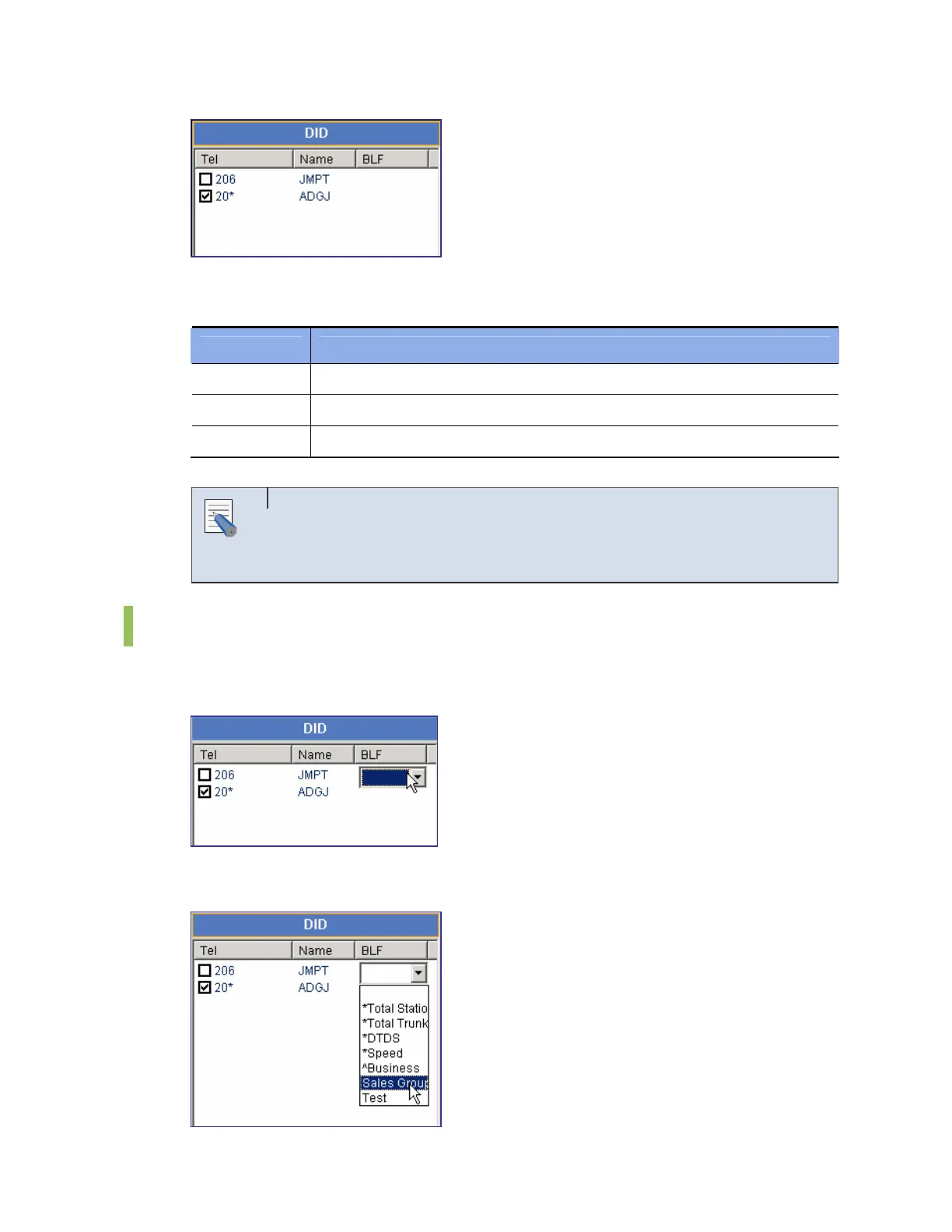
The columns are described below:
Column Description
Tel DID number set in the system
Name DID name set in the system
BLF BLF group name that inter-works with the DID
Use of the Queue List
The Queue list is used for the operator program of the call center. Currently,
the list is not supported.
DID Inter-Working BLF Group Settings
Click the BLF column of the DID to set the DID inter-working BLF group. Then, a combo box
that allows the user to select a BLF group appears as shown in the figure below:
Click [▼] of the combo box to select a BLF group.
NOTE















 To Next Page