67
Attempting a Conference Call using the Call Control Button
Press the [Conference] button after the recipient answers the call to start a conference call.
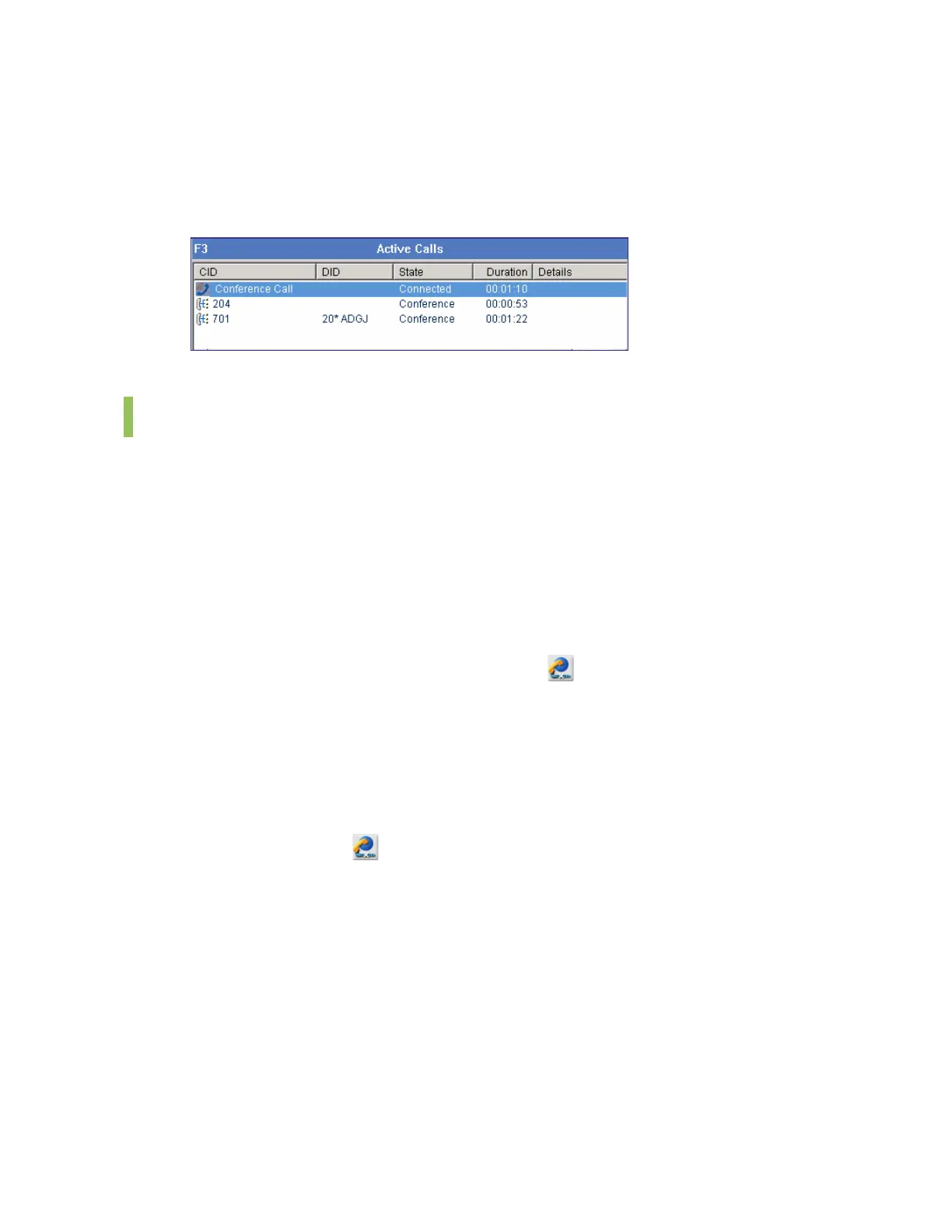
Once the conference call is connected, the <Active Calls> window is displayed as shown
below:
Add/Remove Participants or Leave a Conference Call
This section describes the procedures for adding and removing participants of a conference
call, and leaving the conference call. The OfficeServ system supports up to five participants for
a conference.
Adding Participants
Participants can be added during a conference call as described in the ‘Attempt/Cancel a
Conference Call’ section.
Removing Participants by Using the Call Control Button
Select a participant and click the [Drop] button (
) to remove the participant from the
conference call.
Removing Participants by Using the [-] Key
Select a participant and press the [-] key to remove the participant from the conference call.
Leaving a Conference Call by Using the Call Control Button
Click the [Drop] button (
) to leave the conference call.
Leaving a Conference Call by Using the [-] Key
Press the [-] button to leave the conference call.















 To Next Page