66
Parking a Call on an Available Station through Drag-and-Drop
Press the [Alt] key and drag a call from the <Active Calls> window, and drop the call on an
available station in the <BLF> window.
Attempt/Cancel a Conference
This menu enables multiple users to join a conference call.
Attempting a Conference Call by using the Call Control Button
Enter a number to add to the conference call and press the [Conference button] (
).
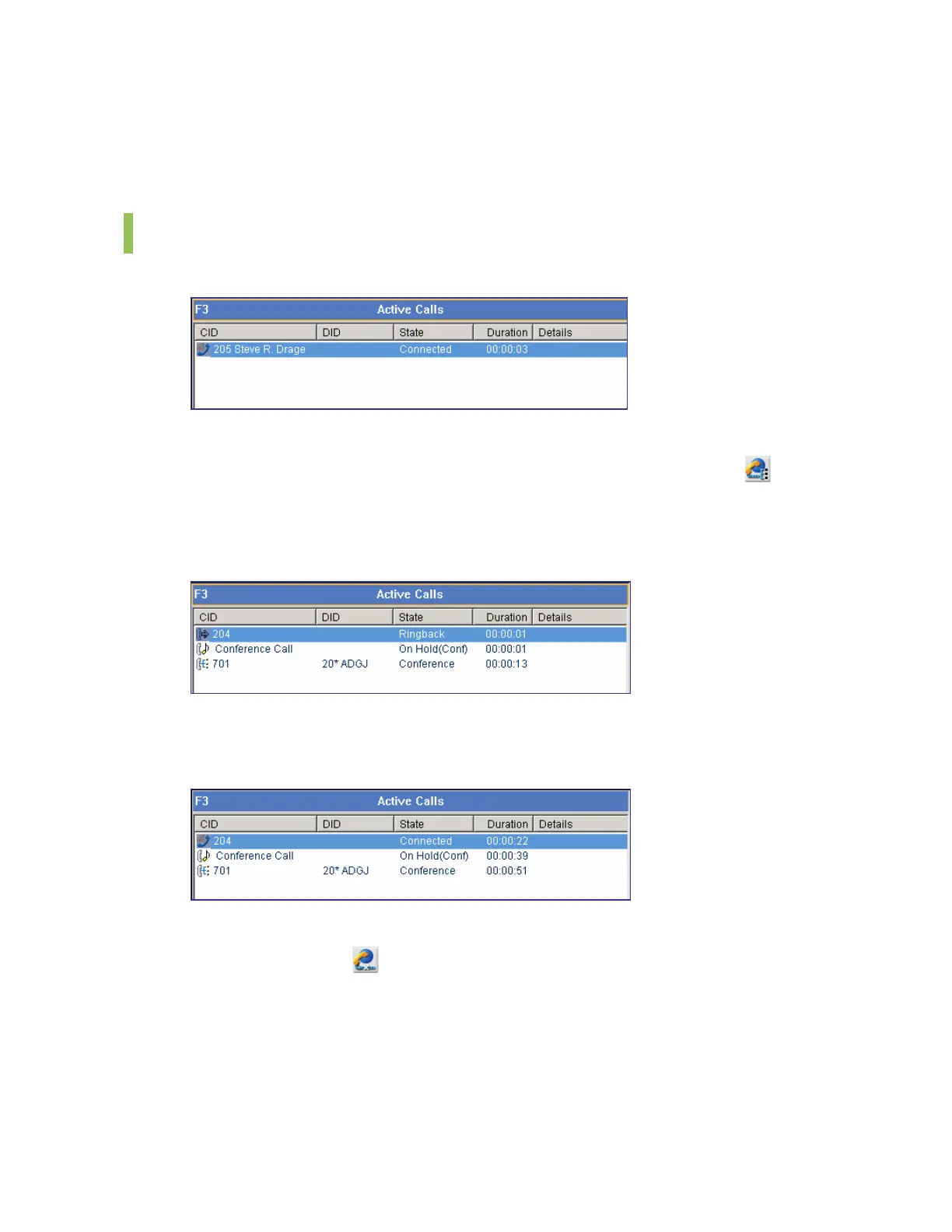
The window below shows that a conference call is being attempted to Station 204 while
making a call to Station 701.
If the recipient answers the conference call, the <Active Calls> window will be displayed as
shown below:
Canceling a Conference Call through the Call Control Button
Click the [Drop] button (
) before the recipient answers the call.
Canceling a Conference Call through the [-] Key before
Press the [-] key before the recipient answers the call.















 To Next Page