80
Typically, all logs are displayed in a descending order. When clicking a column header in a
specific row of each log screen, the logs are sorted in an ascending or descending order.
Retrieving Logs
Retrieving Statistical Logs
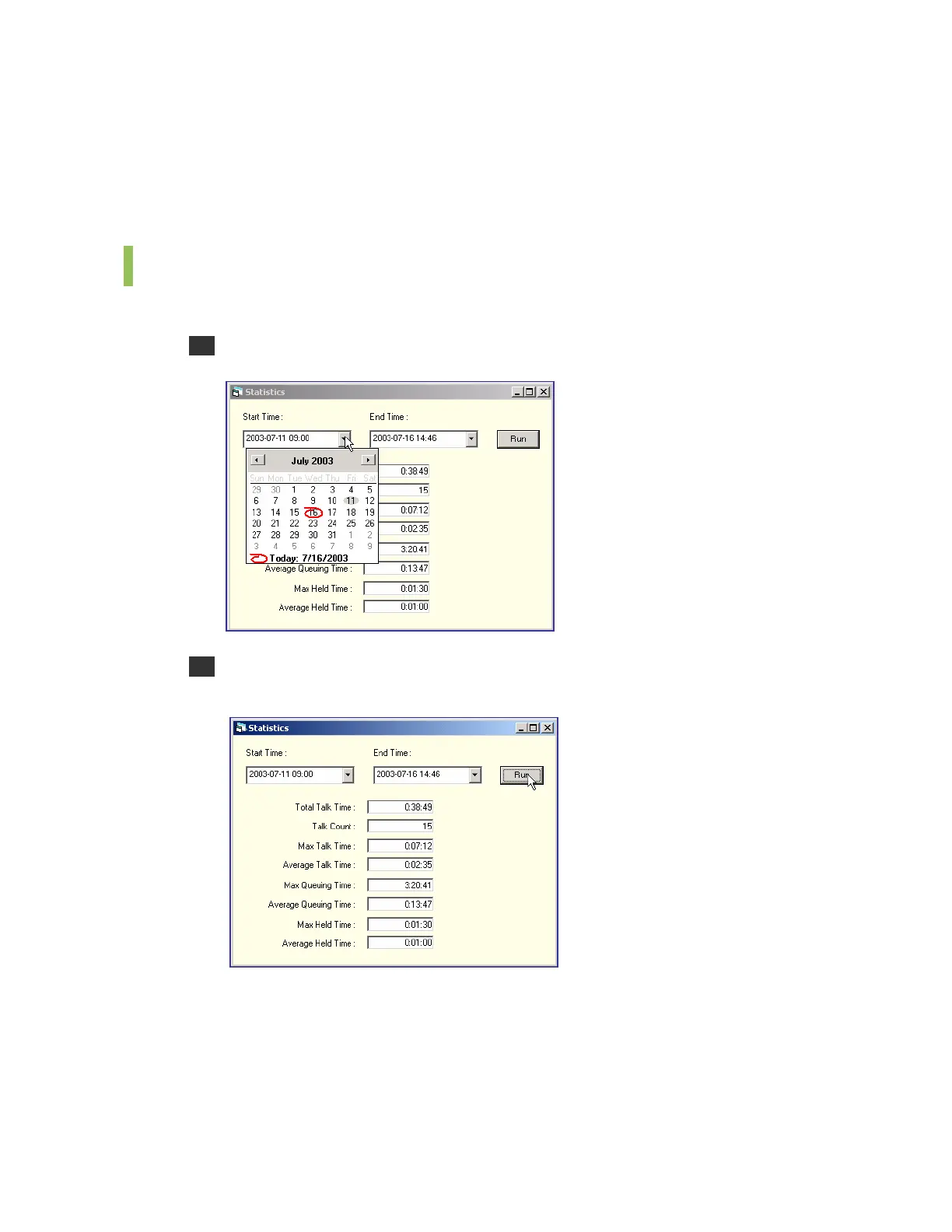
Follow the steps below to retrieve statistical logs.
1 Select the [Statistics] menu from the [Run] to see the <Statistics> window.
2 Enter the start time and end time for retrieving logs. Click [Run] to see the search results
within the time period.















 To Next Page