11
Parameter Description
General
Allows the user to select the country that is using the OfficeServ
Operator.
Area Code Rules
Allows the user to enter an area code except for ‘0’.
The user must enter the numbers set in the iDCS 100/500 R2
system.
Calling Card Select one of tone dialing and pulse dialing.
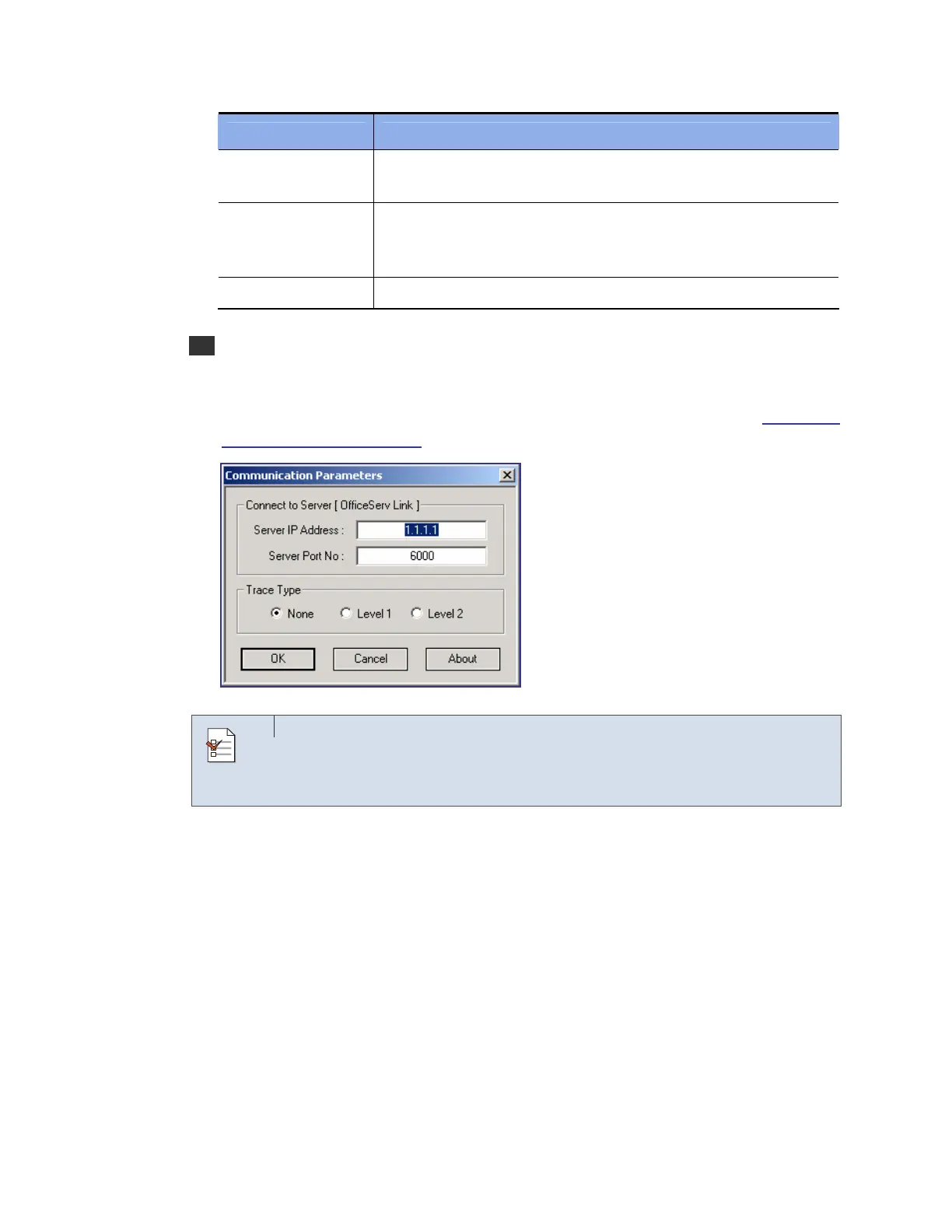
8 Once the window below appears, enter the IP address of the OfficeServ Link in [Server IP
Address] and click [OK]. If an invalid IP address is entered, the OfficeServ Operator will
not be connected to the OfficeServ Link. As for [Server Port No] and [Trace Type],
maintain the default settings. For detailed information about each parameter, refer to the
‘OfficeServ Link User Guide’.
Connection Settings between the OfficeServ Operator and OfficeServ
Link: To properly connect the OfficeServ Operator with the OfficeServ Link,
the IP address of the OfficeServ Link must be entered accurately.
CHECK















 To Next Page