37
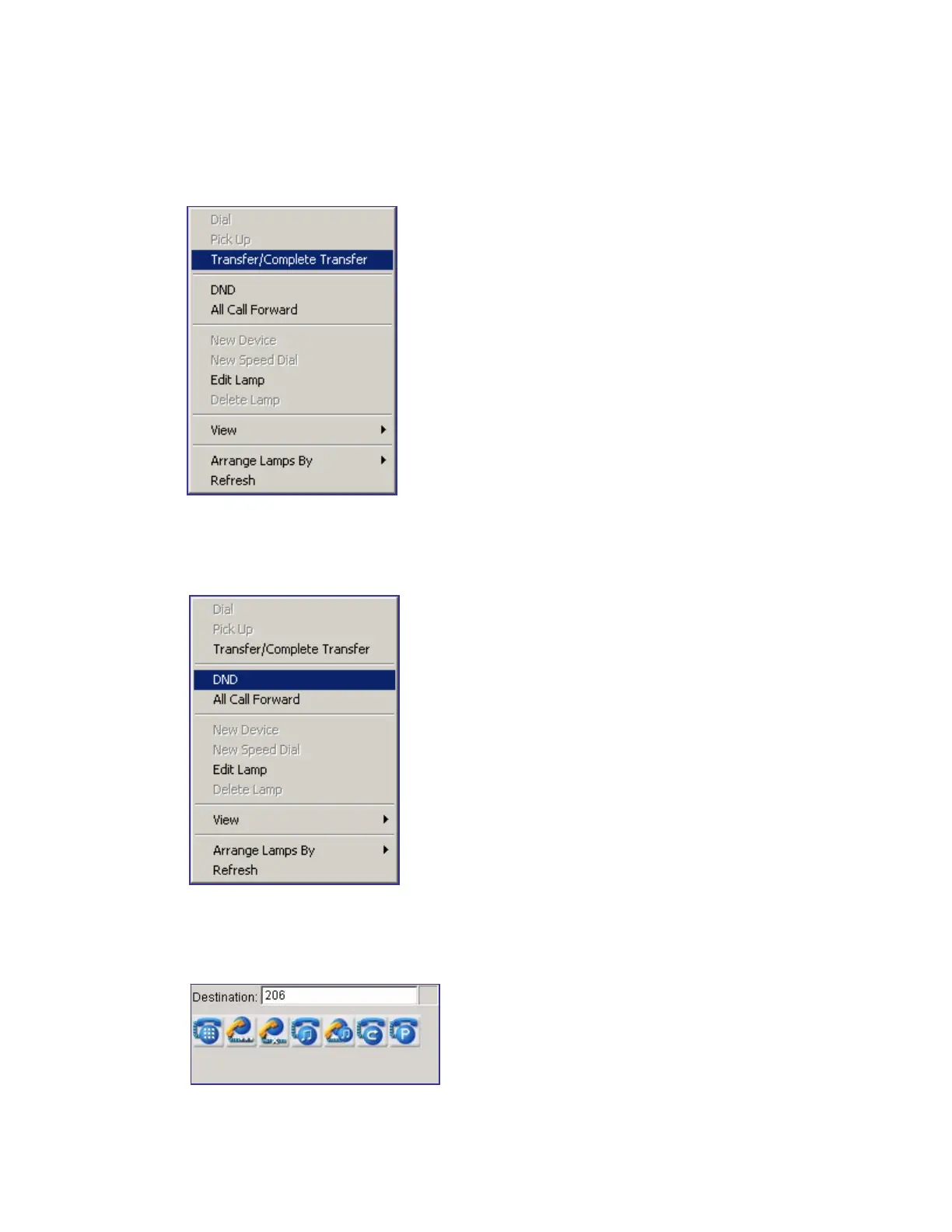
Transfer/Complete Transfer
Select and right-click a BLF device and click or double-click Transfer/Complete Transfer during
being connected.
Setting/Releasing Do Not Disturb (DND)
Select and right-click a station device the user wants to set or release DND and click [DND].
Setting Call Forwarding Unconditional
Enter the called number by using the keyboard to set call forwarding unconditional.















 To Next Page