57
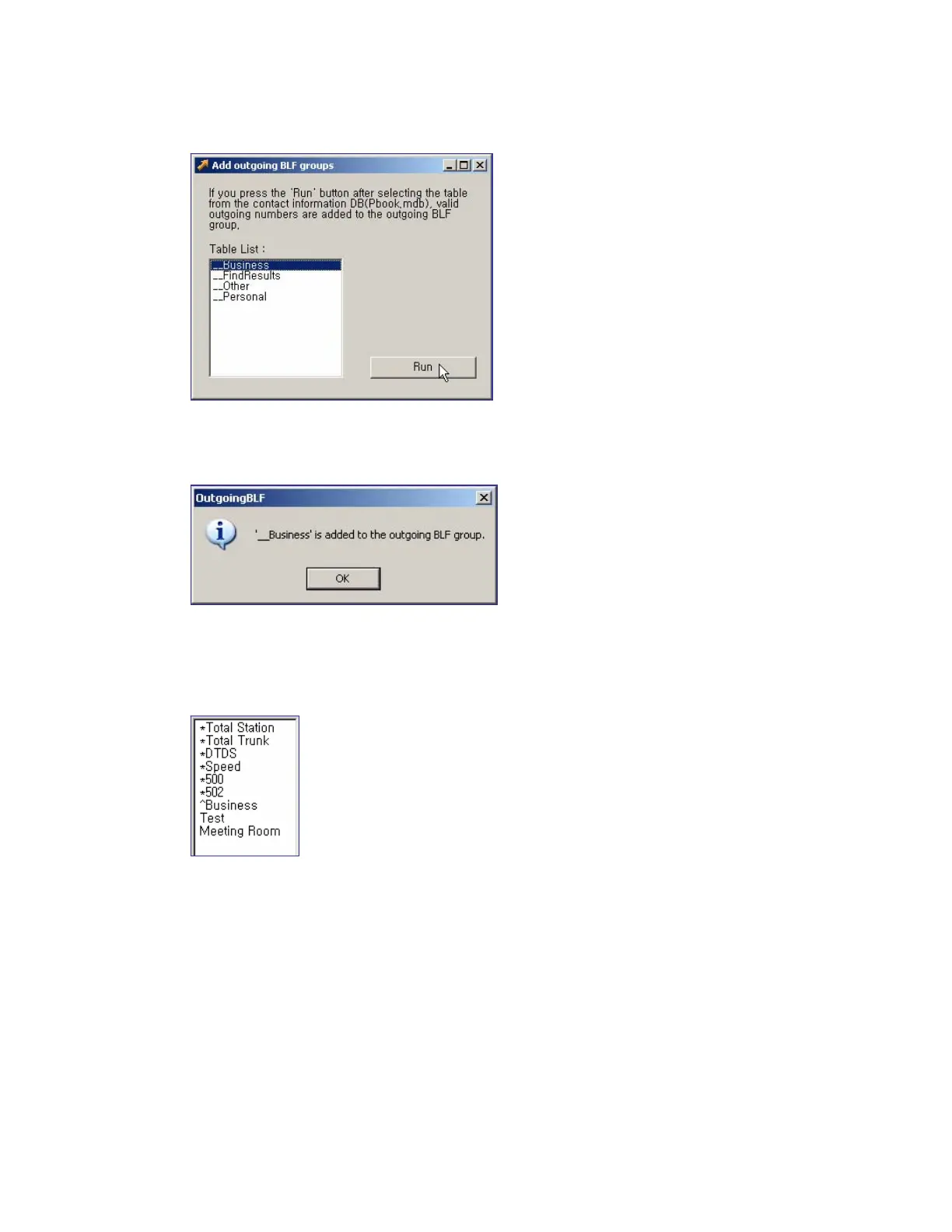
Select the table to be added, and click the [Run] button.
If a valid external outbound call information exists in the selected table, the <Outgoing BLF>
window is displayed as shown below:
Click the [OK] button to register the outgoing BLF group with the ‘^Business’ name to the BLF
group window. The outgoing group is automatically displayed with the ‘^’prefixed to the group
name.















 To Next Page