71
Saving a Call by using the [Tab] Key
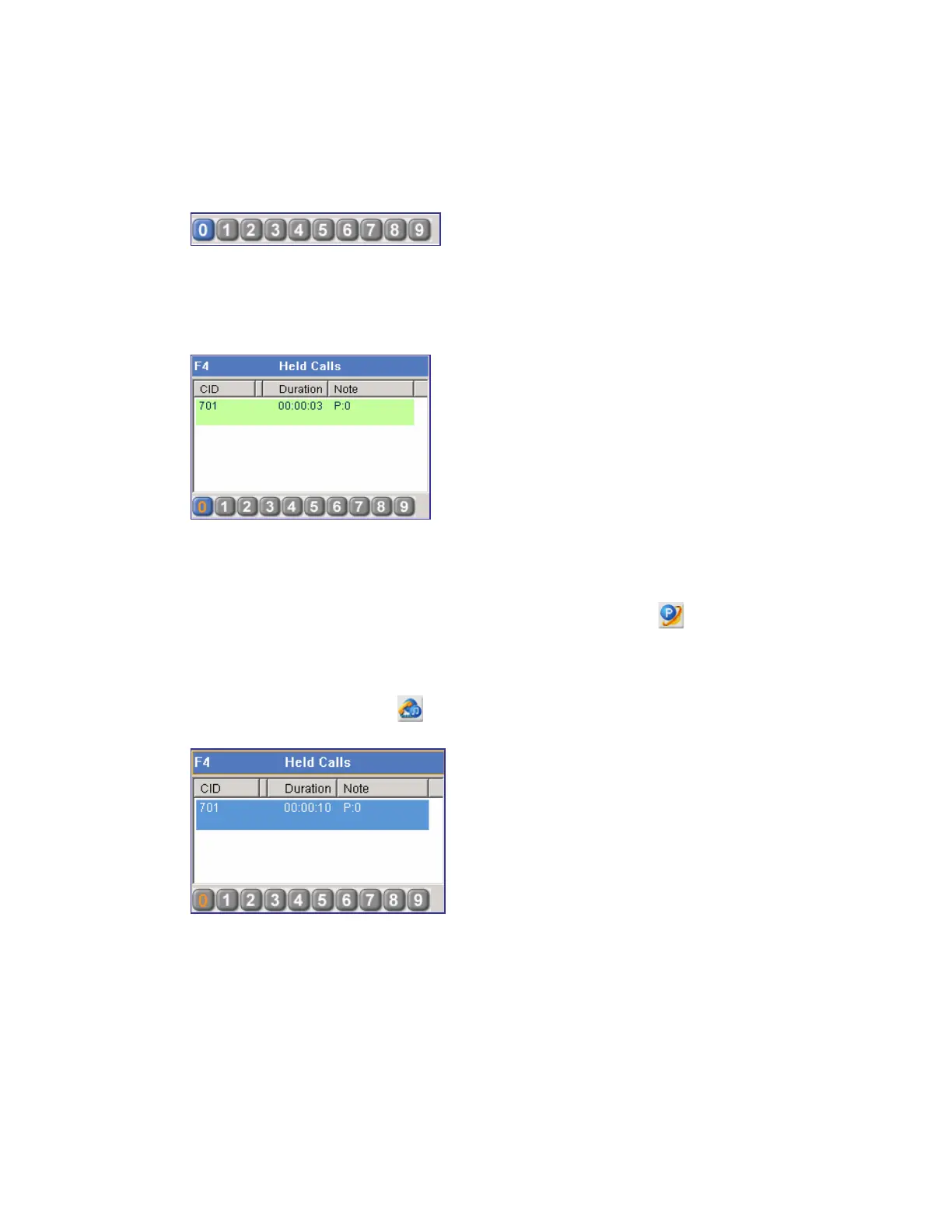
Press [F4] to open the <Held Calls> window, and press the [Tab] key to select number 0. Then,
the number 0 button will be displayed blue.
Press the [Enter] key to save the call in number 0. After the call is saved, ‘P:0’ is displayed in
the [Note] column and the number 0 button is displayed in yellow as shown below. The user
can toggle between numbers to select a saved call by pressing the [Tab] key.
Reanswering Calls
Reanswering a Call by using the Call Control Button
Enter a target number where and click the [Orbit Park] button (
) to reanswer the call
saved in the corresponding number.
Or, press [F4] to open the <Held Calls> window and select a target held call displayed as ‘P:#’,
and click the [Answer] button (
) to reanswer the call.
Reanswering a Call by using the Number Button
Click the number where the call is saved.















 To Next Page