Optical Backreflection Meter SPA-100
51 / 67
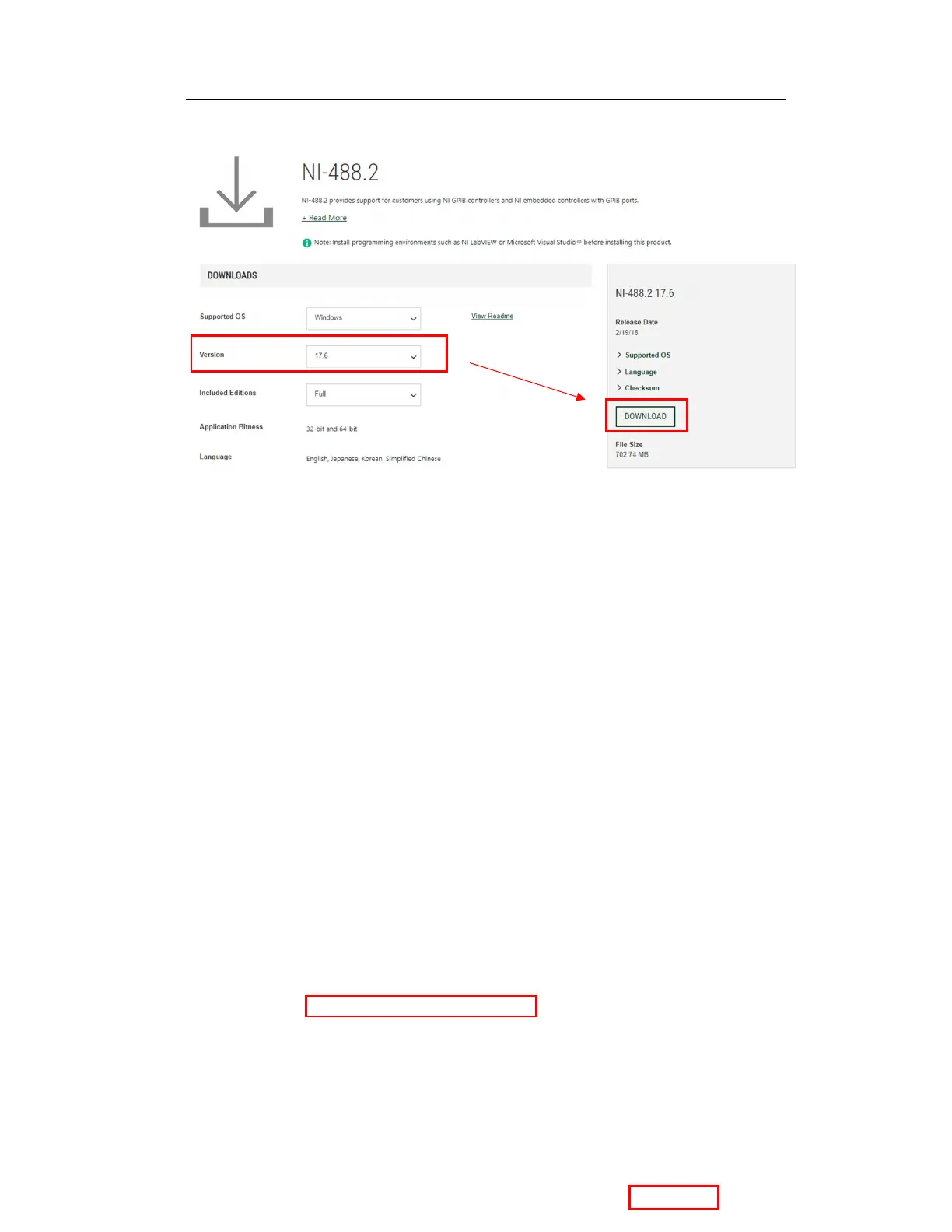
Figure 7-1 Downloading the Driver
2. Run the downloaded installer and install it.
Please refer to the guide that came with the installer.
Basically, you can proceed according to the instructions of the installer.
In the feature to install. NET Framework 4.0 development support.
Figure 7-2 below appears during installation, enable ".NET Framework 4.0
Development Support" and proceed to the next step.



 To Next Page