Chapter 3: Operating Your Scanner
32 Scantron SelfScore Scanners
slide as far into the input tray area as possible. This
is important for proper feeding.
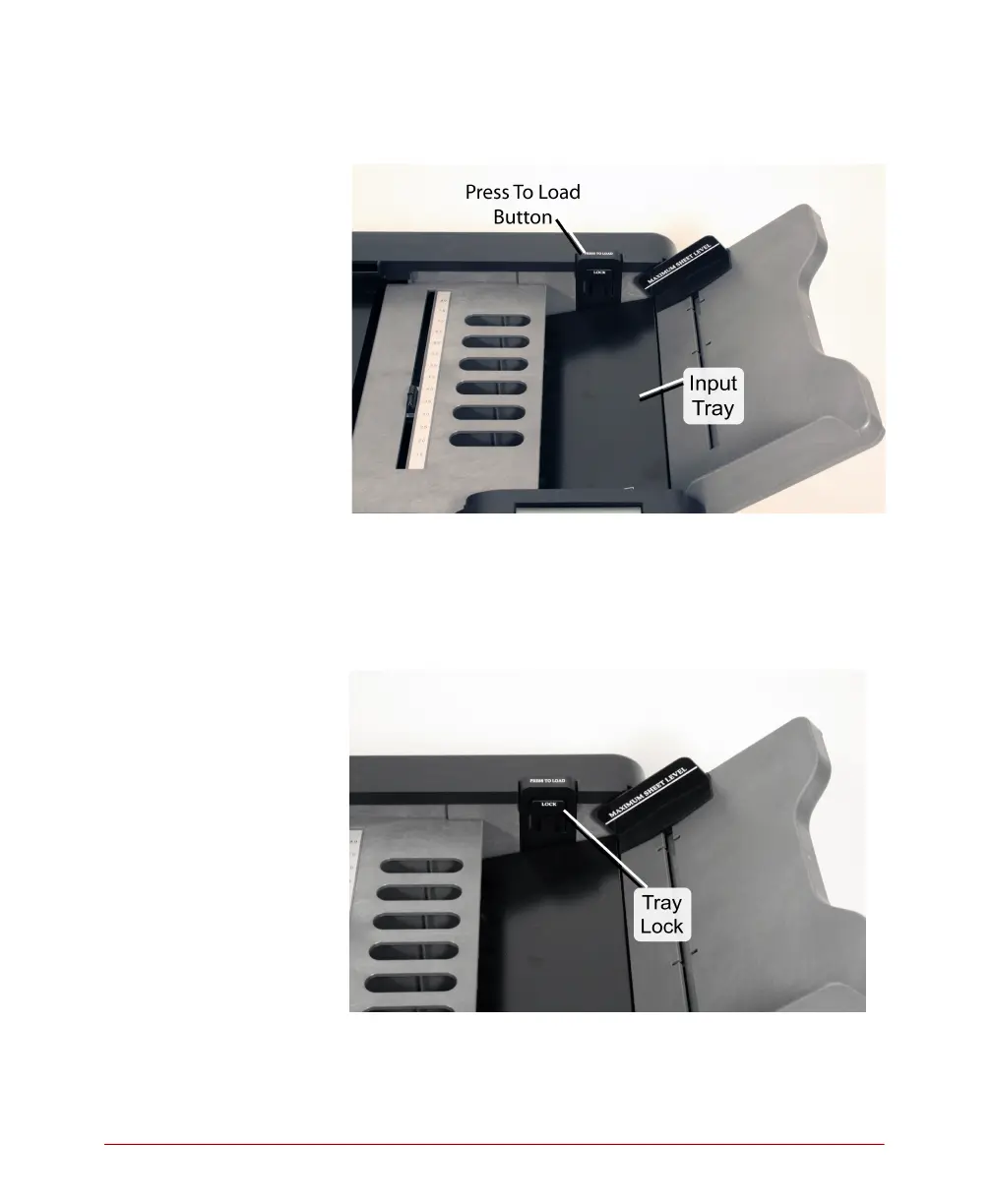
3. (Optional) If you have a large number of sheets to
load, you can secure the input tray in the down
position by pushing in the tray lock while the Press
To Load button is depressed. To release the lock
after you have loaded sheets, depress the Press To
Load button and release it.



 To Next Page