Chapter 3: Operating Your Scanner
Operator’s Guide 33
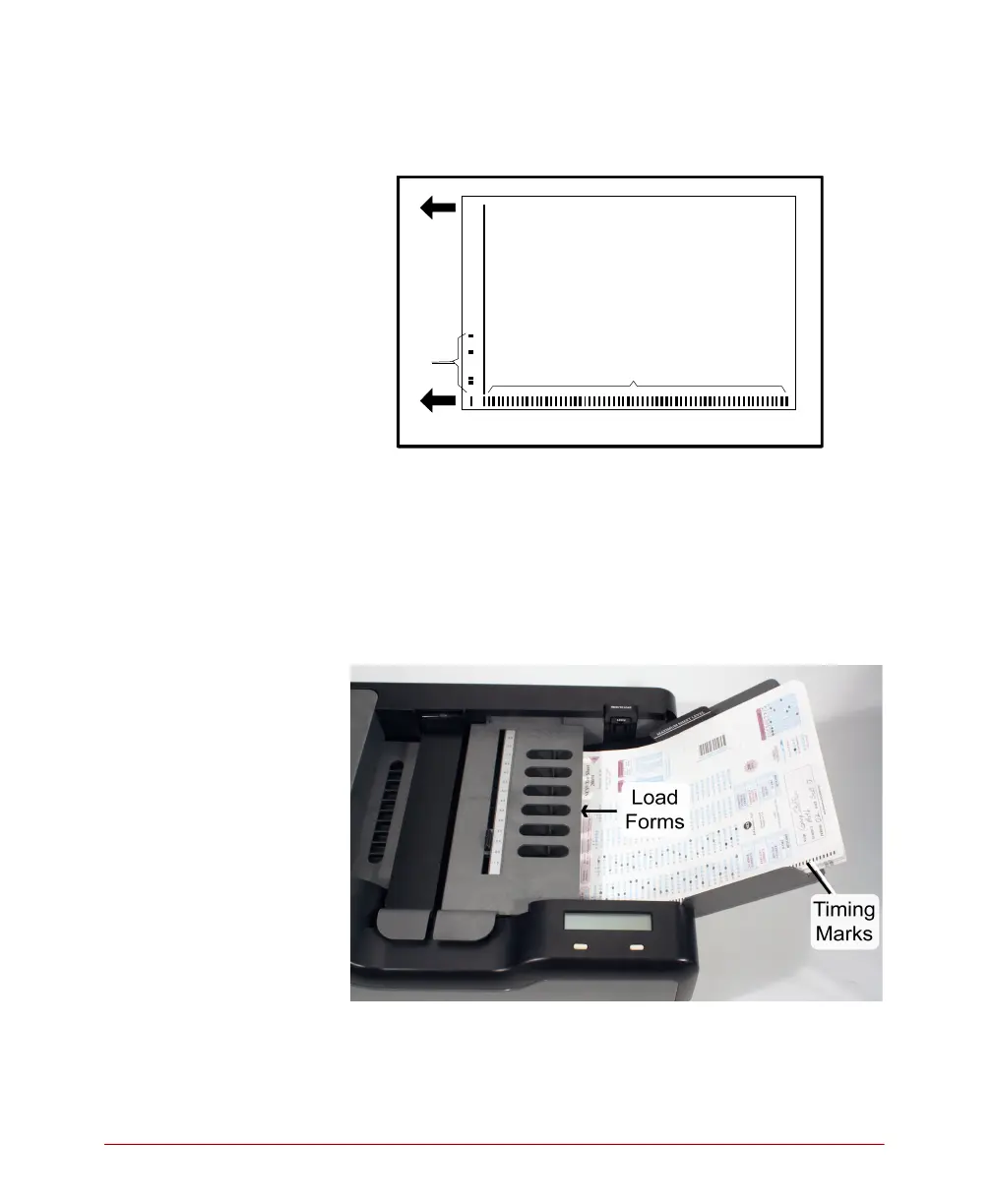
4. Load the input tray by stacking all sheets the same
way as shown.
5. Verify that the sheets are as far to the left in the
input tray as possible.
6. Slide the paper guide so that it just touches the
sheets.
IMPORTANT: Release the Press To Load button if
locked.
7. Follow the instructions in the Scanning Tests,
Ballots, and Surveys Using SelfScore guide to scan
the type sheets that you just loaded.
L
e
a
d
i
n
g
E
d
g
e
Guide Edge
Timing Marks
F
o
r
m
I
D
M
a
r
k
s
T
r
a
i
l
i
n
g
E
d
g
e



 To Next Page