Operator’s Guide 59
Press Next to complete calibration and to advance to
the next menu item.
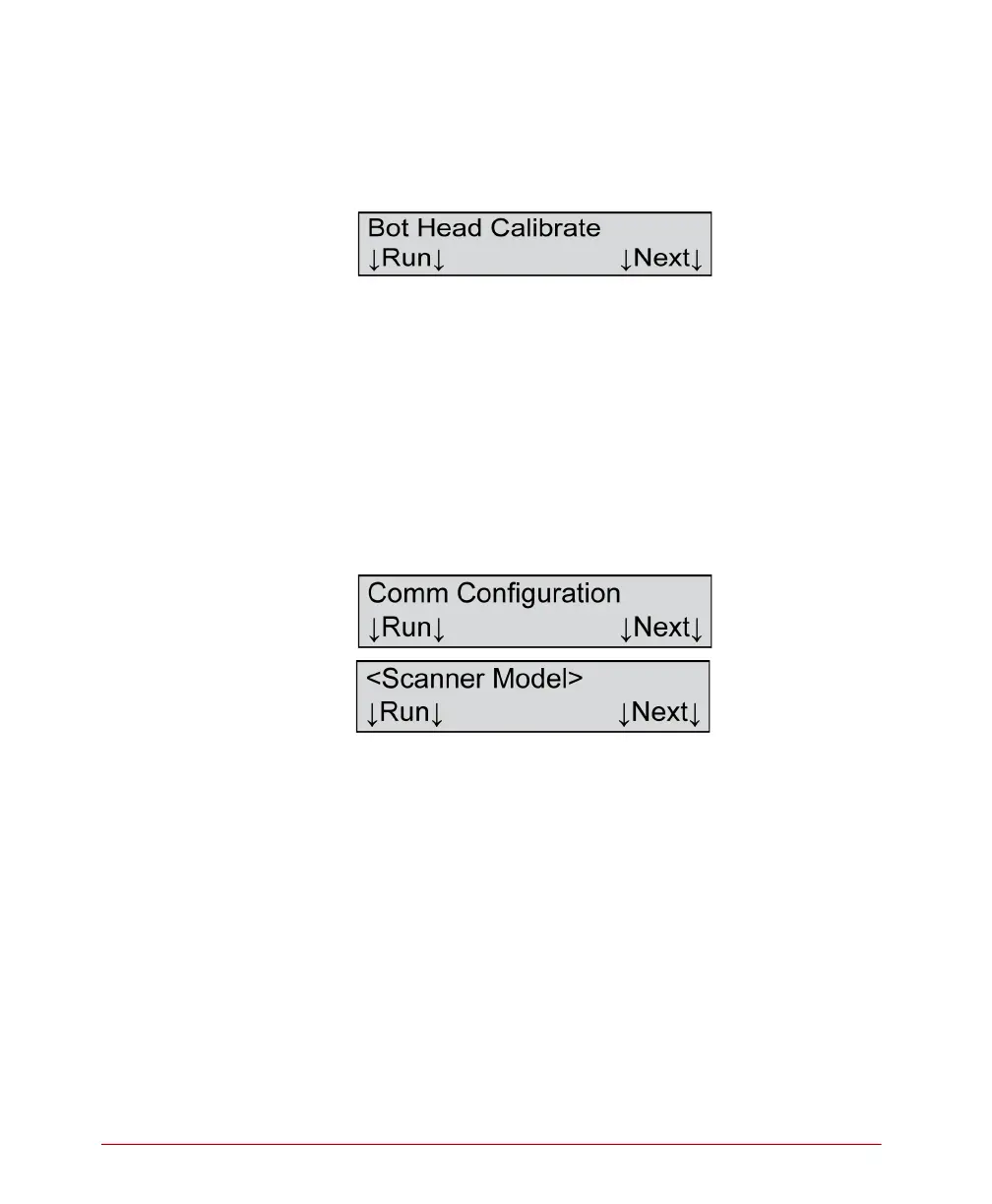
Bot Head Calibrate
Description
This menu item allows you to calibrate the bottom
read head.
Press Next to skip this function and to advance to the
next menu item.
For instructions on calibrating the bottom read head,
refer to the instructions for the top read head above.
Comm Configuration
Variables
Where <Scanner Model>=
• SelfScore
Description
This menu item allows you to display and configure the
communications parameters.
NOTE: The Comm Configuration menu item is not
displayed if the scanner is displaying the
“Recalibrate... See Manual” message.
Press Next to skip this function and to advance to the
next menu item.



 To Next Page