60 Scantron SelfScore Scanners
The following describes how to configure the
communications parameters.
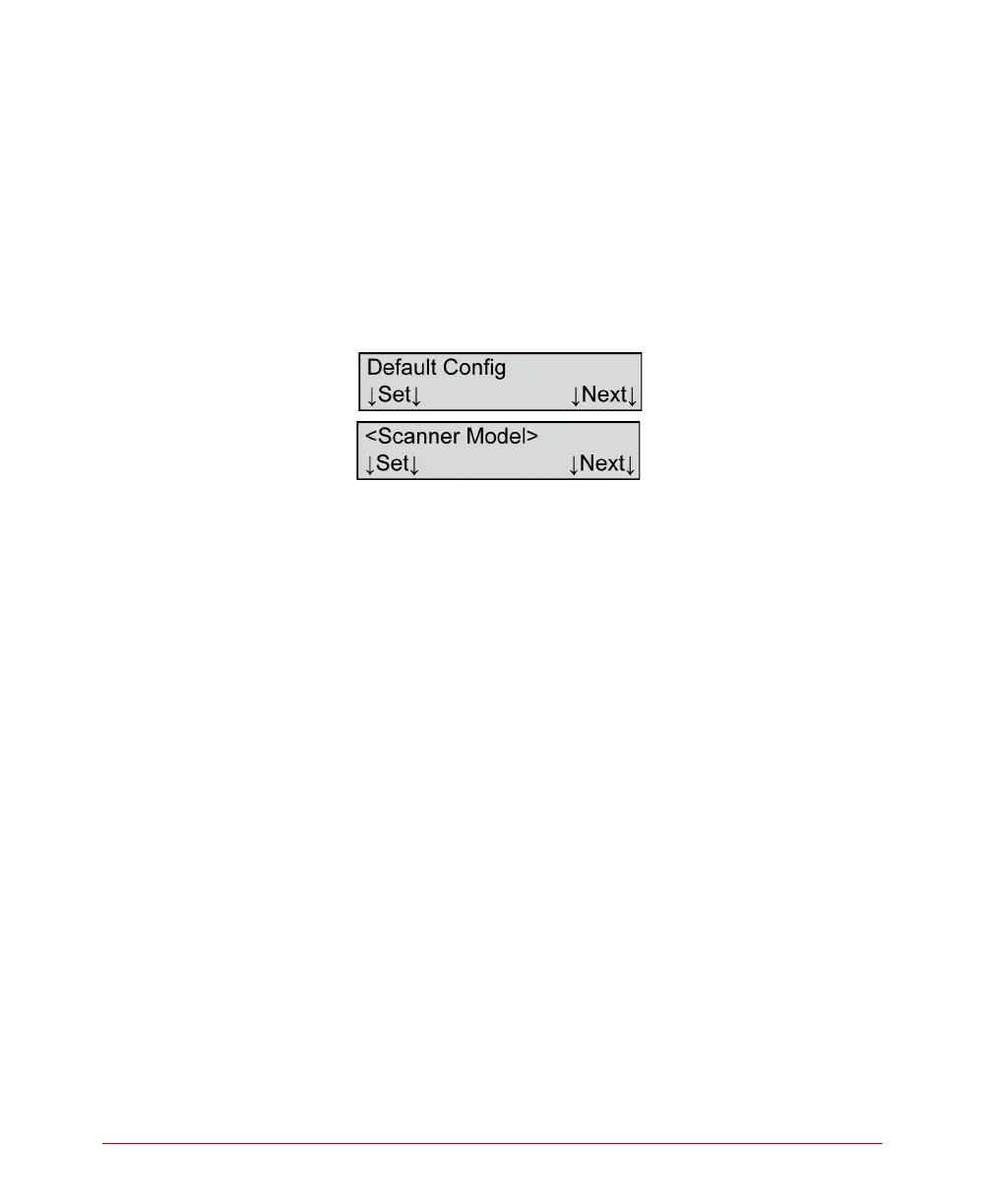
Press Run to enter a submenu that allows you to
display communications parameters, set the
communications parameters to the factory default or
to a custom configuration. The following menu items
appear.
Default Config - Set
Variables
Where <Scanner Model>=
• SelfScore
Description
This menu item allows you to set the communications
parameters to the factory default. The factory default
configuration is:
• Start Record 1 = FF
• Start Record 2 = FF
• Start Record 3 = FF
• Start Record 4 = FF
• Start Record 5 = FF
• Start Record 6 = FF
• End Record 1 = 0D
• End Record 2 = 0A
• End Record 3 = FF
• End Record 4 = FF
• End Record 5 = FF
• End Record 6 = FF



 To Next Page