Payment Systems
BASO-2 - 02.08 - V07 Page 8-11
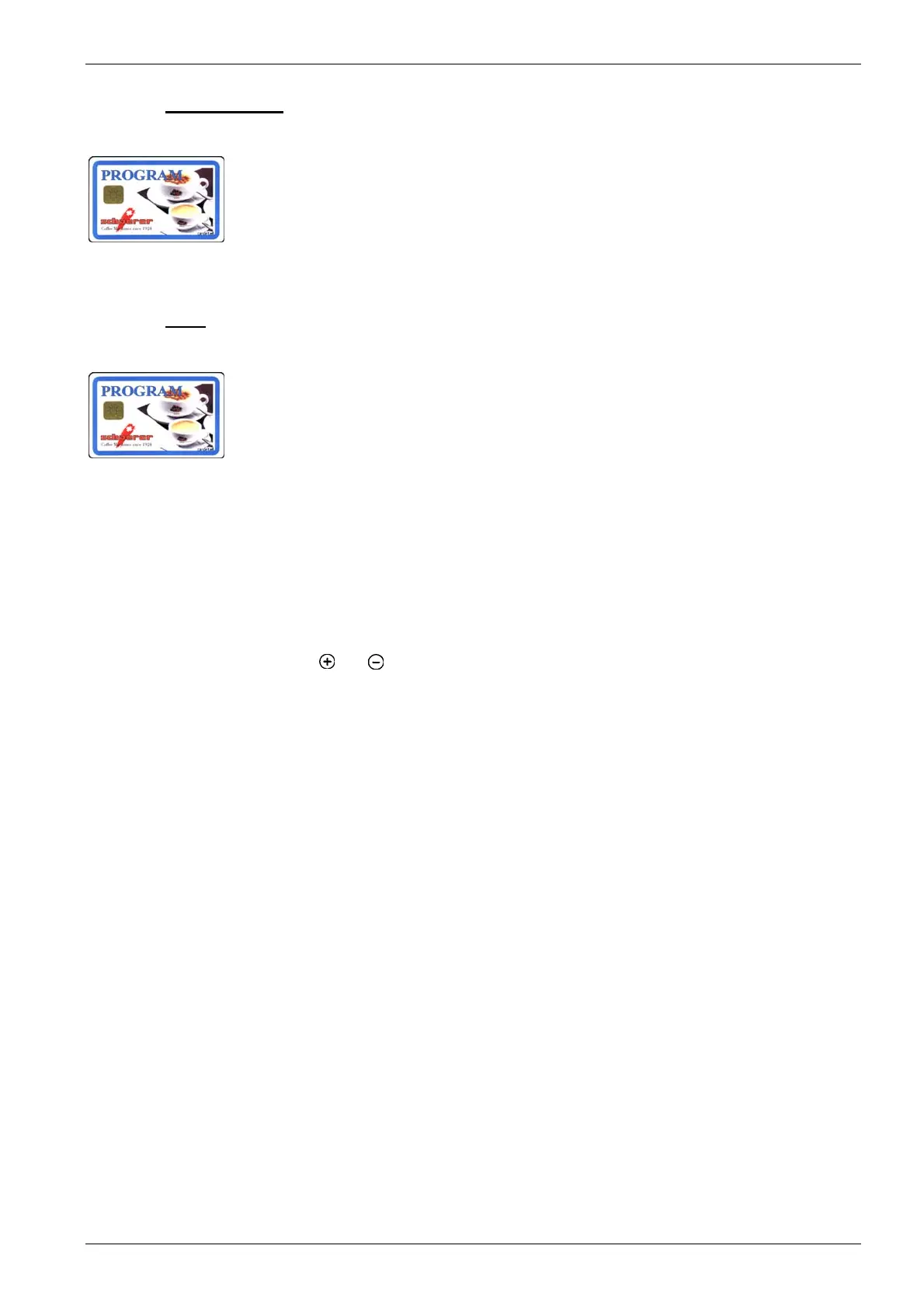
8.2.1.3. PROGRAM card
In payment mode using MONEY cards, the PROGRAM card is used for statistical
purposes and for setting user-relevant data.
The PROGRAM card is an optional feature and is not included in the standard deliv-
ery package.
8.2.1.3.1. Menu
- Enable/disable payment mode
- Switch prices
- MONEY card price levels 1+2
- Change token price with or without MONEY cards price levels 1+2.
- Change product prices and article numbers (Only for external payment mode)
- Display MONEY sales
- Reset MONEY sales
- Display MASTER sales
- Reset MASTER sales
- Log on MASTER card
- Delete MASTER card table
- Enable/disable timer
- Change PIN code
At the end of every menu:
Remove PROGRAM card Î coffee machine ready in payment mode.
Press [
] or [ ]
key to reach the next menu.
You will find a detailed description of how to use and program the coffee ma-
chine using the PROGRAM chip card in chapter 4.6.1.













 To Next Page