User Instructions
Page 4-24 BASO-2 - 02.04 - V07
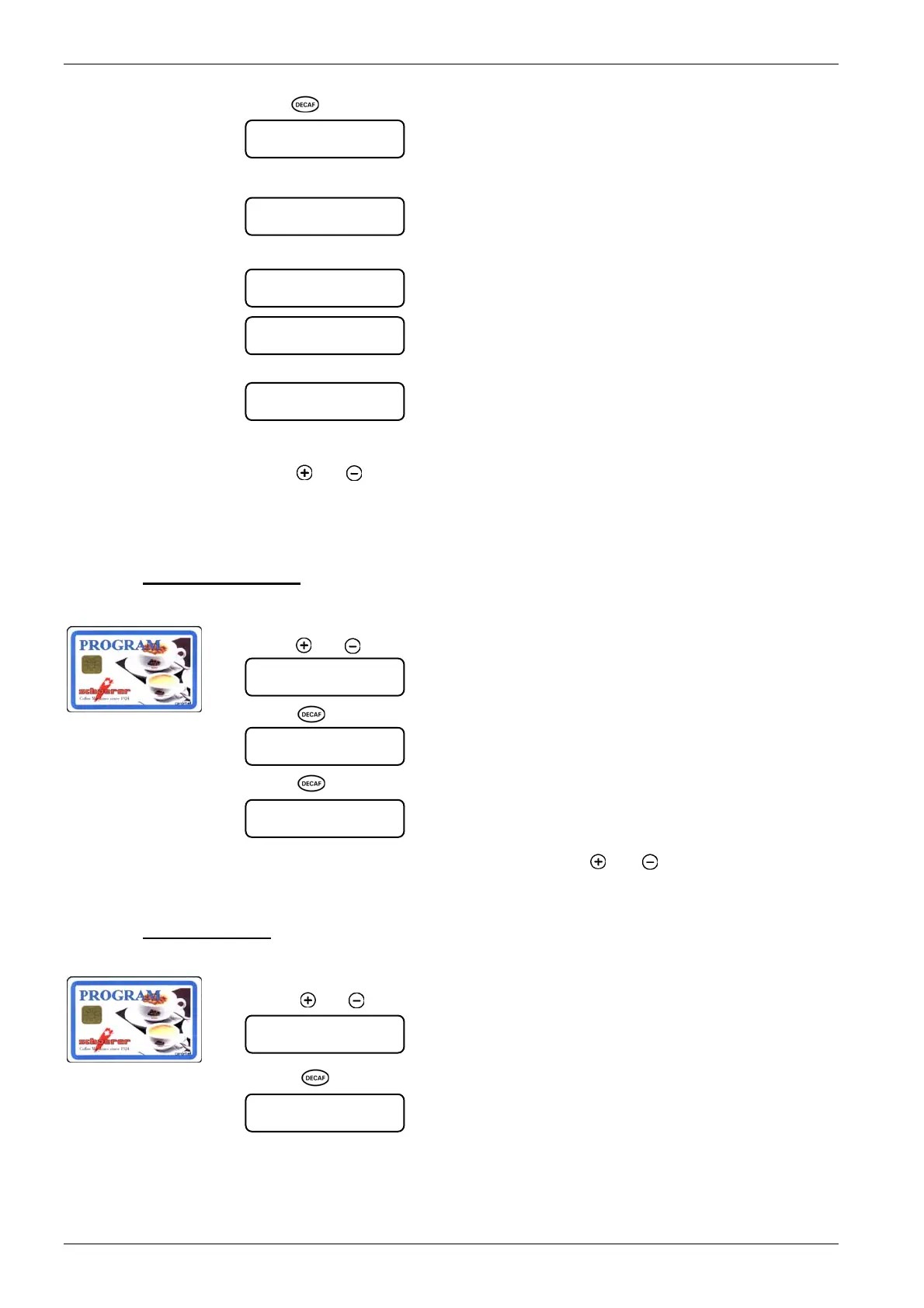
3. Press [ ] key.
4. Remove PROGRAM card:
5. Insert MASTER card.
6. Remove MASTER card.
If other MASTER cards are to be logged on, repeat steps 5 and 6 several times.
7. Press
[ ] or [ ] to reach next menu, remove PROGRAM card Î coffee machine is
ready in normal operating mode.
Up to 20 cards can be programmed.
4.6.1.13. Delete MASTER table
1. Insert PROGRAM card into the card reader.
2. Press
[ ] or [ ] until the following menu is displayed:
3. Press [ ] key.
4. Press [ ] key.
If you do not wish to delete the table, Press
[ ] or [ ] to reach next menu, re-
move PROGRAM card Î coffee machine is ready in normal operating mode.
4.6.1.14. Change PIN code
1. Insert PROGRAM card into the card reader:
2. Press
[ ] or [ ] until the following menu is displayed:
3. Press [ ] key.
remove card
insert card
MASTER/PROGRAM
delete MASTER
execute ` Decaf `
delete MASTER
delete ? ` Decaf `
card logged on
remove card
insert card
MASTER/PROGRAM
delete MASTER
.. Done ..
change PIN-code
execute ` Decaf `
change PIN-code
execute ` Decaf `
ª













 To Next Page