Payment Systems
BASO-2 - 02.08 - V07 Page 8-21
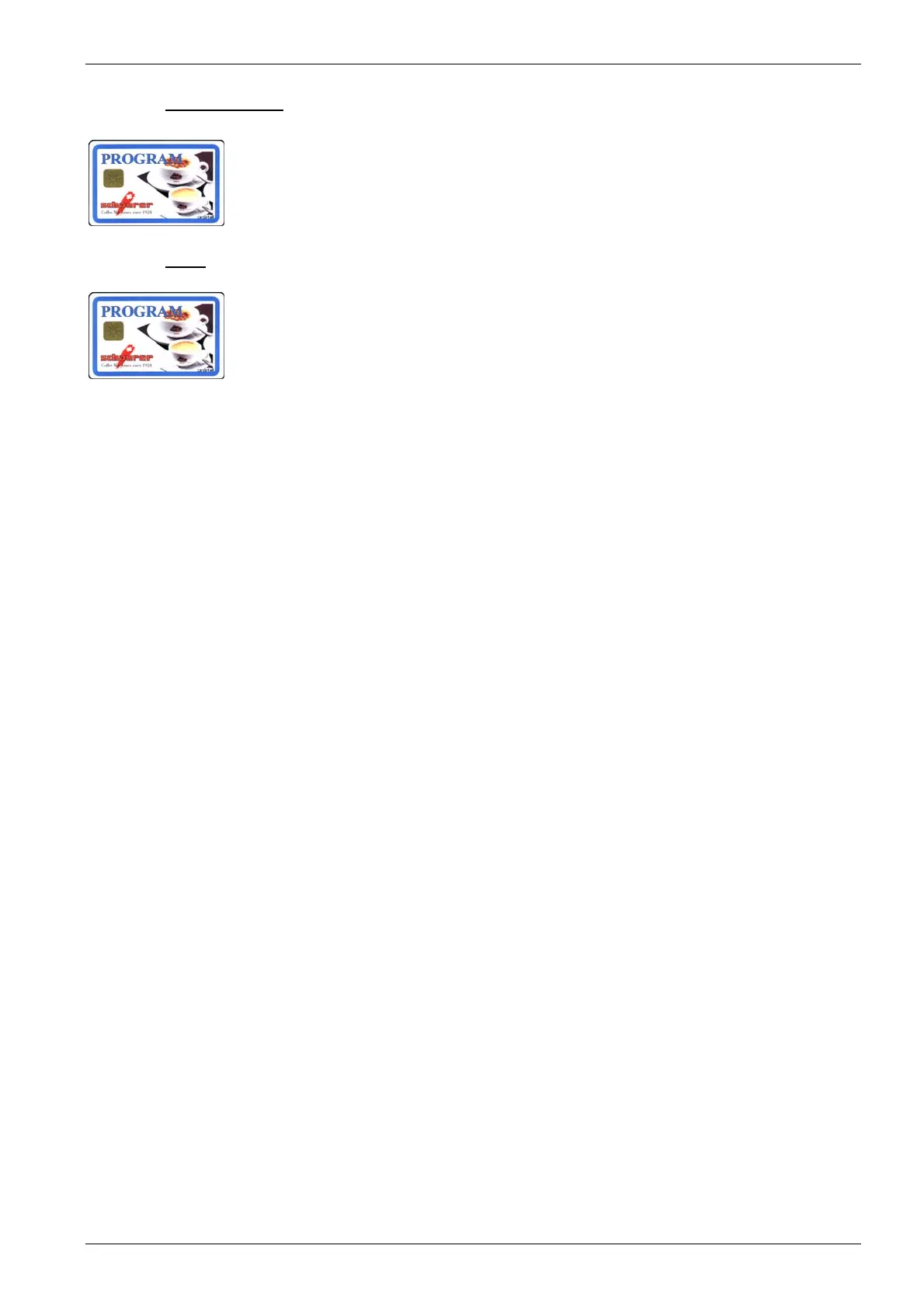
8.4.1.4. PROGRAM card
In Waiter Account payment mode, the PROGRAM card is used for statistical pur-
poses and for setting user-relevant data.
The PROGRAM card is an optional feature and is not included in the standard
delivery package.
(For description, see chapter 4.6.1/article ref. nos. in chapter 2.3.3)
8.4.1.4.1. Menu
- Enable/disable payment mode
- Switch prices
- MONEY card price levels 1+2
- Change token price with or without MONEY cards price levels 1+2.
- Change product prices and article numbers (Only for external payment mode)
- Display MONEY sales
- Reset MONEY sales
- Display MASTER sales
- Reset MASTER sales
- Log on MASTER card
- Delete MASTER card table
- Enable/disable timer
- Change PIN code
You will find a detailed description of how to use and program the machine us-
ing the PROGRAM-chip card in chapter 4.6.1.













 To Next Page