Payment Systems
Page 8-20 BASO-2 - 02.08 - V07
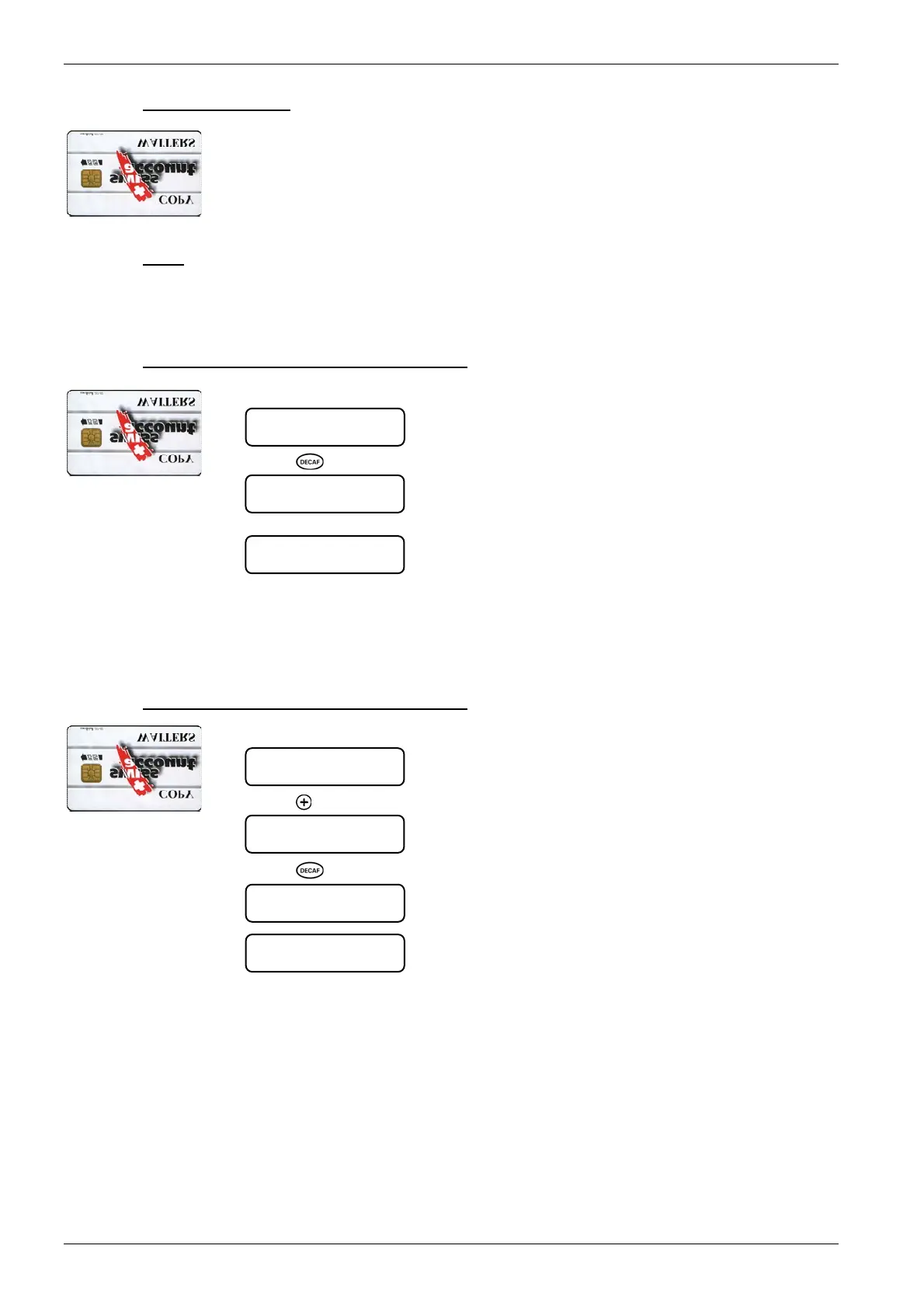
8.4.1.3. COPY WAITER card
The COPY WAITER chip card enables you to transfer the table of logged-on
WAITER cards to another machine.
The COPY WAITER card is an optional feature and is not included in the stan-
dard delivery package.
8.4.1.3.1. Menu
- Card Î Coffee machine
- Coffee machine Î Card
8.4.1.3.2. Copy waiter table “Card
Æ
Coffee machine”
1. Insert COPY WAITER card into the card reader:
2. Press
[ ] key:
The waiter table is copied to the machine.
The date of the last waiter table backup to the card is dis-
played.
3. Remove COPY WAITER card.
Never remove the COPY WAITER card from the card reader during data trans-
fer!
8.4.1.3.3. Copy waiter table “Coffee machine
Æ
Card”
1. Insert COPY WAITER card into the card reader:
2. Press
[ ] key until the following menu is displayed:
3. Press
[ ] key:
The waiter table is copied to the chip card.
4. Remove COPY WAITER card.
Never remove the COPY WAITER card from the card reader during data trans-
fer!
copy WAITER
machine --> card
... Save ...
CHEF
copy WAITER
card -> machine
waiter release
12:00 15.10.2001
... Load ...
CHEF
copy WAITER
card --> machine
last backup
12:00 15.10.2001













 To Next Page