BASCSOUL_EN
V02 | 10.2017
91
www.schaerer.com
Programming
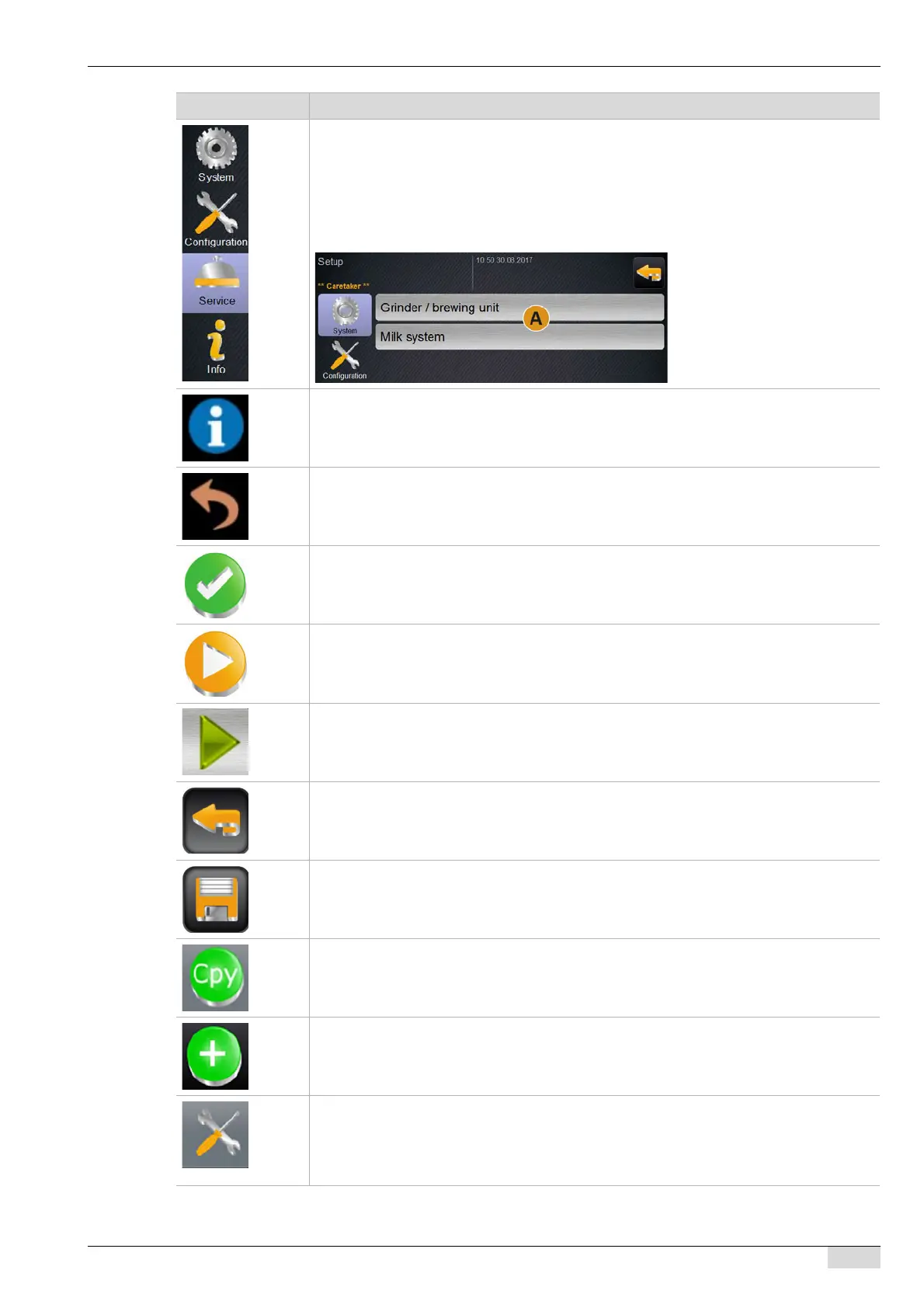
The "Settings" window contains all main menus. The main/submenus displayed there are
dependent on the selected profile log-in.
The fields for the main menus are listed on the left side.
► Select main menu, e.g. [Service].
The currently active main menu, e.g. [Service] is displayed in colour.
The contained submenus [A] are listed at the right of the window.
The [Info] field opens the window to the system information.
See also "Operation" - "Main window touch screen" - "Service menu functional scope".
The [Back] field takes you back to the beverage dispensing user interface.
Confirming
Next / Start or selection list in the parameter
Opens a selection field in the parameter.
Back to previous window
Saving settings that have been made
Copies an already-configured beverage as a basis for other beverage configurations.
Adding beverages or beverage steps
The beverages are removed from the list of available beverages.
The additional beverage is automatically added to the list of configured beverages.
Opens the configuration window for:
• Ingredient sources
• Beverages
• Beverage step for specific settings
Symbol Description














 To Next Page