www.schaerer.com
Programming
BASCSOUL_EN
V02 | 10.2017
92
• Deleting / Setting a value or beverage to zero
• Cancelling beverage dispensing
Confirming a query
Closes the window for selecting media files.
Beverage step configuration in the beverage configurations.
The [-] field opens the structure tree in the statistics.
Entry field for naming the beverage, beverage group, ingredients or for the menu cards.
Keyboard for text or number entry in the entry field.
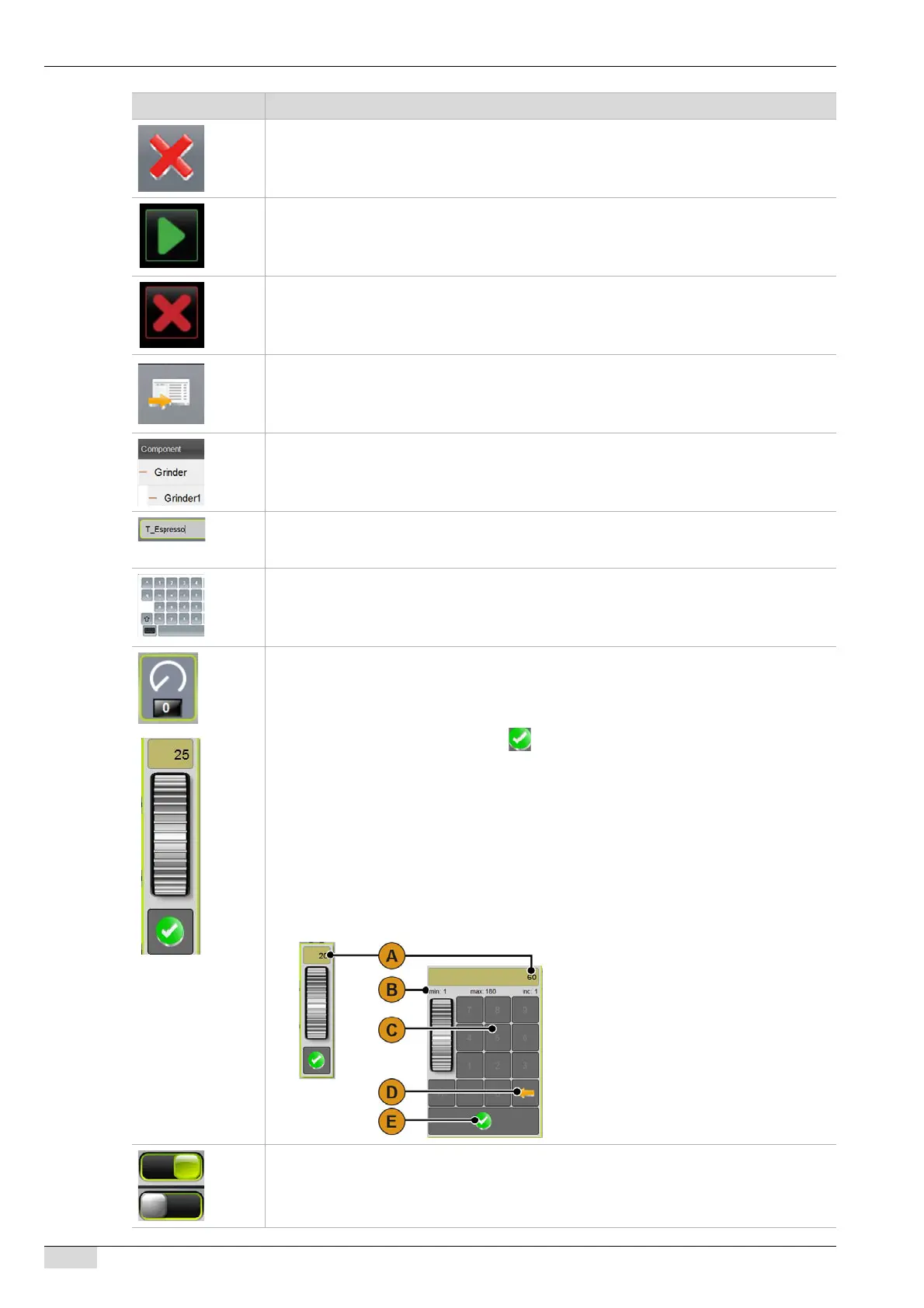
Touching this field opens the control dial:
Option 1: Setting with control dial
► Set the desired value by turning the dial up and down.
► Confirm the value by pressing the [ ] field.
Option 2: Setting with keyboard
► Type the currently set setting [A] into the field.
Keyboard entry opens.
min. and max. of possible setting [B] are displayed.
► Delete current setting with field [D].
The number block is activated.
► Enter new setting using keyboard [C].
► Confirm setting using the [E] field.
Enables / Disables a function
On / Off
Symbol Description














 To Next Page