Page 19
Art. no.: 2.510701 rev.: c
Introduction 2
User Guide BP-200 plus Menu Structure 2.7
BP-200 plus
(5) Double product value.
(6) This field changes according to the version:
– For the ECG and SpO2 version this field displays the SpO2 value and peripheral
pulse measurement.
– For the standard version a single field is displayed showing the current cuff
pressure.
(7) Graphical area to display any of the following:
– QRS trigger pulses.
– Oscillometric measurement waveform.
– Korotkoff measurement waveform.
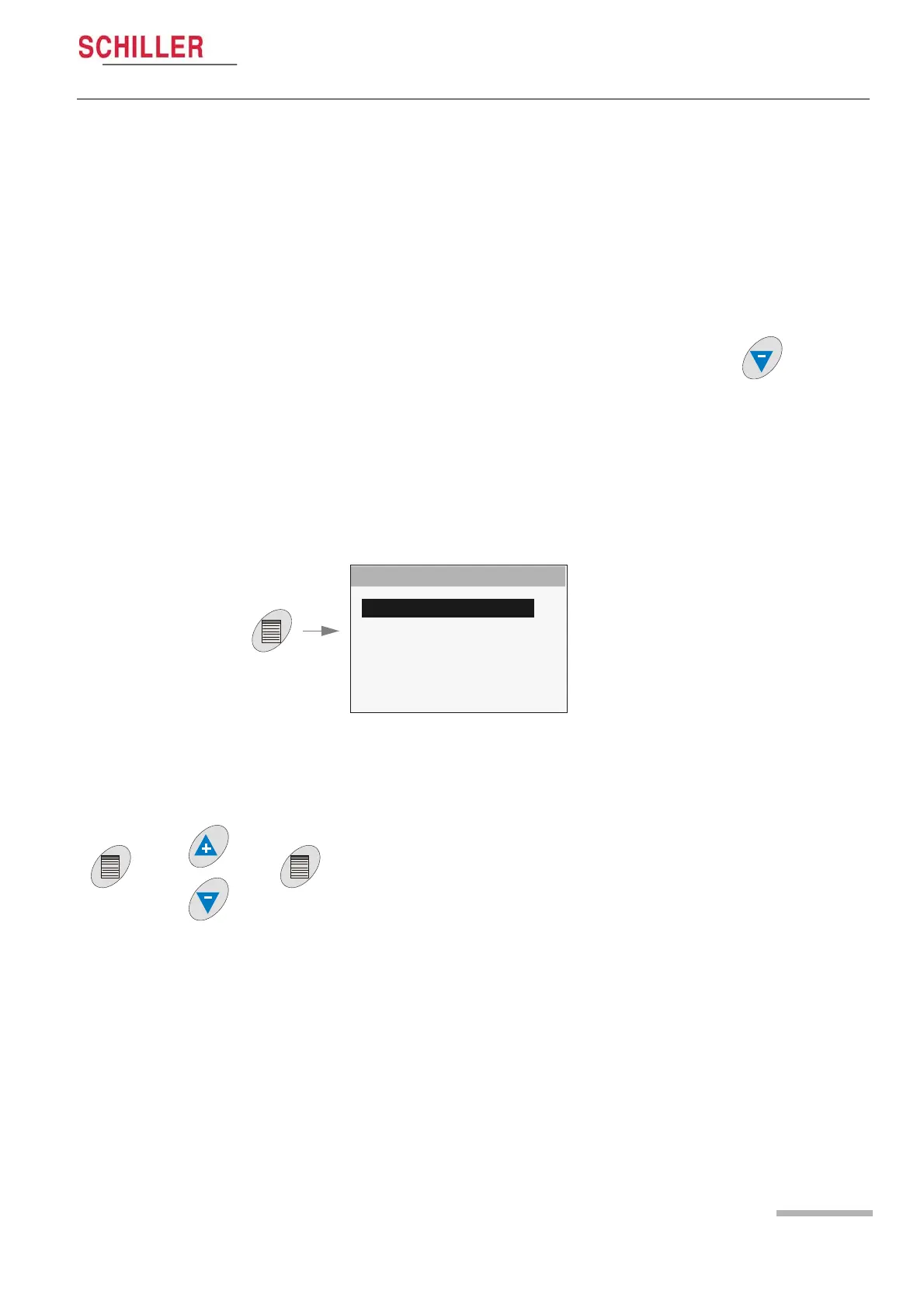
– The three screens are toggled with the Down arrow key .
(8) Message and information area. This can display for example:
– Error messages (see page 48).
– Display information.
2.7 BP-200 plus Menu Structure
2.7.1 Main Menu
When the menu key is pressed, the main menu is displayed.
2.7.2 Menu Navigation
MAIN MENU
SETUP SYSTEM
SETUP MEASUREMENTS
SETUP VIEW
SETUP LIMITS
DISPLAY MEASUREMENTS
STOP MEASUREMENTS
INFO SYSTEM
BACK
1. Navigate through the menu options with up / down (+ / -) keys.
2. Select a menu option with the menu key.
3. Select values with the up / down (+ / -) keys.
4. Confirm with the menu key.
The menu settings are given on the following table:


 To Next Page