4 Blood Pressure Measurement
4.3 Using the BP-200 plus with a Host System
Page 38
BP-200 plus
Art. no.: 2.510701 rev.: c
4.3.2 Interrupting an Individual Measurement
4.3.3 Viewing the Measurements on the BP-200 plus
The measurements will normally be viewed on the host system. The trend results can
also be viewed during the recording (see following), or can be viewed on the BP-200
plus as a Measurement result. This is carried in the same way as when the unit is
used standalone as follows:
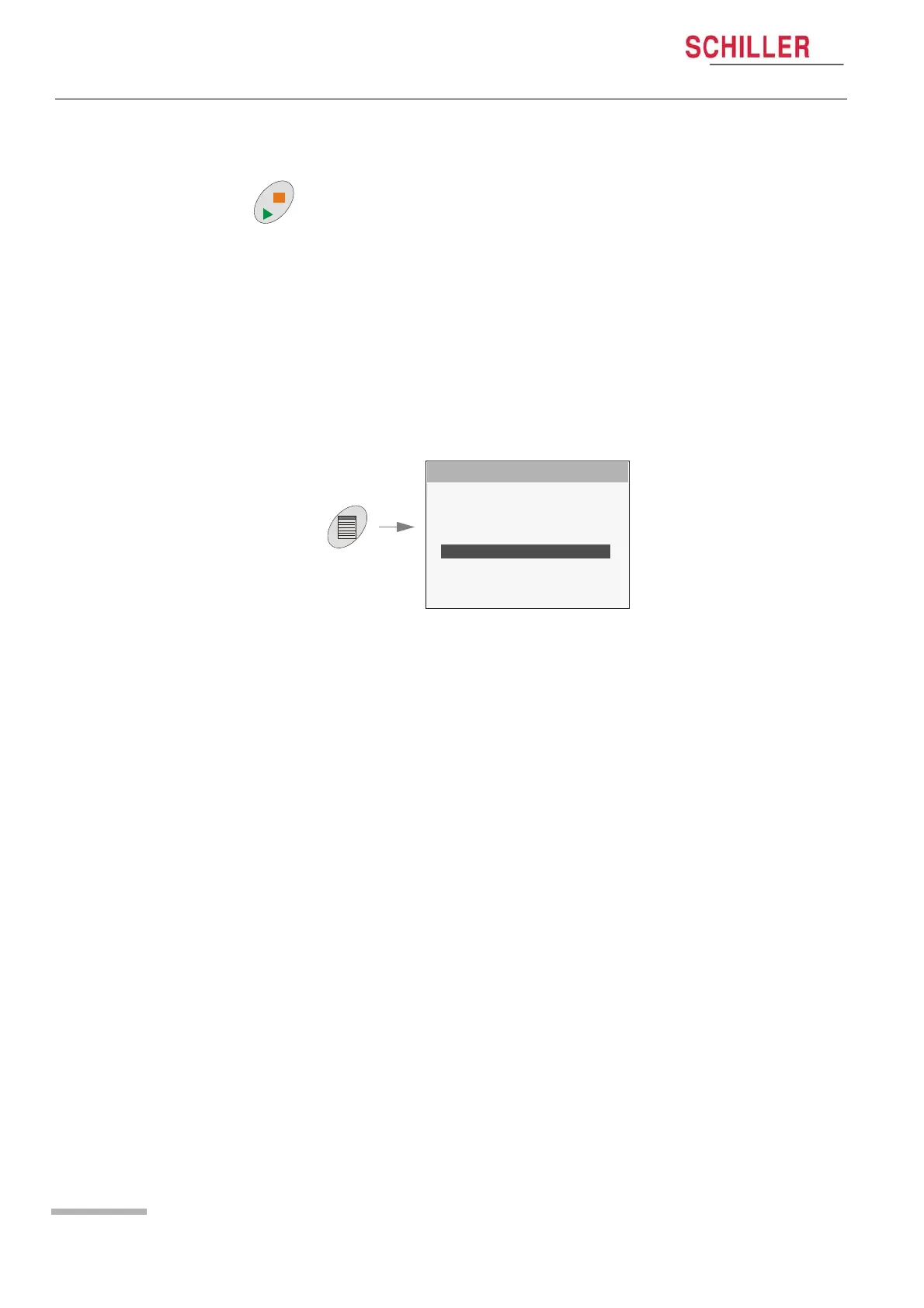
Press the Measurement key to interrupt a measurement.
1. Press the Menu key and select End Measurement from the main menu.
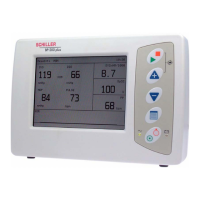
2. Press the Menu key and select Display Measurement from the main menu.
MAIN MENU
SETUP SYSTEM
SETUP MEASUREMENTS
SETUP VIEW
SETUP LIMITS
DISPLAY MEASUREMENTS
STOP MEASUREMENTS
INFO SYSTEM
BACK


 To Next Page