Page 45
Defibrillation 4
User Guide Manual Defibrillation (option) 4.6
Art. no.: 0-48-0013 Rev. m
FRED easy
4.6.2 Manual defibrillation procedure
Step 1 Switching on and preparing the device
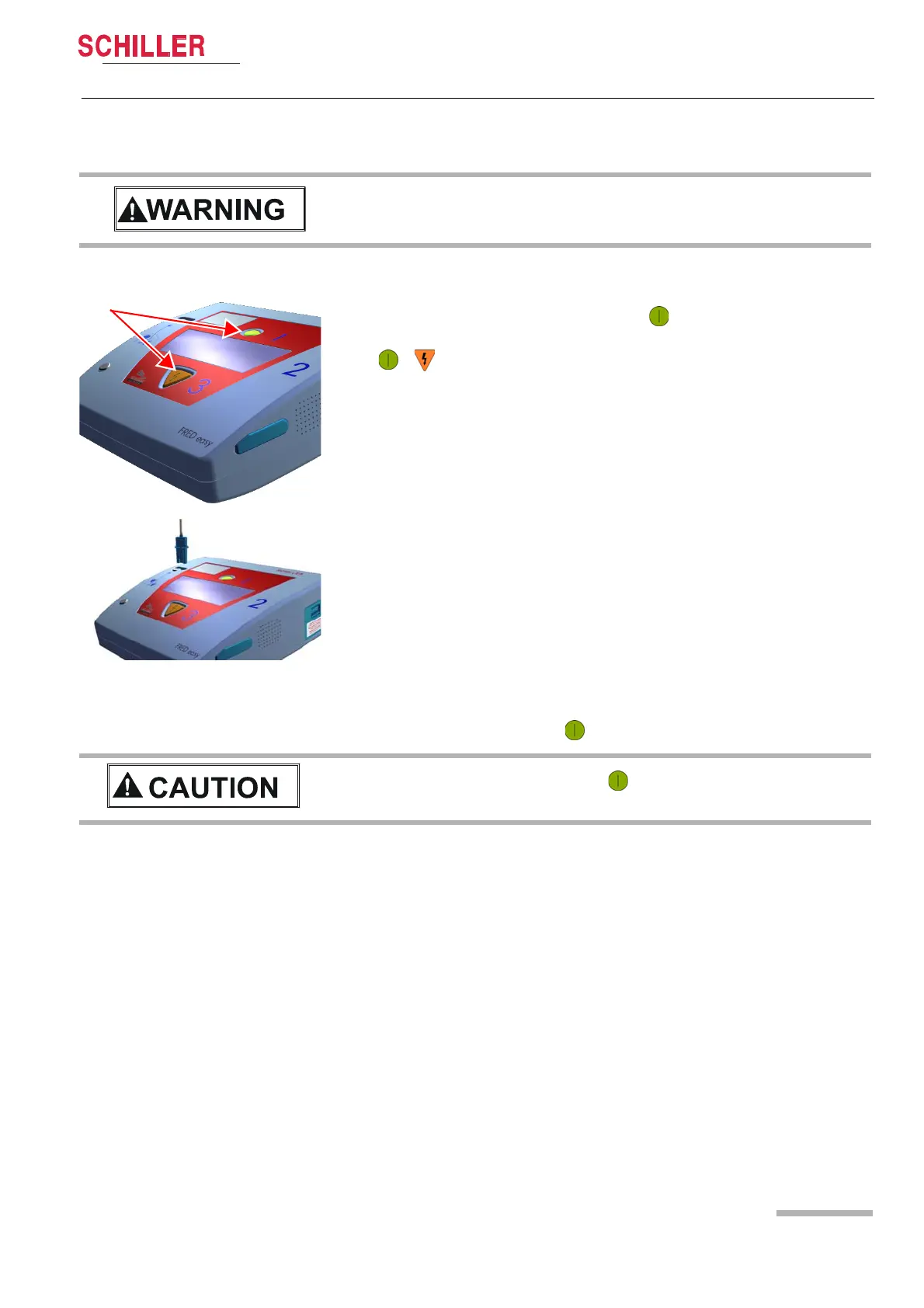
1. Briefly press the green button (max. 1 second) to switch on the device.
2. Switch to manual mode by simultaneously pressing the green and orange buttons
+ . Confirm the switching by simultaneously pressing these same buttons
a second time.
3. Connect the electrode cable to the device.
4. Apply the electrodes on the patient's upper body (see 4.3 Applying the adhesive
electrodes).
Step 2 Charging the energy
5. Briefly press the green button (max. 1 second).
Patient hazard — Only a physician is allowed to enable manual mode. Observe the
instructions given in section 4.1 Instructions and Safety Notes.
Patient hazard — Press the green button only briefly (max. 1 second) to start the
energy charging. If you press the button for too long, the device is switched off.















 To Next Page