EasyManua.ls Logo

Schiller FRED easy - User Manual

Schiller FRED easy
94 pages
Print Icon
To Next Page IconTo Next Page
Loading...
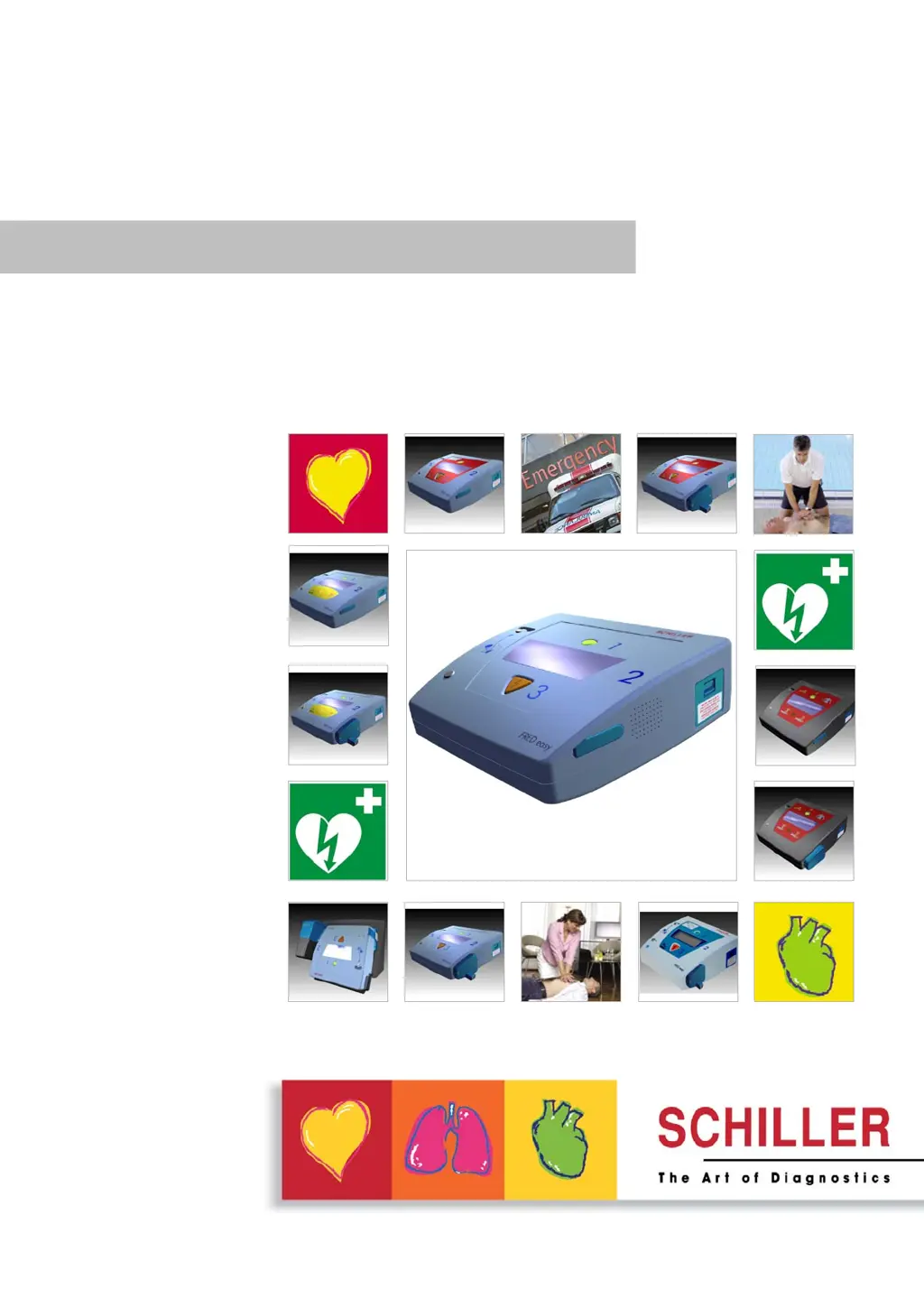
FRED easy®
User Guide
Automated external defibrillator (AED)
FRED easy® - SD Card
- Ethernet/Online
- Life
Art. no.: 0-48-0013 Rev. m *0-48-0013*

Table of Contents

Questions and Answers

  • Z
    Zachary BeckAug 17, 2025
    Why won't my Schiller Medical Equipment turn on?
    • B
      Bryan BarronAug 17, 2025
      If the green indicator on your Schiller Medical Equipment isn't blinking or the device won't turn on, the issue might stem from several causes: * A defective battery: Try inserting a new battery. * Incorrect battery insertion: Ensure the battery is correctly inserted. * Device malfunction: In this case, it's best to have the device repaired.
  • V
    Veronica WestAug 19, 2025
    What to do if my Schiller Medical Equipment shows 'Check the electrodes'?
    • A
      Allen Brown Jr.Aug 19, 2025
      If your Schiller Medical Equipment displays the message 'Check the electrodes', this could be due to: * A short-circuit between the electrodes: Ensure you apply the electrodes exactly as described. * Poor electrode contact: Firmly press down on the electrodes to improve contact. * Expired or dry electrodes: Use new electrodes. * Device defect: Have the device repaired.
  • A
    Amanda AllenAug 22, 2025
    Why won't the yellow indicator turn off on my Schiller FRED easy Medical Equipment?
    • B
      Brandi Smith MDAug 22, 2025
      If the yellow indicator at the electrode connector on your Schiller Medical Equipment remains lit, it could be due to: * Expired electrodes: Replace them with new ones. * Dry electrode gel: Use new electrodes. * High electrode contact impedance: Ensure you apply the electrodes as directed and consider shaving the application sites. * Device defect: Have the device repaired.
  • M
    Michael MartinezAug 25, 2025
    Why is my Schiller FRED easy not delivering a shock?
    • K
      Kevin FrancoAug 26, 2025
      If your Schiller Medical Equipment is not delivering a shock, consider these possibilities: * Insufficient battery charge: Insert a new battery. * Electrode issues due to CPR: Reapply the electrodes. * Change in cardiac rhythm: Repeat the analysis. * Device defect: Have the device repaired.
  • R
    Roberto JonesAug 28, 2025
    Why is my Schiller FRED easy giving an incorrect analysis?
    • S
      Scott WoodAug 28, 2025
      If your Schiller Medical Equipment provides an incorrect analysis result, such as failing to detect a shockable rhythm, it could be due to: * Insufficient ECG signal quality: Repeat heart massage. * Electromagnetic interference: Turn off any nearby sources of interference like radio equipment or cell phones, and position the patient away from the interference. * Patient movement: Ensure the patient remains still during analysis. * Device defect: Have the device repaired.
  • J
    Jeff PittsAug 30, 2025
    What does it mean when the battery indicator blinks on my Schiller FRED easy Medical Equipment?
    • C
      Christie MillerAug 31, 2025
      If the battery capacity indicator on your Schiller Medical Equipment is blinking, it means the battery is almost depleted. You should insert a new battery.
  • P
    Peter ParksSep 2, 2025
    Why won't the alarm stop on my Schiller FRED easy?
    • M
      Michael JenkinsSep 2, 2025
      If the alarm tone on your Schiller Medical Equipment won't stop, it could be due to: * A defective battery: Try inserting a new battery. * A device defect: Have the device repaired.
  • C
    Christian AllenSep 5, 2025
    What does 'Error xxx' mean on my Schiller FRED easy Medical Equipment?
    • R
      rangelchristopherSep 5, 2025
      If your Schiller Medical Equipment displays the message 'Error xxx', this indicates a device defect. You should have the device repaired.
  • D
    Daniel ContrerasSep 8, 2025
    Why is my Schiller Medical Equipment not recording data on the memory card?
    • T
      Tiffany MckeeSep 8, 2025
      If your Schiller Medical Equipment isn't recording data on the memory card, it might be due to: * A defective card: Replace the card. * A device defect: Have the device repaired.
  • C
    cookadamSep 12, 2025
    Why is the memory card symbol not showing correctly on my Schiller Medical Equipment?
    • W
      wdorseySep 12, 2025
      If the memory card symbol isn't displayed or appears incorrectly on your Schiller Medical Equipment, it could be due to: * No memory card inserted or incorrect insertion: Turn off the device and insert the card with the proper orientation. * Card inserted while device was on: Turn the device off and on again. * Memory card write-protected: Turn the device off, remove the card, remove write protection, reinsert the card, and turn the device on again. * Device defect: Have the device repaired.

Summary

Safety Notes

User Profiles

Defines who is authorized to use the FRED easy AED.

User Responsibility

Outlines the user's obligations and responsibilities for safe AED operation.

Intended Use

Specifies the correct application and limitations of the FRED easy AED.

Organisational Measures

Details organizational requirements for safe AED deployment and access.

Safety-Conscious Operation

Highlights critical safety precautions for operation, including electrical hazards.

Operation with Other Devices

Provides guidelines for safe integration and operation with external equipment.

Maintenance Safety

Covers essential safety measures to be followed during device maintenance.

General Unit Notes

Presents general information and operational notes for the AED unit.

Additional Terms and Warranty

Information on device authorization, warranty terms, and conditions.

Symbols and Indicators

Explains safety symbols, device indicators, and battery markings.

Components and Operation

General Information

Introduces the FRED easy AED device and its basic operational principles.

Device Design and Versions

Describes the physical design and available versions of the FRED easy AED.

Device Function and Configuration

Details the operational functions and configurable settings of the AED.

Operating and Display Elements

Provides a visual overview of the AED's controls, displays, and operating modes.

Initial Operation

Battery Insertion and Device Power

Guides on correctly inserting the battery and powering the AED on/off.

Battery Monitoring and Status

Explains how the AED monitors battery levels and indicates status.

Defibrillation

Instructions and Safety Notes for Defibrillation

Key instructions and safety warnings for performing defibrillation.

Defibrillation Procedure Steps

Step-by-step guide for the complete defibrillation process.

Applying the Adhesive Electrodes

Instructions on correct electrode placement and connection.

Semi-Automatic Defibrillation Operation

Procedure for using the semi-automatic defibrillation mode.

Automatic Defibrillation Operation

Procedure for using the automatic defibrillation mode.

Manual Defibrillation (Optional Mode)

Guide to enabling and operating the manual defibrillation function.

Internal Safety Discharge Function

Explanation of the AED's internal safety discharge mechanism.

Finishing the Therapy Safely

Steps to safely conclude the defibrillation therapy session.

Versions

SD Card Version Details

Information specific to the FRED easy AED with SD card functionality.

Ethernet Version for Data Transmission

Details on the Ethernet version for data transmission via network.

Online Version for Remote Control

Information on the Online version for remote management and data transfer.

Ethernet;Online Configuration with FRECO

Guide for configuring network and online settings using FRECO software.

Options

ECG Display Feature

Details on activating and using the ECG signal display option.

Metronome Functionality

Instructions for enabling and configuring the metronome for CPR rhythm.

Rechargeable NiCd Battery Option

Information regarding the optional rechargeable NiCd battery.

Silent Mode Operation

Explanation of the silent mode and its operational benefits.

Special Operating Conditions

Guidelines for operating the AED under specific environmental conditions.

Maintenance

Maintenance Intervals and Schedule

Defines the schedule and responsibilities for regular AED maintenance.

Cleaning and Disinfection Procedures

Provides safe methods for cleaning and disinfecting the AED device.

Accessories and Disposables Usage

Guidance on the correct use of approved AED accessories and consumables.

Disposal Information for Components

Information on the proper disposal of batteries, electrodes, and the device.

Troubleshooting Common Problems

Guidance on identifying and resolving common issues and error messages.

Technical Data

System Specifications Overview

Summary of the FRED easy AED's technical specifications.

Classification and Safety Standards

Details the classification and relevant safety standards for the AED.

Defibrillation Pulse Characteristics

Technical specifications of the AED's biphasic defibrillation pulse.

Electromagnetic Interference Guidelines

Information on electromagnetic compatibility and interference prevention.

Appendix

Order Information for Devices and Accessories

Lists part numbers and descriptions for AED units and accessories.

Required Accessories List

Lists essential accessories required for the operation of the AED.

Literature References

Lists relevant resuscitation guidelines and technical publications.

Glossary of Terms

Provides definitions for technical terms and acronyms used in the manual.

Inspection Report Template

A template for documenting routine device inspections and maintenance checks.

Schiller FRED easy Specifications

General IconGeneral
Device TypeAutomated External Defibrillator (AED)
Energy DeliveryBiphasic
Operation ModeSemi-automatic
Voice PromptsYes
CPR FeedbackNo
ConnectivityUSB
Warranty5 years
Battery TypeLithium battery
Battery Standby LifeUp to 4 years
IP RatingIP54
Operating Temperature0°C to 50°C
Storage Temperature-20°C to 60°C
Altitude RangeUp to 4000 meters
Visual IndicatorsLED indicators
ECG MonitoringYes
Shock DeliveryYes
Data StorageInternal memory
Energy LevelsAdult: 150J, 200J; Pediatric: 50J
Relative Humidity0% to 95% (non-condensing)

Related product manuals