Page 65
Options 6
User Guide Silent mode 6.4
Art. no.: 0-48-0013 Rev. m
FRED easy
6.4.2 Switching to silent mode
Procedure for semi-automatic defibrillation
Step 1 Switching on and preparing the device
See section 4.4 Semi-automatic defibrillation.
Step 2 ECG analysis
• Press the green button for max. 1 second.
– If the device detects ventricular fibrillation or ventricular tachycardia with a heart
rate exceeding 150 bpm, Step 3 Shock delivery follows.
– If the device does not detect a shockable rhythm, the user is prompted to con-
tinue with cardiopulmonary resuscitation.
In this case, the device can be switched to silent mode if the patient is responsive.
Step 3 Shock delivery
Once the shock has been delivered, the user is prompted to continue with cardiopul-
monary resuscitation.
If the therapy has been successful and if the patient is responsive, the device can
be switched to silent mode.
Defibrillation is performed according to the safety notes in section 4.1 Instructions and
Safety Notes and the procedure in section 4.4 Semi-automatic defibrillation.
Switchover to silent mode can be done at the earliest after Step 2, as long as no
shockable rhythm has been detected, or after a successful defibrillation (Step 3) fol-
lowed by a "normal" cardiac rhythm.
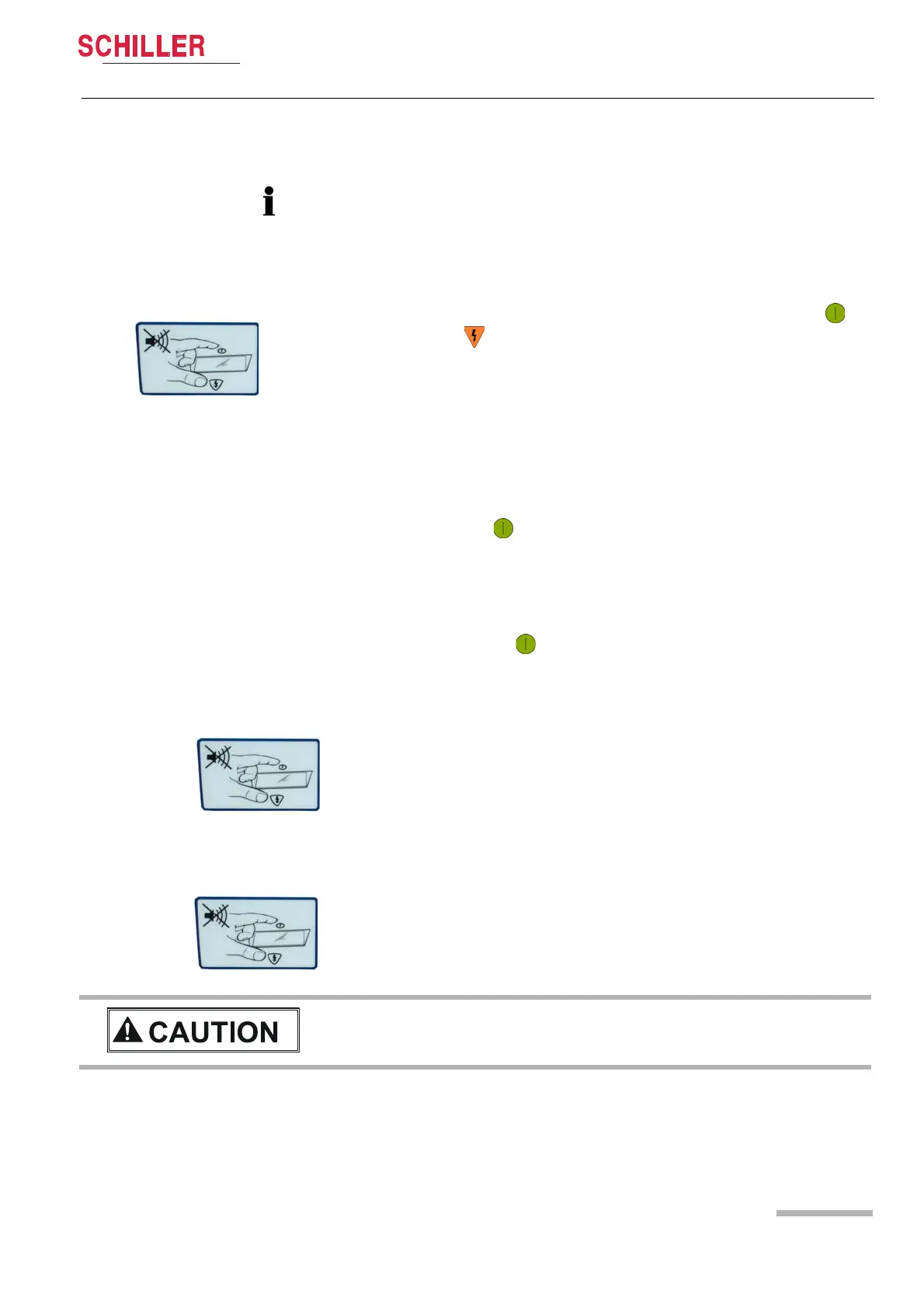
After
Step 2, or 3, respectively, simultaneously press the green button and
the orange button until the message "Confirm Silent Mode" is displayed. Imme-
diately release both buttons and press shortly them again to confirm the silent mode.
Even though the device issues voice prompts if a change in rhythm occurs, this
is not a substitute for the regular checking of the patient's vital functions.















 To Next Page