6Options
6.4 Silent mode
Page 66
Art. no.: 0-48-0013 Rev. m
FRED easy
6.4.3 Deactivating silent mode
6.4.4 Erasing the memory card
In silent mode, since the heart rhythm is recorded over a prolonged period of time, the
message "Not enough memory" might be displayed. To ensure further recording of
the ECG signal, the data can be transmitted via Ethernet (see page 51); the data is
automatically deleted after transmission.
Alternatively, you can erase the memory during recording in silent mode as follows:
If the patient is no longer responsive (i.e. loses consciousness), immediately
press the green button (max. 1 second) to deactivate the silent mode and
again start an analysis (Step 2).
The function "Erasing memory" without transferring the data is only available in silent
mode.
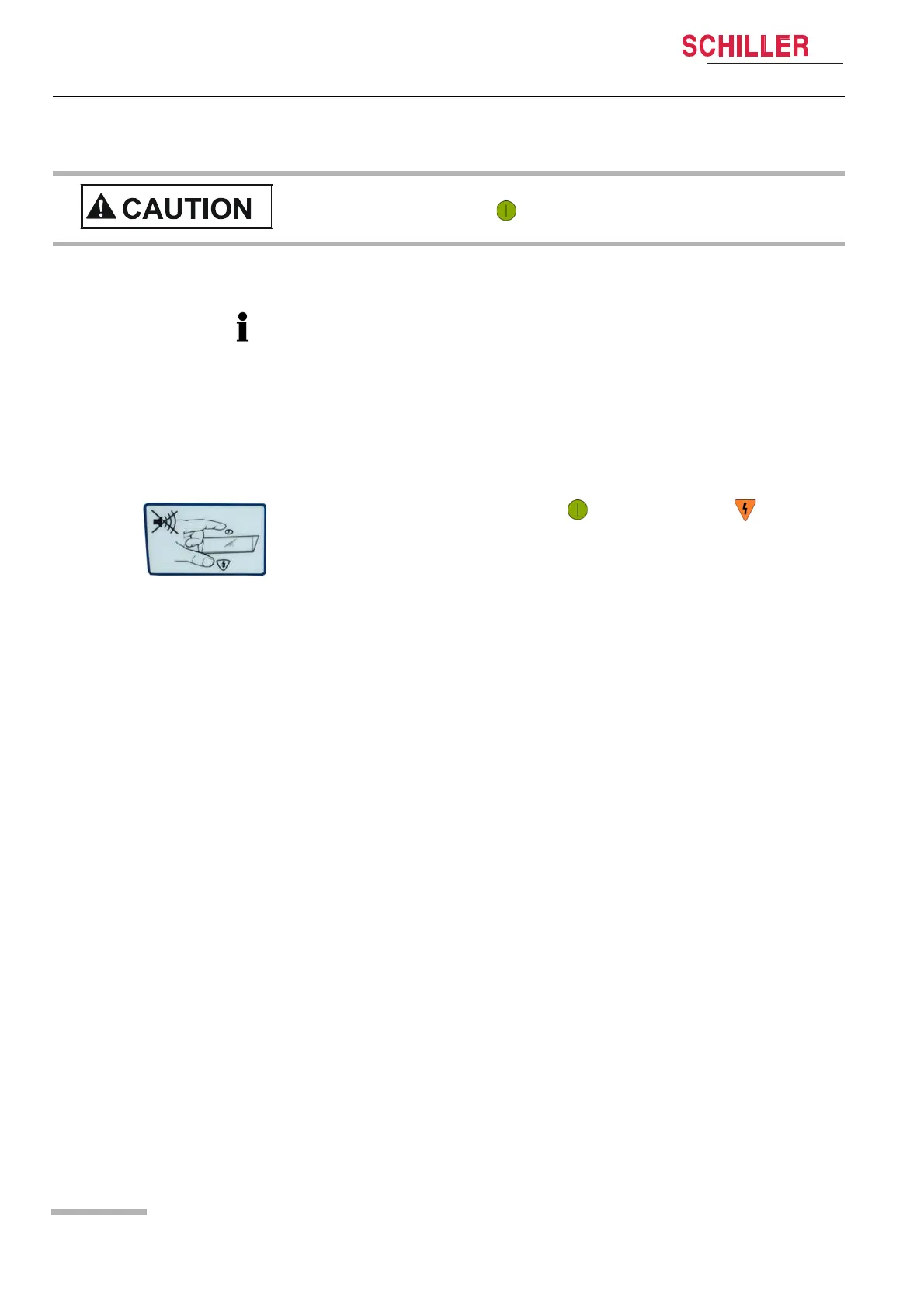
Simultaneously press the green button and the orange button until the mes-
sage "Erase memory?" is displayed. Immediately release both buttons and press
them again to erase the memory.















 To Next Page