5Versions
5.2 Ethernet version
Page 50
Art. no.: 0-48-0013 Rev. m
FRED easy
5.2 Ethernet version
5.2.1 Connecting the Ethernet adapter
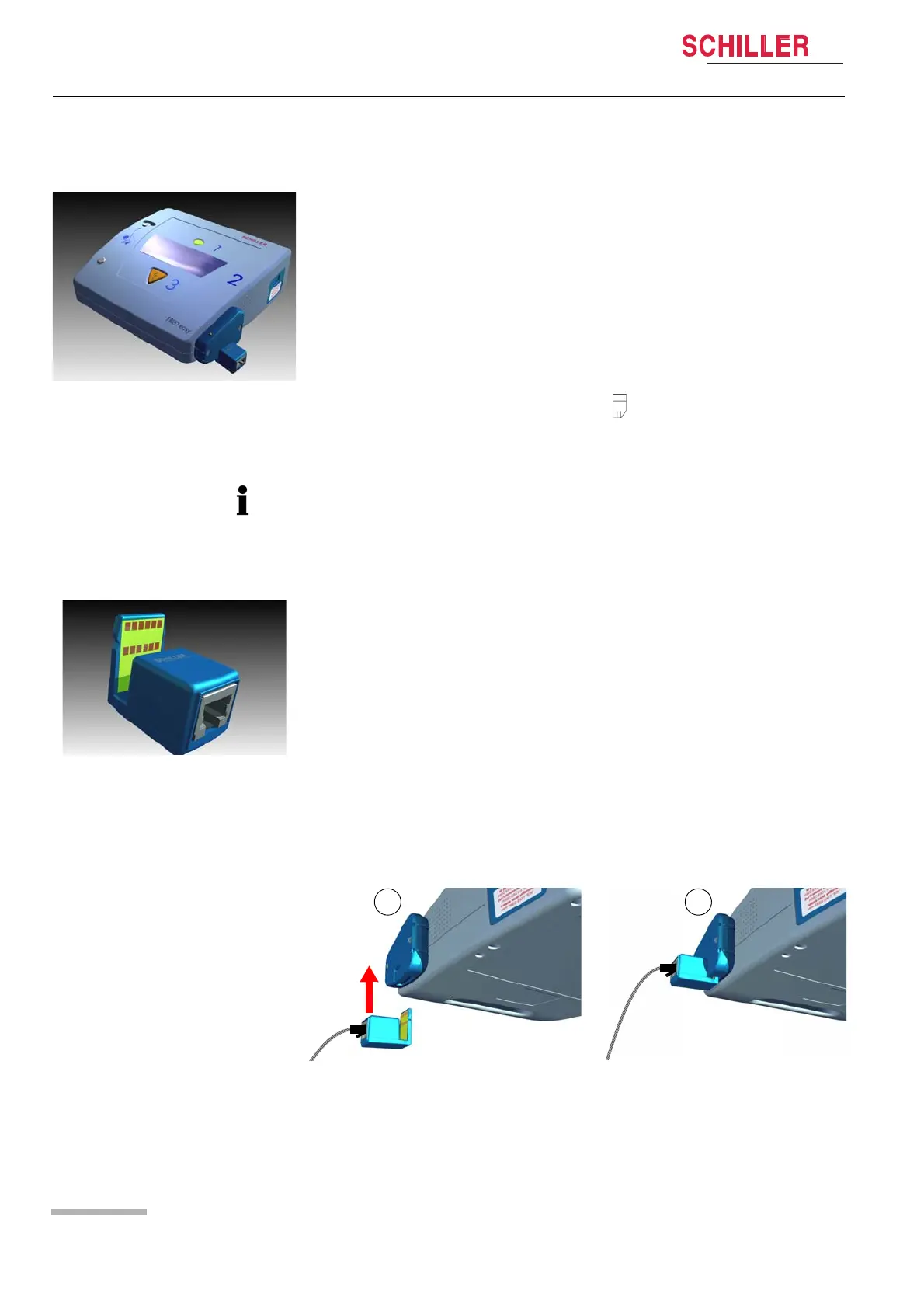
The Ethernet adapter needs to be inserted in the Ethernet interface (see Fig.
5.5 Inserting the Ethernet adapter in the Ethernet interface).
Fig. 5.5 Inserting the Ethernet adapter in the Ethernet interface
Fig. 5.3 Ethernet version
Operating principle
This version is able to send intervention data (stored on the internal memory) as well
as detailed device configuration data to the LifeDataNet® web server.
The data is transmitted via a network infrastructure.
The internal memory is able to record:
– 2 hours of ECG signal,
– 2 hours of ambient noise (if the sound recording parameter is activated using
FREDCO®),
– 500 events concerning the intervention.
Once the internal memory (SD card) is full, the symbol starts blinking and no more
data can be stored. Stored data will be cleared once it has been transmitted. Trans-
mitted data can be viewed using LifeDataNet®.
• The memory card cannot be removed for the FRED easy® Ethernet version.
• All events transmitted by the device are listed on page 48.
• In order to protect other electrical devices from interference during data transmis-
sion, a ferrite core must be placed on the Ethernet cable in close proximity to the
Ethernet adapter (see 5.2.3 Installing the ferrite core).
To ensure correct data transmission:
1. the "Network" and "Online" sections of the device settings must first be configured
using the FREDCO® software program (see 5.2.1 Connecting the Ethernet
adapter and 5.4.2 Configuring the "Online" Tab),
2. the Ethernet adapter must be connected to the network hosting the LifeDataNet®
web server, via an Ethernet cable,
3. the Ethernet adapter must be inserted in the Ethernet interface of the device (see
5.2.1 Connecting the Ethernet adapter).
Fig. 5.4 Ethernet adapter















 To Next Page