Turning phone On or Off
To turn ON:
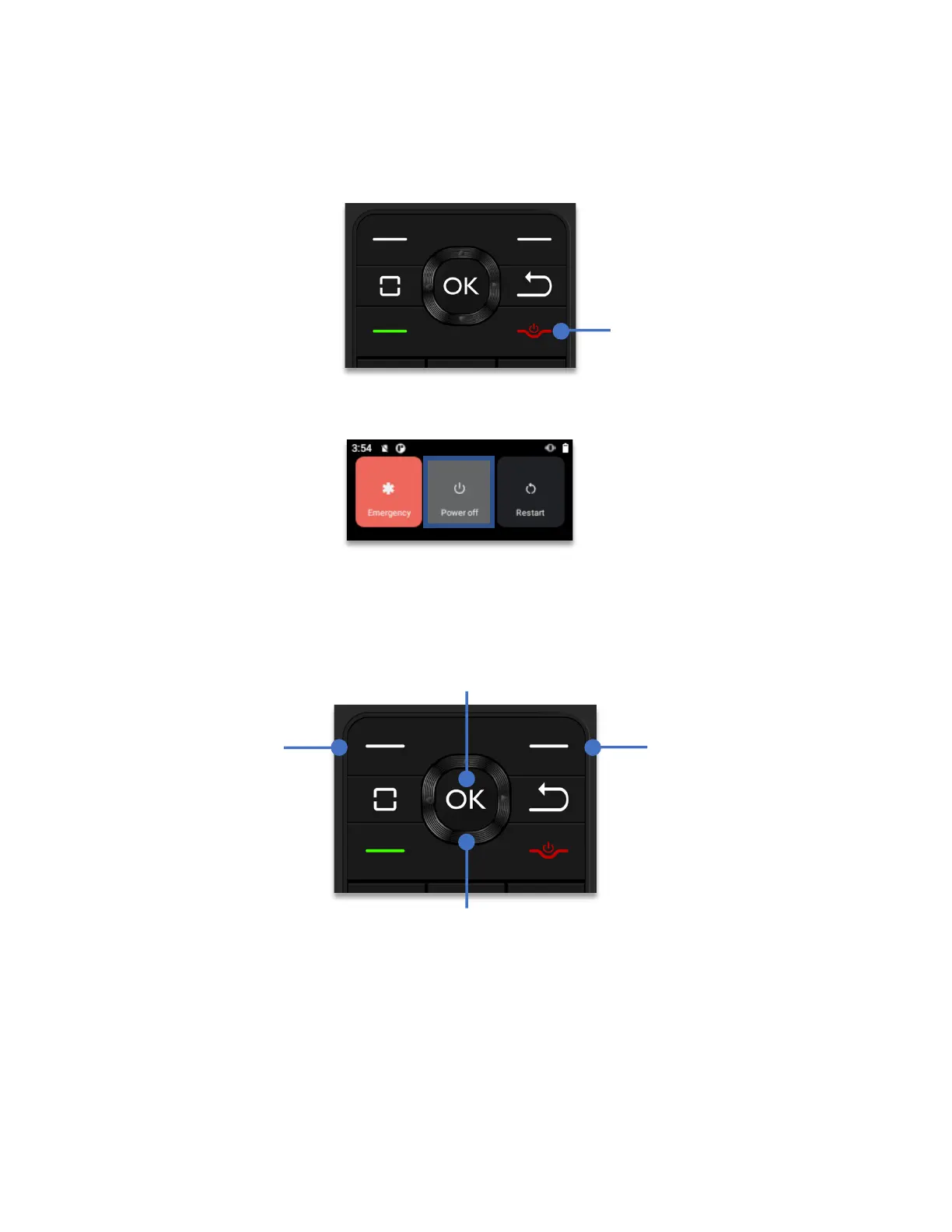
Firmly, press and hold the power button for three seconds.
To turn OFF:
Firmly, press and hold the power button for one second. Using the
Navigation
key
, highlight “Power off” and click the
OK key
.
Navigating your Schok flip
Scroll by pressing UP, DOWN, LEFT and RIGHT on the 4-way
Navigation key
. When the
desired item is highlighted, press the
OK key
to select.
The Left and Right soft keys
The soft keys are multi-function keys that allow the user to select applications or commands
at the left or the right bottom of the display.
End Call
Power ON/OFF button



 To Next Page