Lamp
• From Home Screen, press
OK Key
• Using the
Navigation key
, press
OK key
on
Lamp.
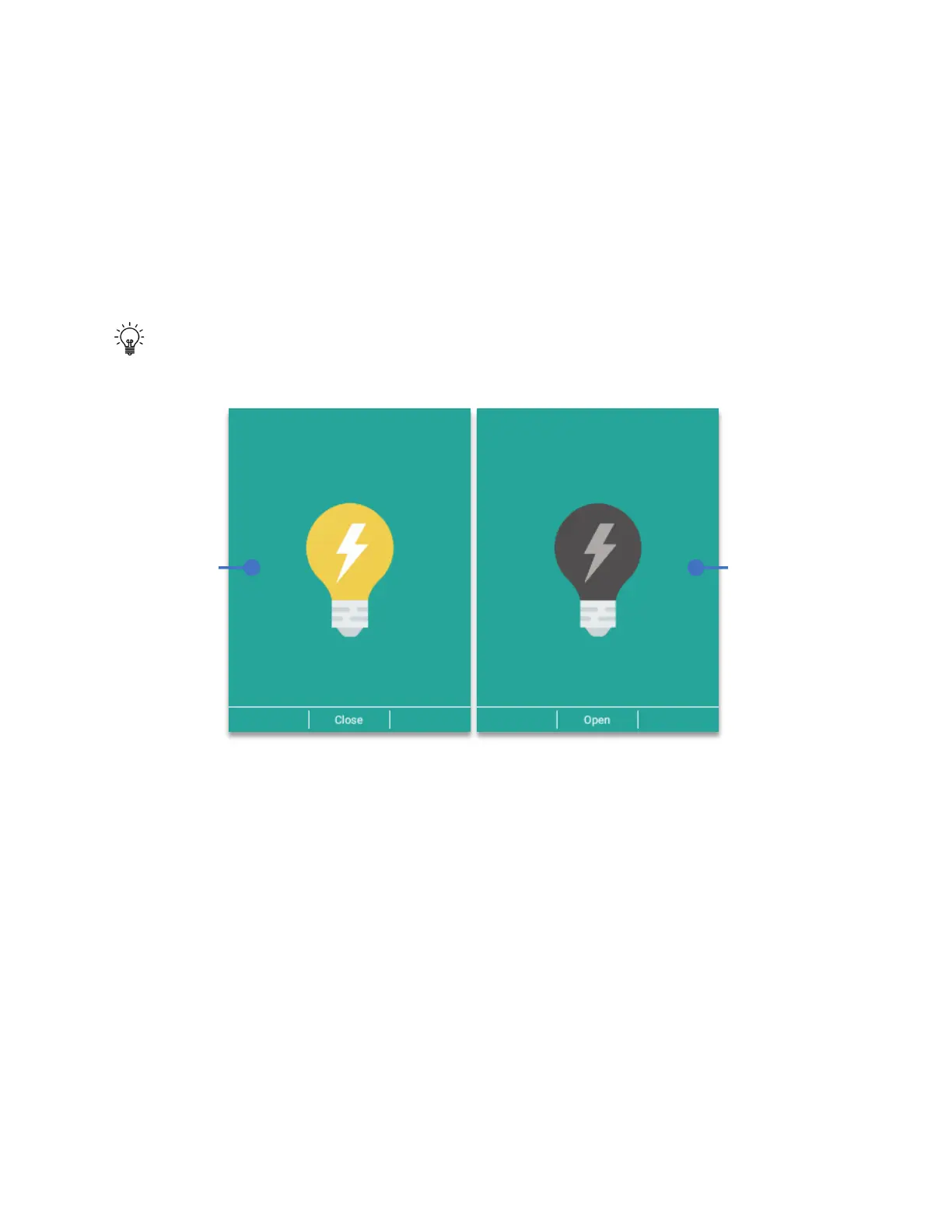
The moment the lamp app is opened, the flash will immediately turn on. To turn it off, click the
OK key (Close)
Tip:
When the Bulb icon is yellow, the lamp is ON. When is showing is gray the lamp is
OFF.
FM Radio
• From Home Screen, press
OK Key
• Using the
Navigation key
, press
OK key
on
FM Radio.
NOTE:
To use the FM Radio there must be plugged a headset on the 3.5mm jack to use it as an
antenna. The number of stations received will depend on the signal strength of the location
where the device will be used.
To create a favorite list:
1. Tune to the station, press the
Right soft key (Options)
2. Using the
navigation key
, select
“Add to favorites”
and press
OK key
.
3. Station is now set as favorite and will appear below the main frequency window.



 To Next Page