EasyManua.ls Logo

SCHOK FLIP - The Home Screen and Status Bar

SCHOK FLIP
113 pages
Print Icon
To Next Page IconTo Next Page
To Previous Page IconTo Previous Page
Loading...
12
The Home screen and Status bar
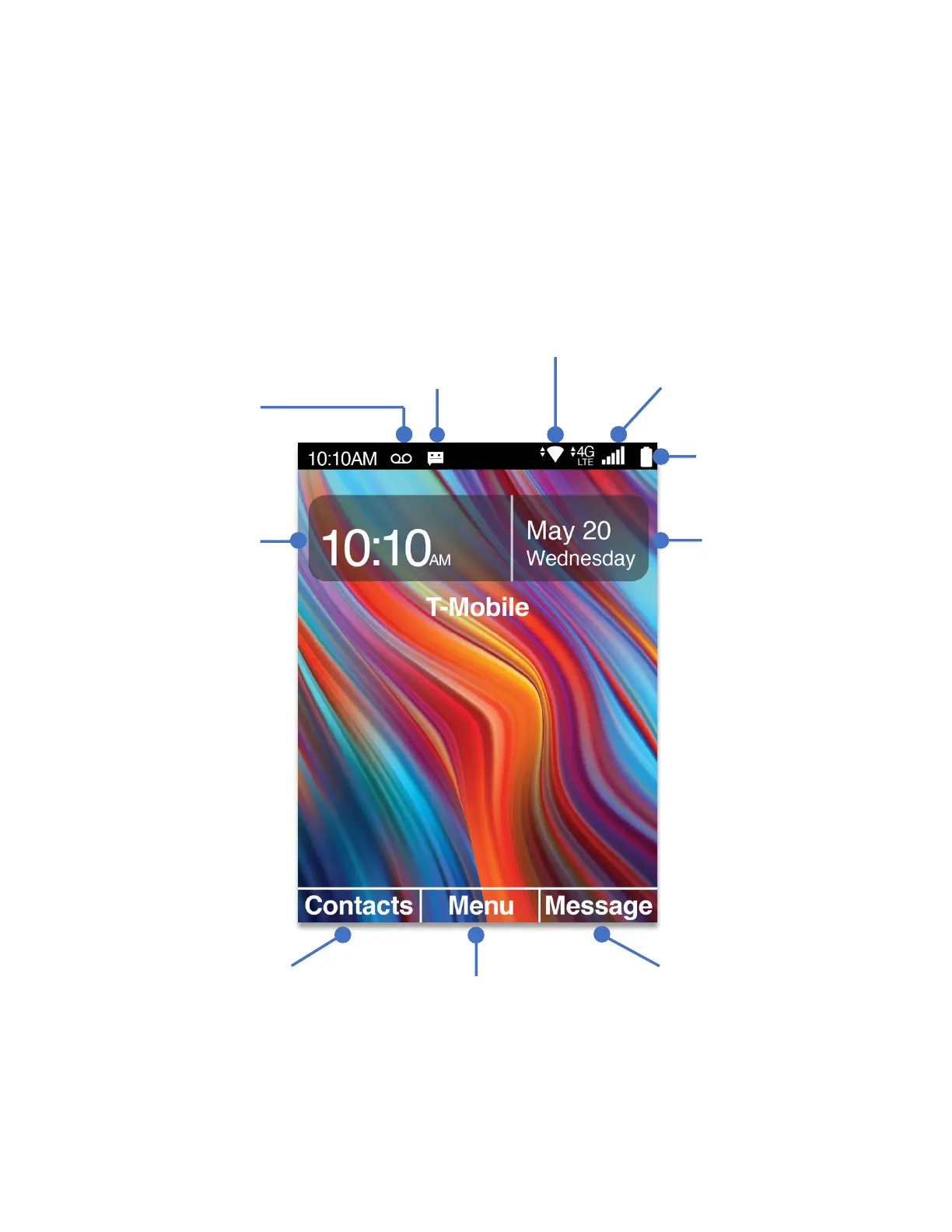
The Home Screen displays basic information such as the time and date. The user may also
access Contacts, messages or the Apps menu from this screen using the shortcuts.
The Status Bar, which resides on top of the home screen, shows phone vitals such as battery
level, signal strength, time, and notifications.

Right Soft Key
Left Soft Key
OK Key
Time
Battery level
WiFi signal strength
Message available
Voice mail
available
Date

Table of Contents

Related product manuals