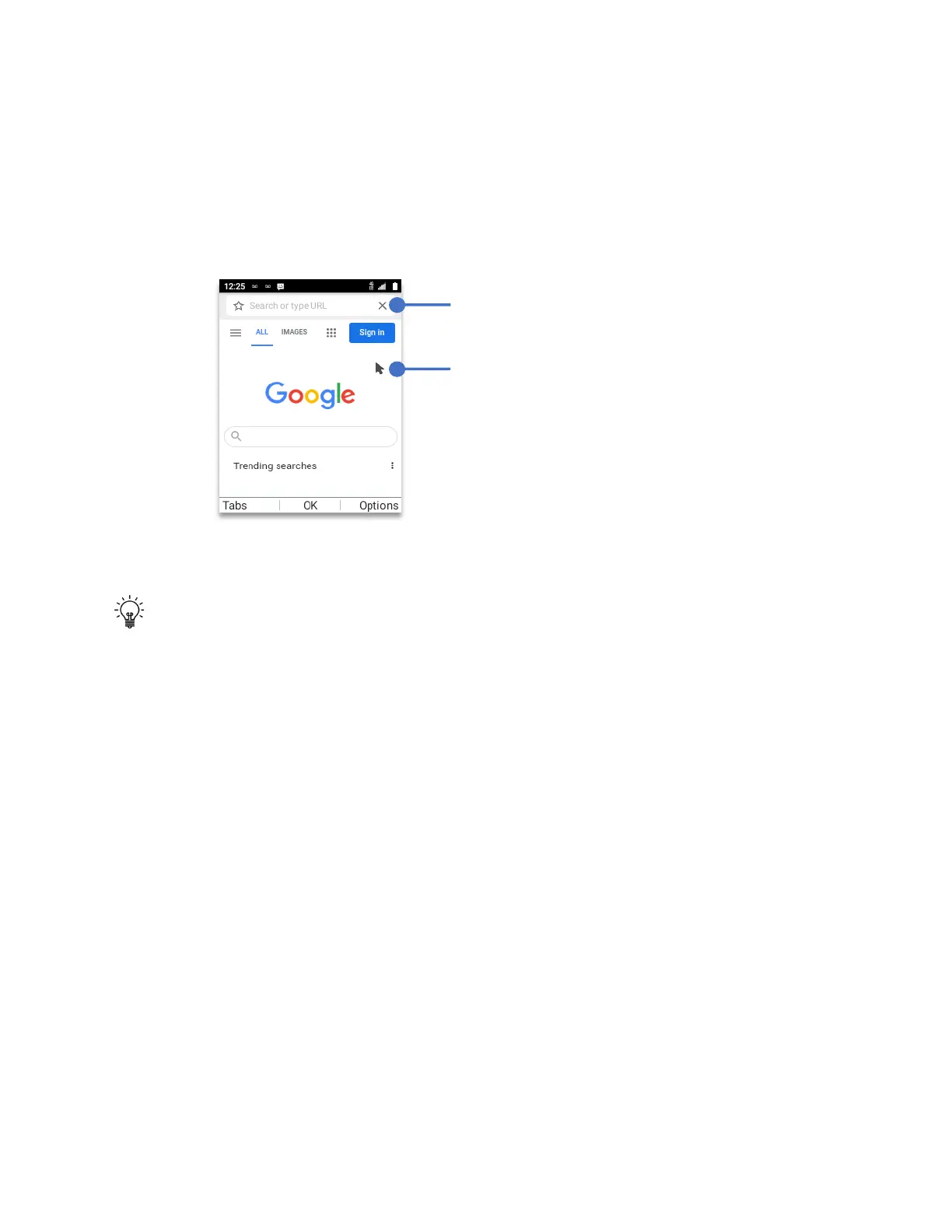
Browser
• From Home Screen, press
OK Key
• Using the
Navigation key
, press
OK key
on
Browser.
Using the
navigation key
move the pointer to the desired position, click the
OK key
to select.
If what you want is to go to a specific web address, navigate the pointer to “Search or type
URL” at the top of the browser. Using the keypad, write the webpage to visit.
Tip:
for the correct use of keyboard and special characters:
• The @ symbol and “.” can be located by long pressing the
“#”
symbol on the keypad.
• To insert a space press the “0” key.
• To enter and uppercase character, press the
“*”
(Star) key.
• To erase any text or number simply press the Back key.
After writing the full web address press the
OK Key
to execute the command.
Tabs:
Press the
Left Soft Key (Tabs)
to view your open “Tabs.”
History:
To reload previously visited web pages. Press the
Right Soft Key
(Options)
press the
OK Key
and scroll to the desired web page.
Bookmark:
Press the
Right Soft Key (Options)
, scroll down to
“Bookmark”
, press the
OK
Key
, Scroll the desired webpage and click the
OK Key
to execute.
Top:
To go back to the top of the site, press the
Right Soft Key (Options)
and scroll down to
“Top”
, press the
OK Key
to execute.
Fast Scrolling:
Press and hold the
Navigation key
to accelerate the speed of the pointer.
Search and URL input space



 To Next Page