World Clock:
The World Clock app displays the time for various cities around the world
• From Home Screen, press
OK Key
• Using the
Navigation key
, press
OK key
on
Tools & Settings.
• Using the
Navigation key
, press
OK Key
on
Tools
.
• Using the
Navigation key
, press
OK Key
on
World Clock
.
The first time you open the World Clock app it will display the current time and date in your
time zone.
To add a different time zone:
1. Press the
OK key (Add)
2. A search bar will be displayed, using your
physical
keypad
spell the first three letters
of the city that you want to add.
3. Using the
Navigation key
scroll to the city and press the
OK key
.
4. With the city selected, press the
Right soft key (Done)
.
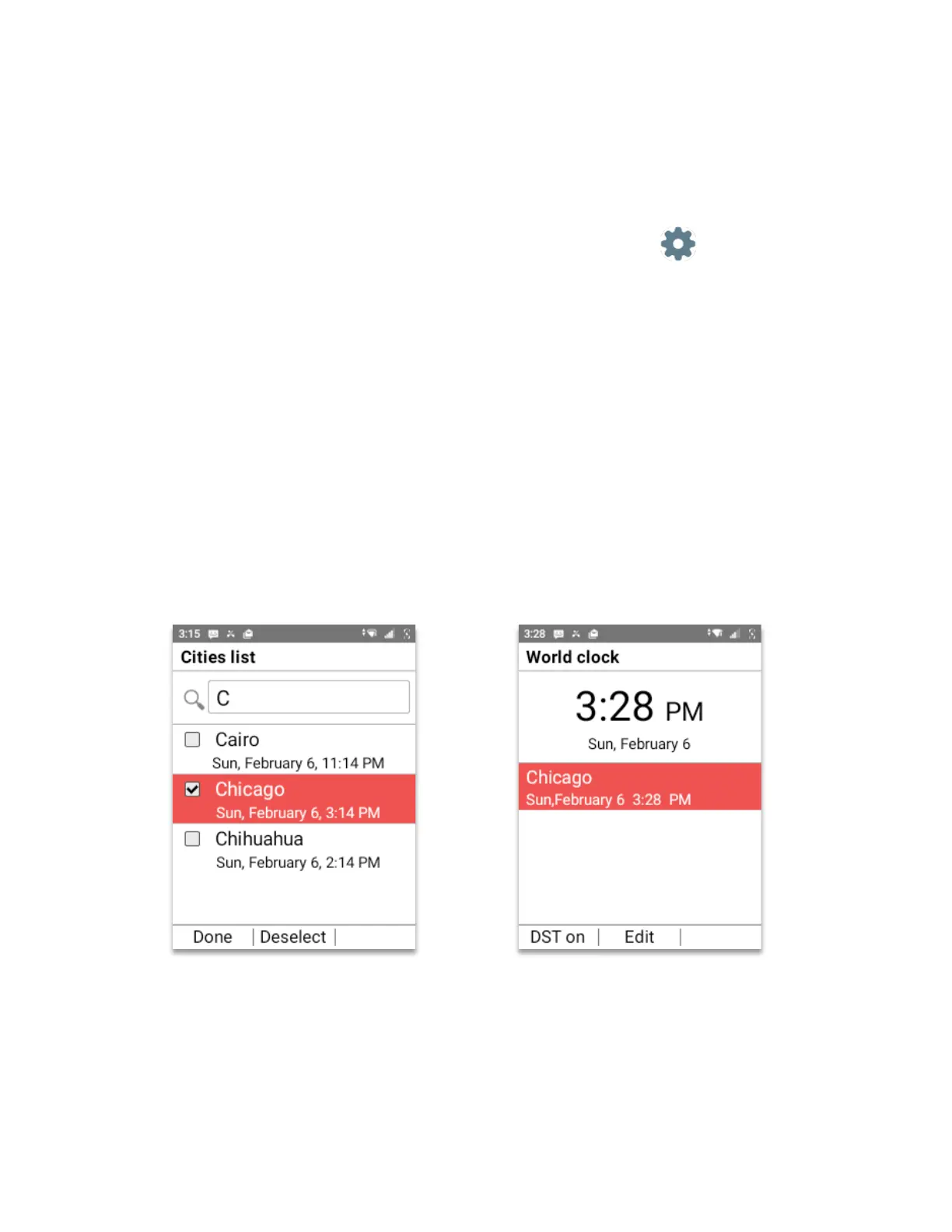
5. The new city will be displayed below the default city. (As shown on image below)



 To Next Page